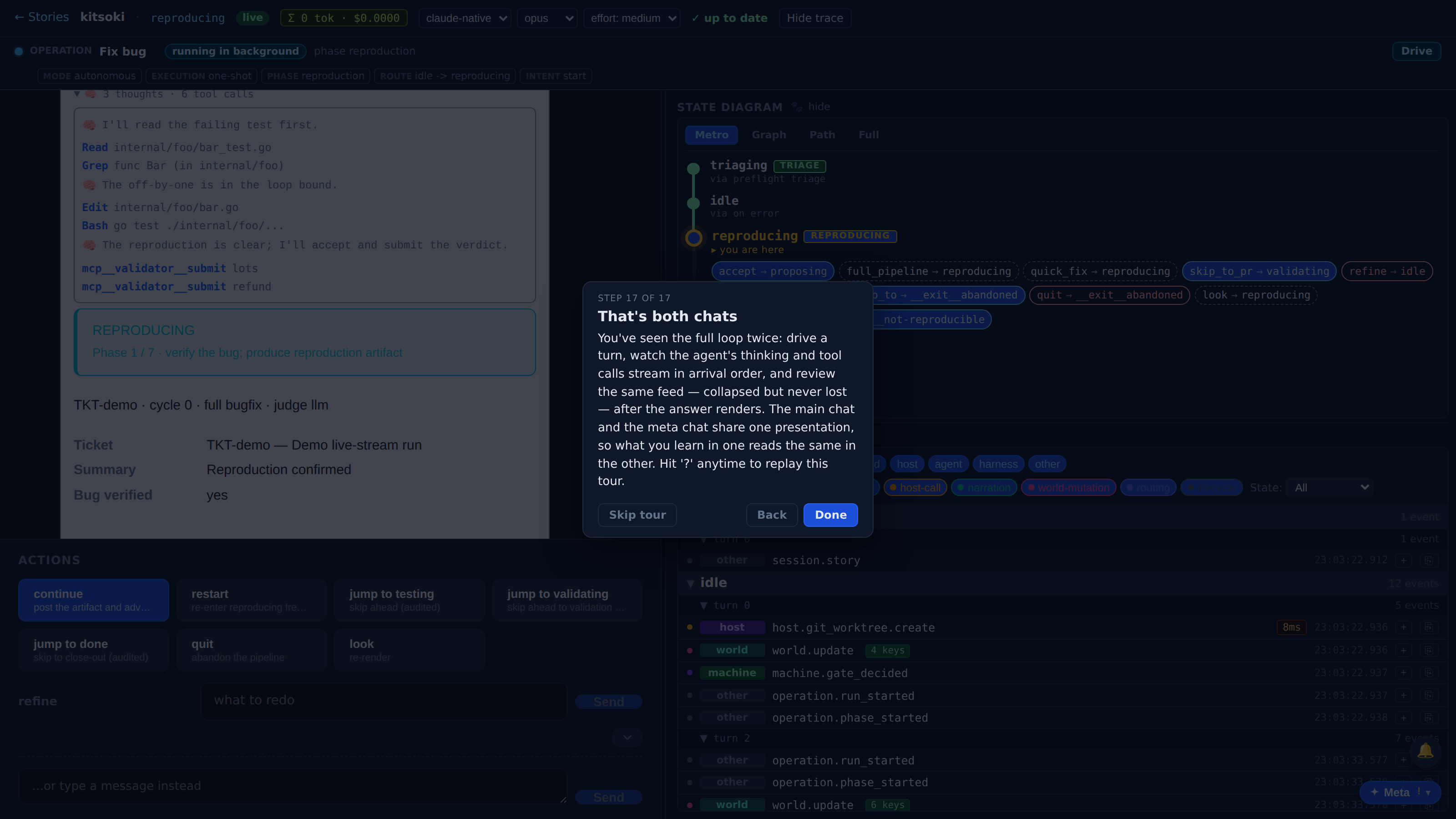
Live agent streaming in chat
Watch the agent think and act, streamed live into the conversation.
While an agent turn runs, the main chat streams its reasoning and tool calls live in a thinking bubble; when the turn finishes, the same interleaved activity feed stays reviewable — collapsed inside the agent's bubble, expandable to the exact feed you watched. The meta overlay renders agent work with the same shared components.
Which product behavior does this surface prove?
The first few beats show the capability in the real Kitsoki UI.
The page is generated from the same catalog and deterministic fixtures used by QA.
Key beats
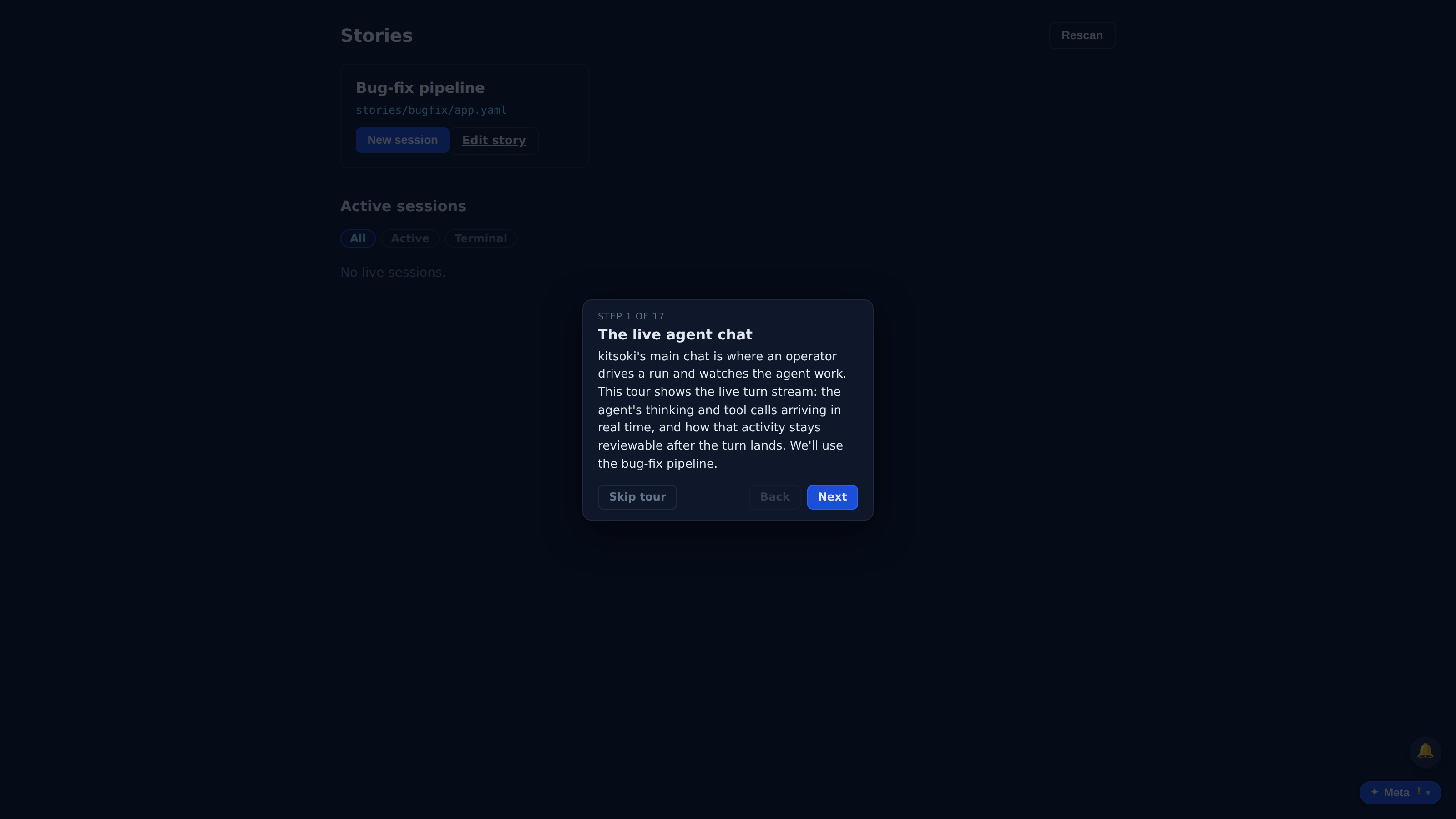
kitsoki's main chat is where an operator drives a run and watches the agent work. This tour shows the live turn stream: the agent's thinking and tool calls arriving in real time, and how that activity stays reviewable after the turn lands. We'll use the bug-fix pipeline.
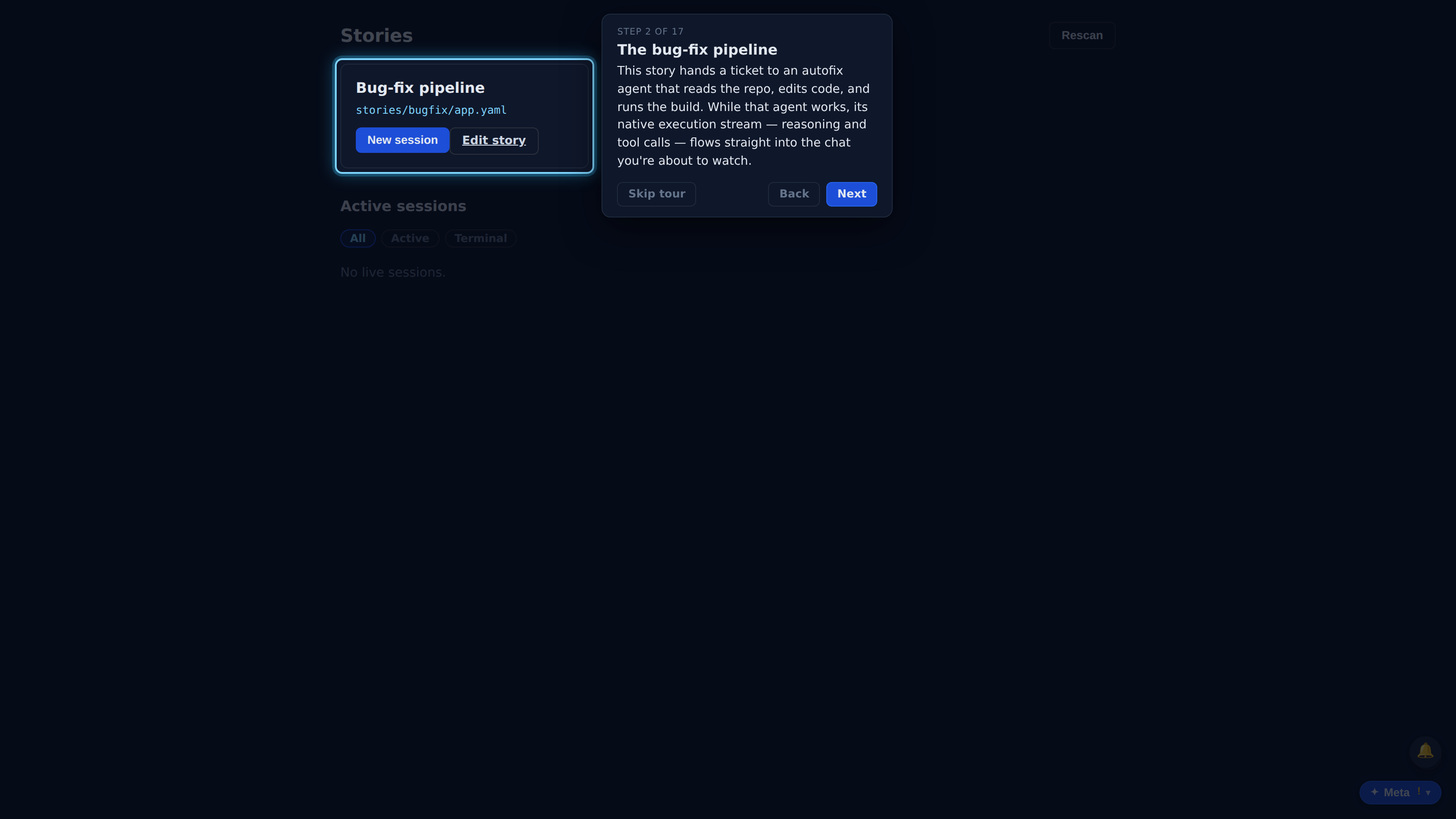
This story hands a ticket to an autofix agent that reads the repo, edits code, and runs the build. While that agent works, its native execution stream — reasoning and tool calls — flows straight into the chat you're about to watch.
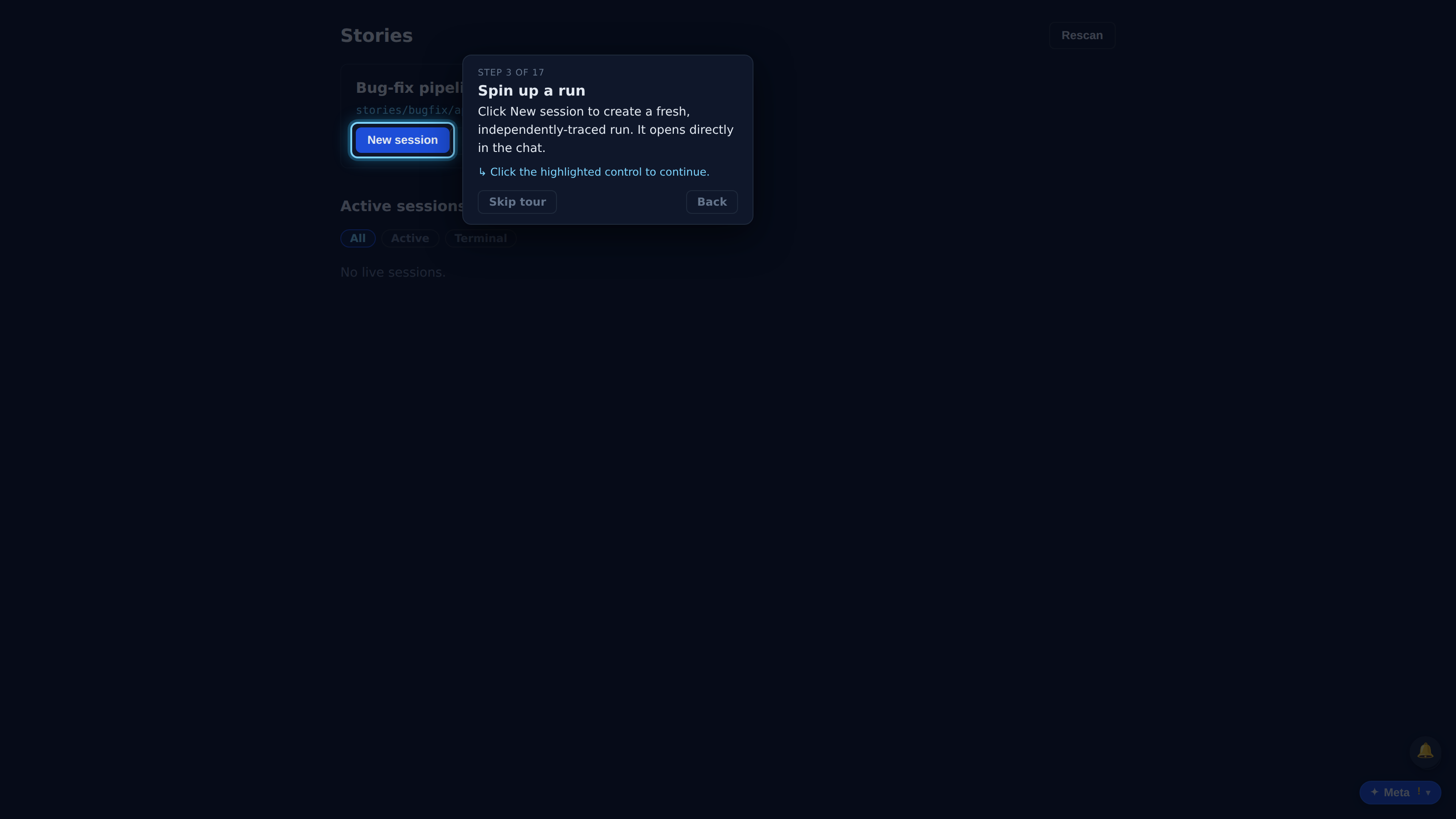
Click New session to create a fresh, independently-traced run. It opens directly in the chat.
Drive the run the way an operator does — from the chat choice widget. The submit routes through the live turn-stream path, so the agent's execution stream arrives here in flight, not only after the turn lands.
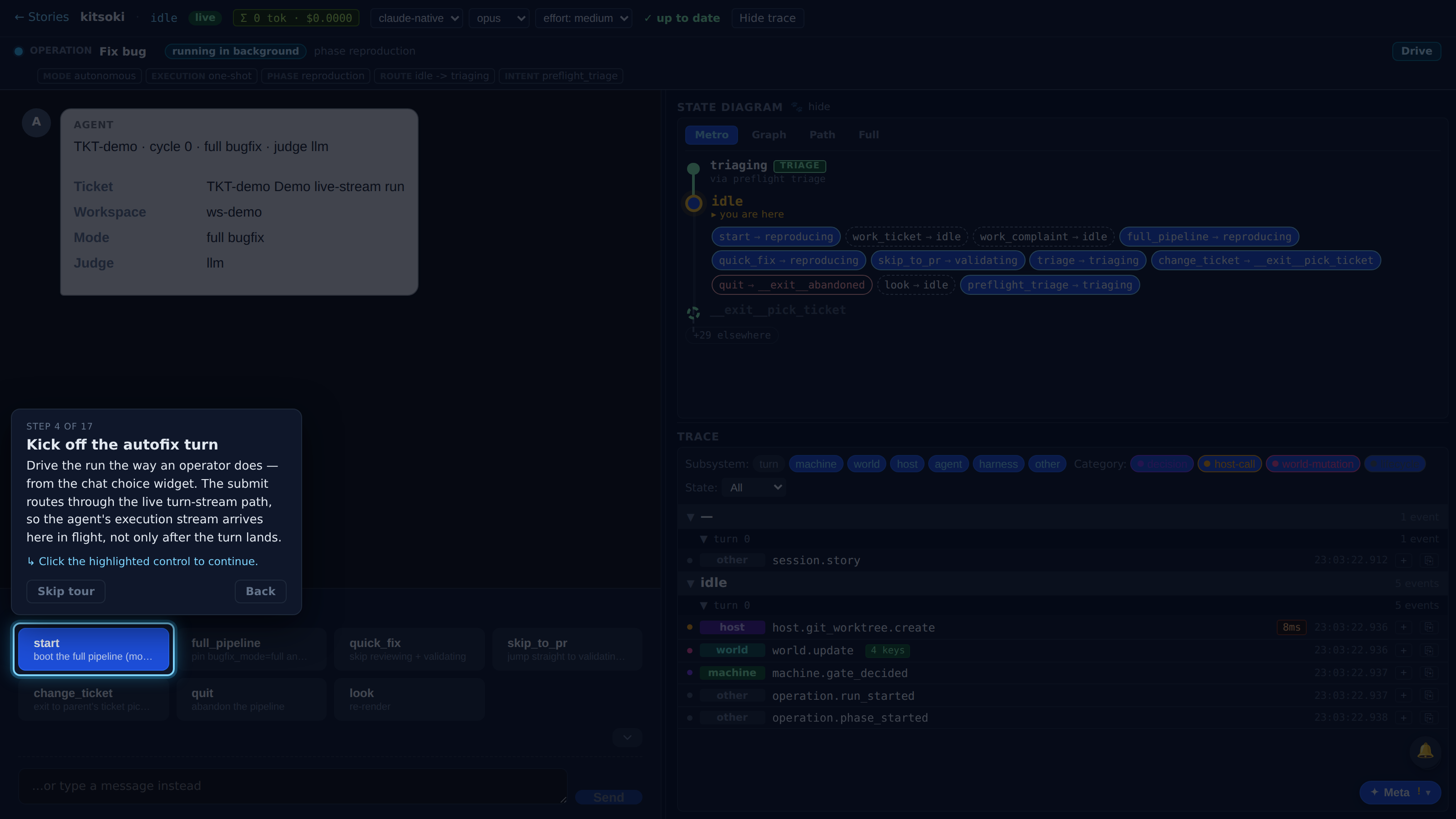
While the turn is in flight the bubble streams the agent's activity exactly as it happens: each 🧠 thought stays ABOVE the tool calls it explains — Read, Grep, then the reasoned Edit and the Bash build — never re-ordered, never pushed to the bottom.
Full recorded walkthrough (17 steps)
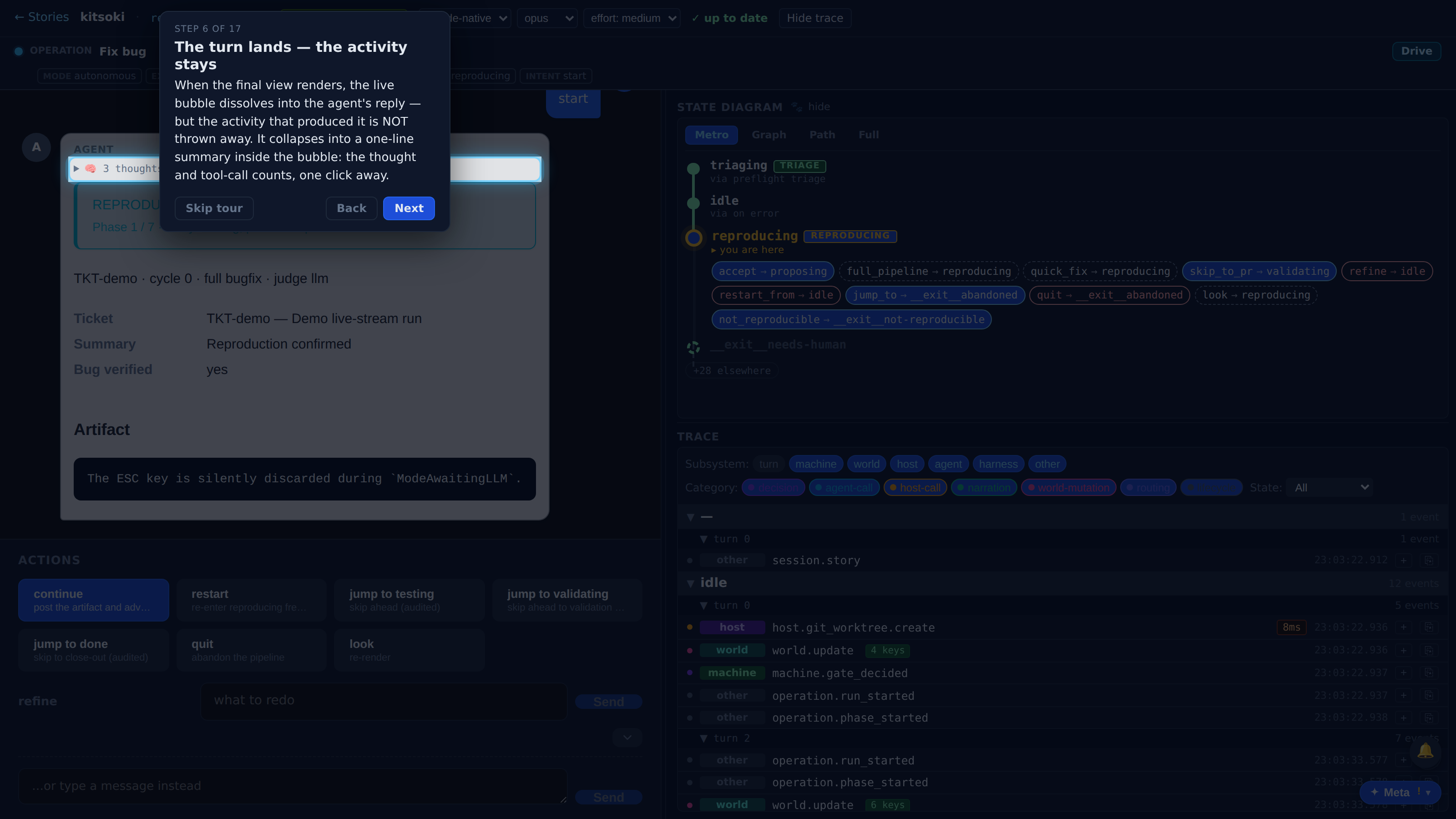
When the final view renders, the live bubble dissolves into the agent's reply — but the activity that produced it is NOT thrown away. It collapses into a one-line summary inside the bubble: the thought and tool-call counts, one click away.
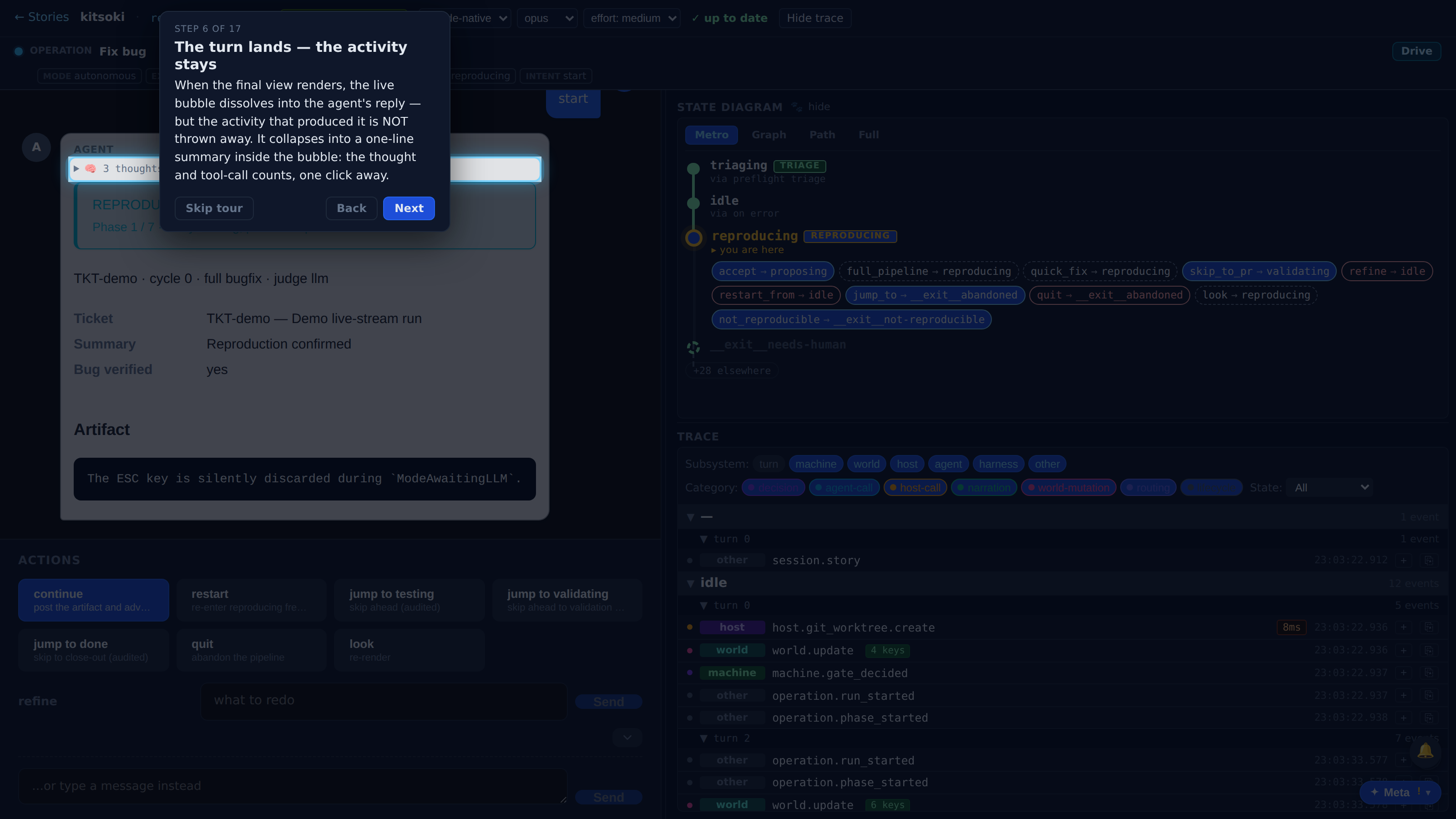
Click the summary to reopen the full feed.
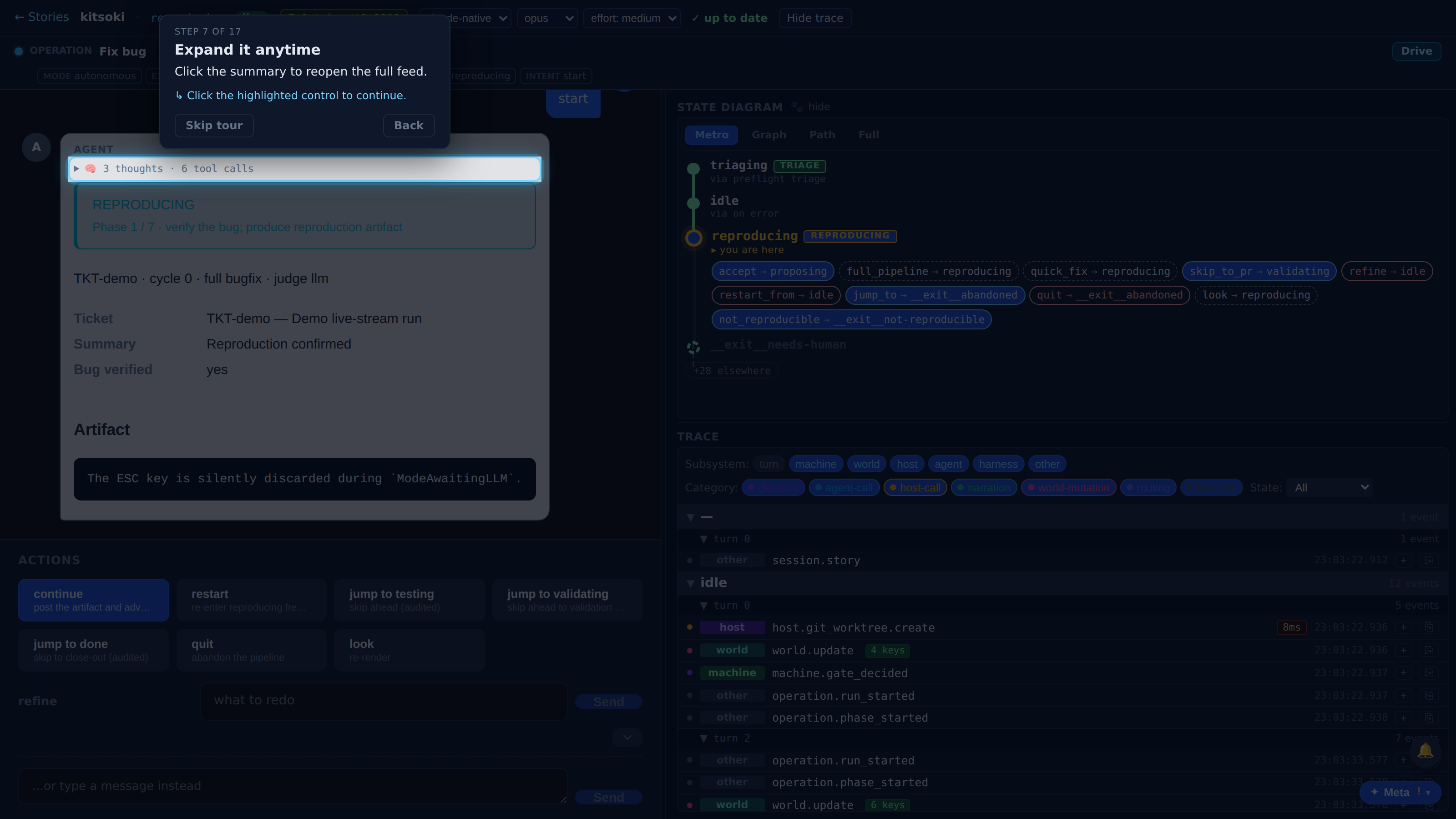
The expanded feed is the exact stream you watched live — same 🧠 thoughts, same tool rows, same arrival order. The agent's reasoning never disappears behind its answer; every turn keeps its own audit trail in the conversation.
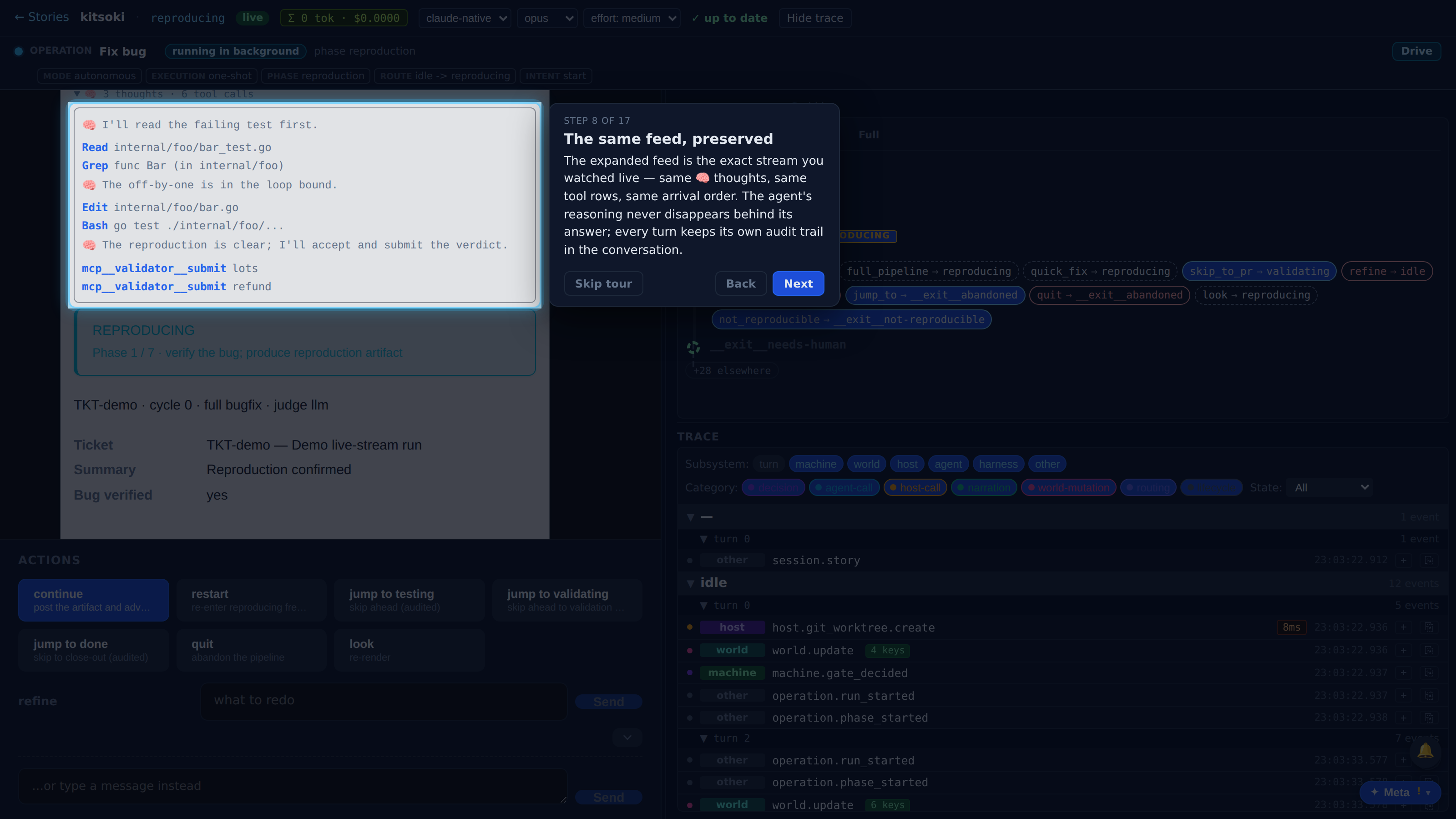
kitsoki has a second chat: meta mode, where you talk ABOUT the story (or kitsoki itself) instead of driving it. Its agent streams thinking and tool calls too — and renders them with the exact same presentation you just watched. Open the ✦ Meta launcher.
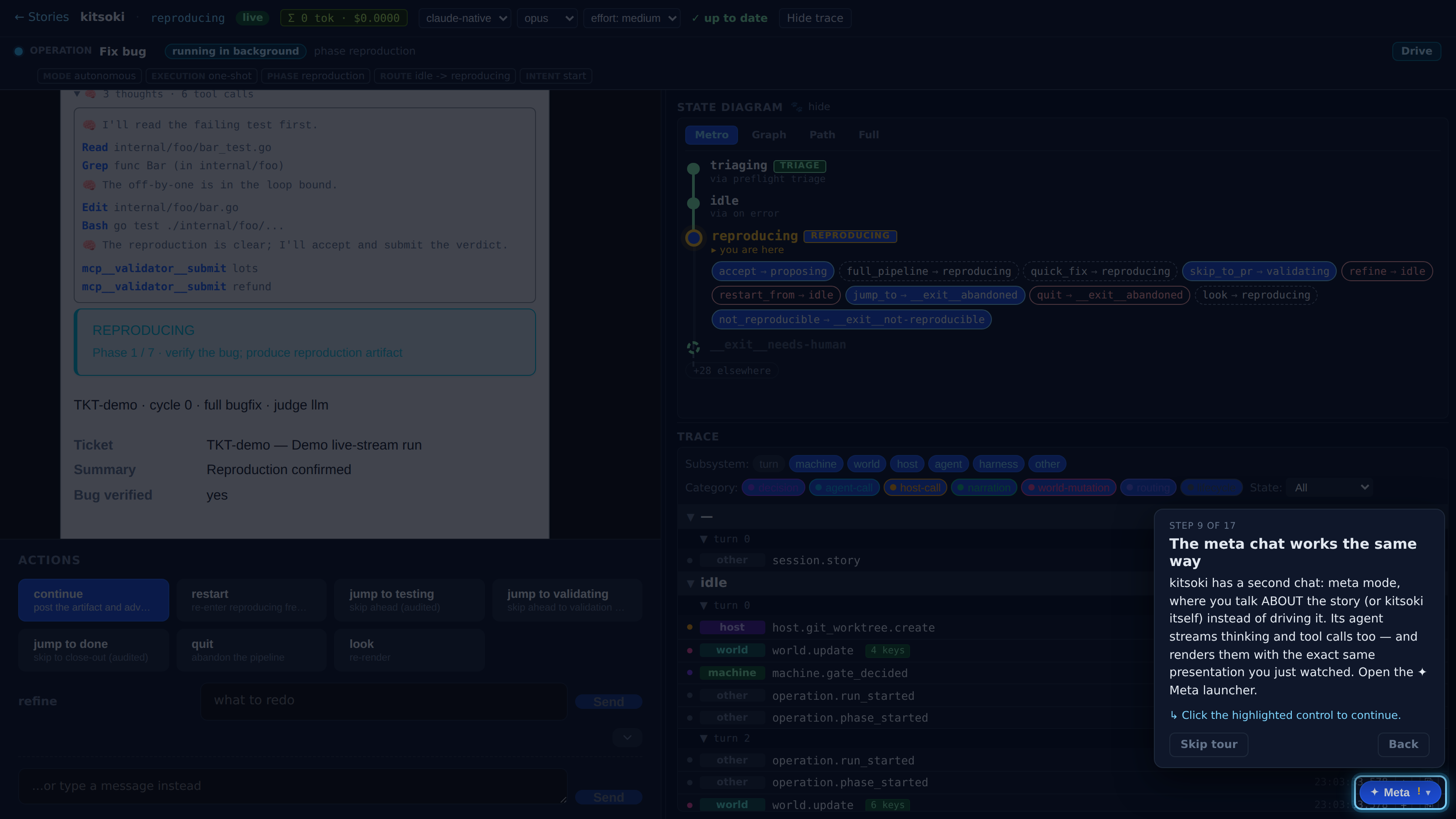
Story Q&A is a read-only conversation with an agent that can inspect the loaded story. Pick it to open the overlay chat.
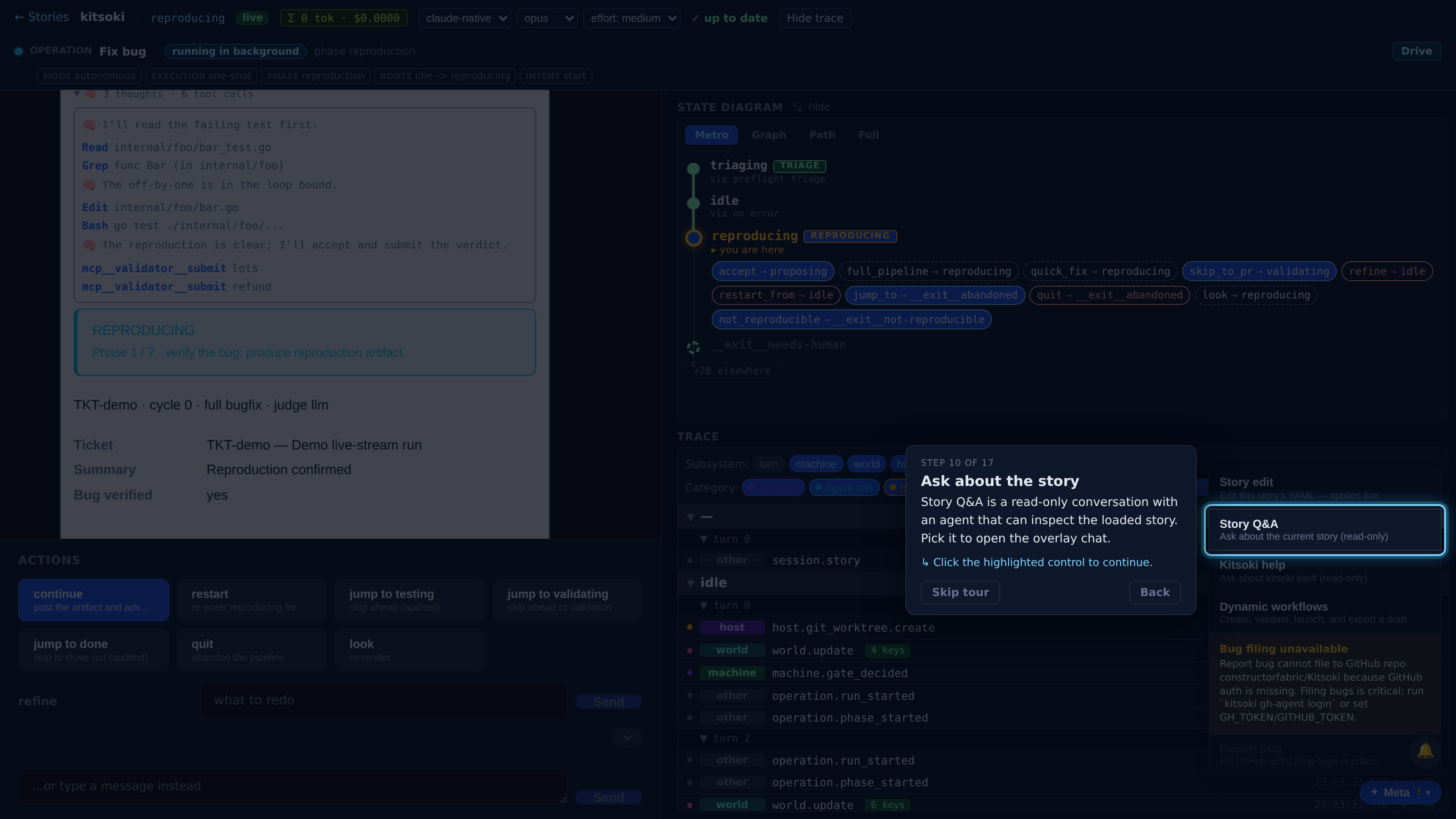
Ask the agent something about the run. The turn streams over the same kind of live channel the main chat uses.
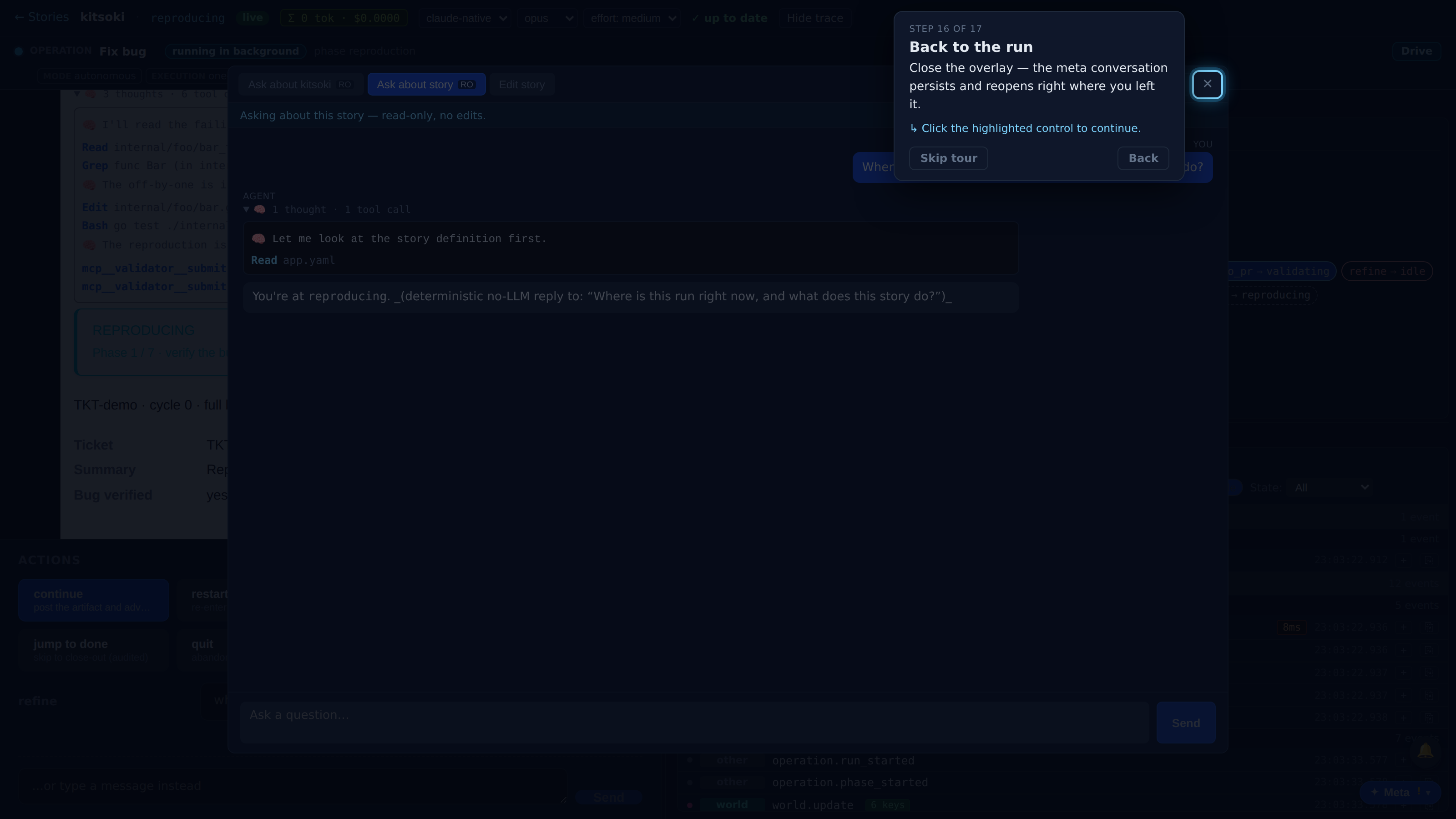
While the meta agent works, its bubble streams the identical activity feed: the 🧠 thought above the tool call it explains, then the reply text as it arrives. One shared component renders both chats, so they can never drift apart.
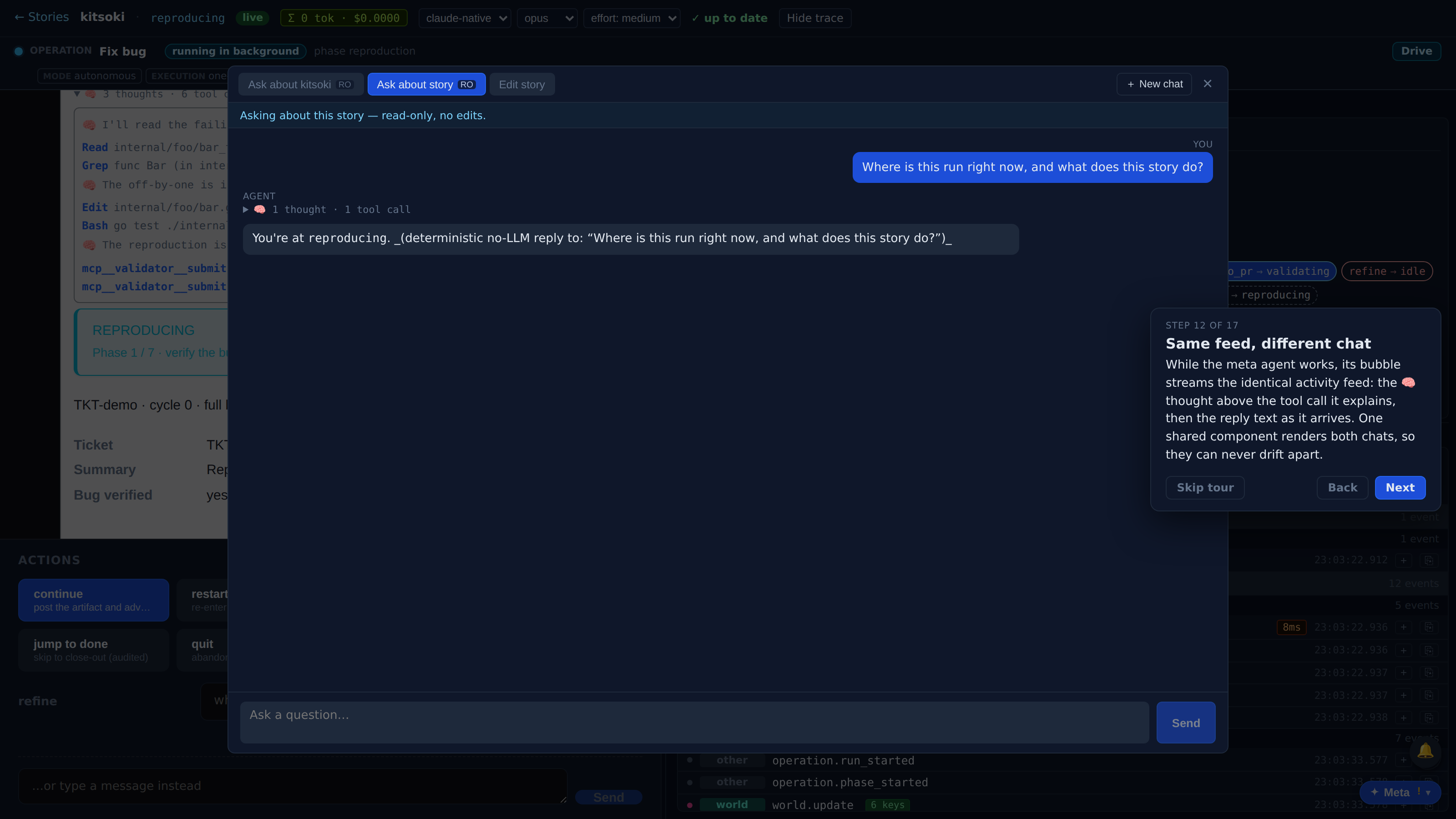
When the reply lands, the activity collapses into the same one-line summary inside the assistant message — thought and tool-call counts, one click away, exactly like the main chat.
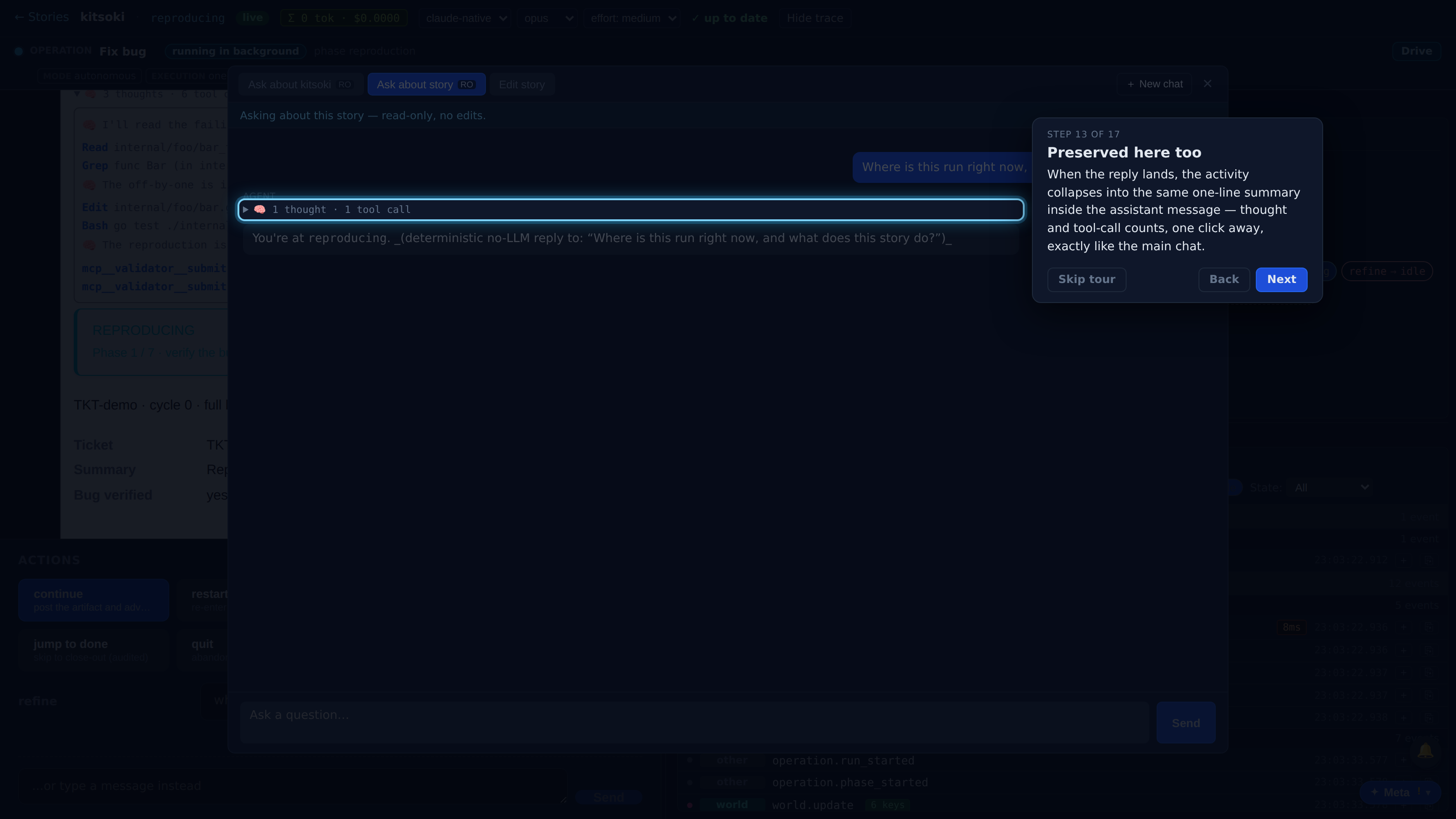
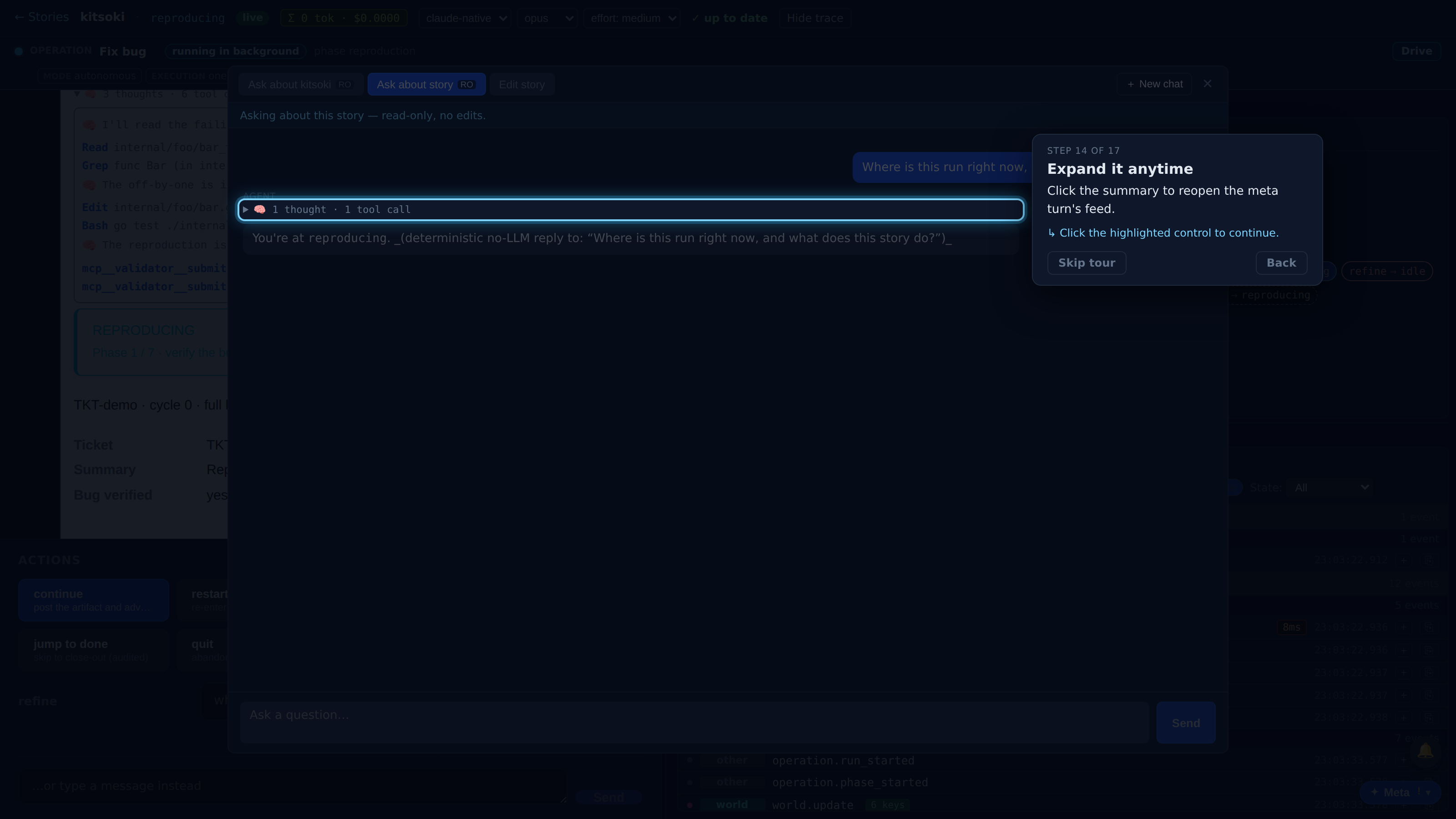
Click the summary to reopen the meta turn's feed.
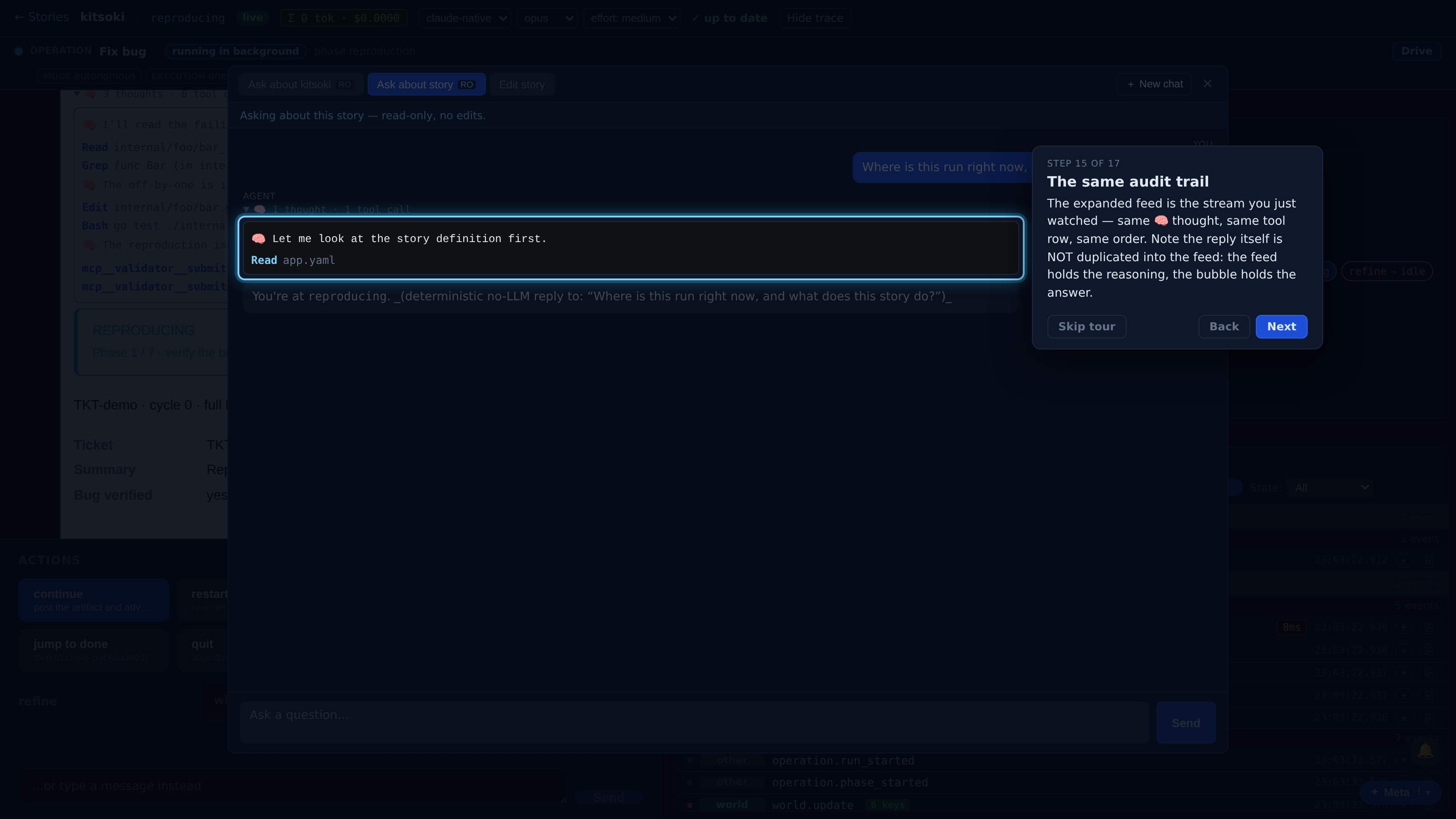
The expanded feed is the stream you just watched — same 🧠 thought, same tool row, same order. Note the reply itself is NOT duplicated into the feed: the feed holds the reasoning, the bubble holds the answer.
Close the overlay — the meta conversation persists and reopens right where you left it.
You've seen the full loop twice: drive a turn, watch the agent's thinking and tool calls stream in arrival order, and review the same feed — collapsed but never lost — after the answer renders. The main chat and the meta chat share one presentation, so what you learn in one reads the same in the other. Hit '?' anytime to replay this tour.