Operation handles
Long-running work gets a visible handle, drive control, and artifact.
Autonomous and supervised background operations surface as first-class handles in the session UI: while work runs the banner shows status, mode, phase facts, and a Drive action; when it lands the same handle shows the terminal artifact. This demo uses a tiny no-LLM story so the running and completed states are deterministic.
Which product behavior does this surface prove?
The first few beats show the capability in the real Kitsoki UI.
The page is generated from the same catalog and deterministic fixtures used by QA.
Key beats
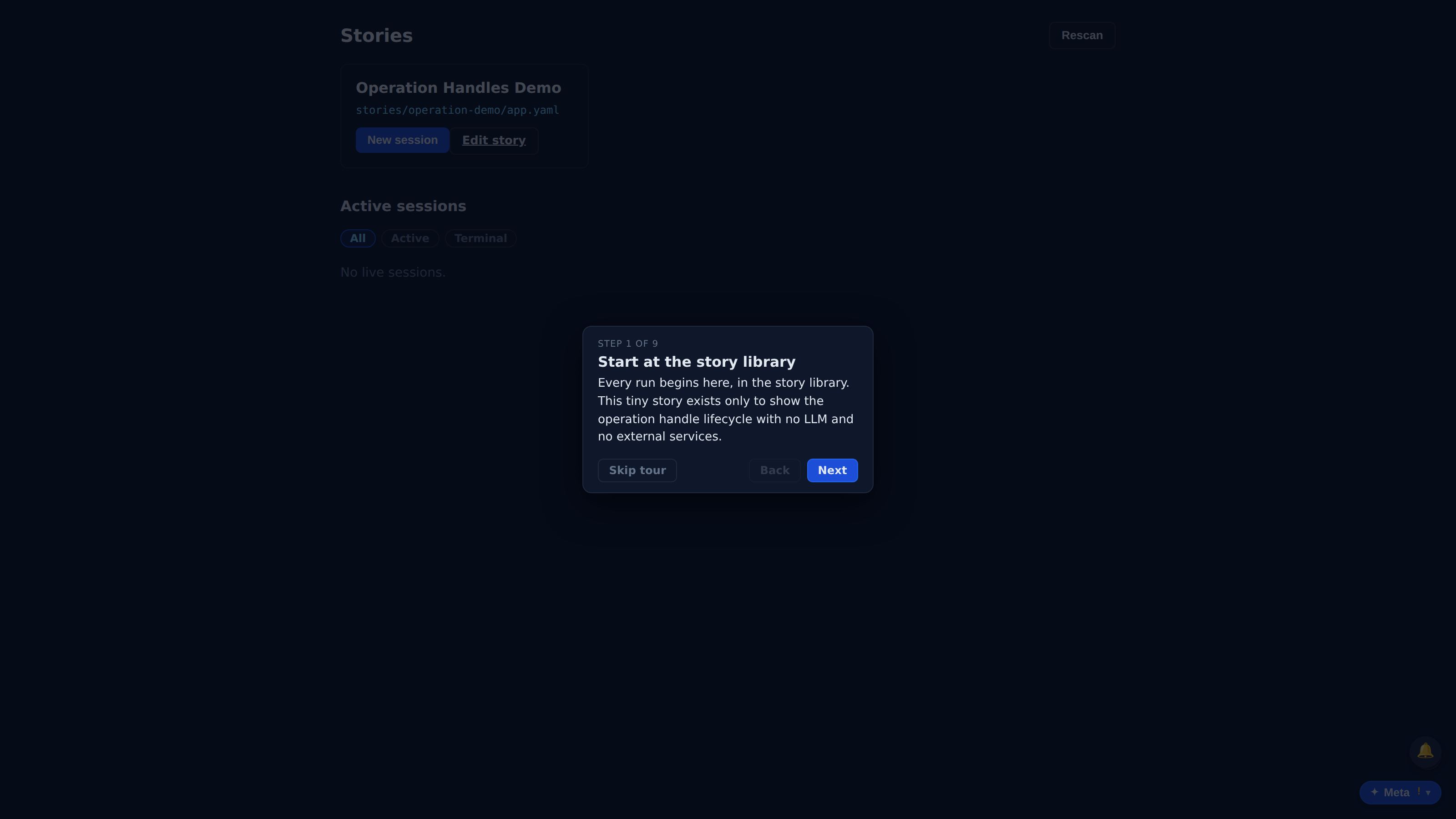
Every run begins here, in the story library. This tiny story exists only to show the operation handle lifecycle with no LLM and no external services.
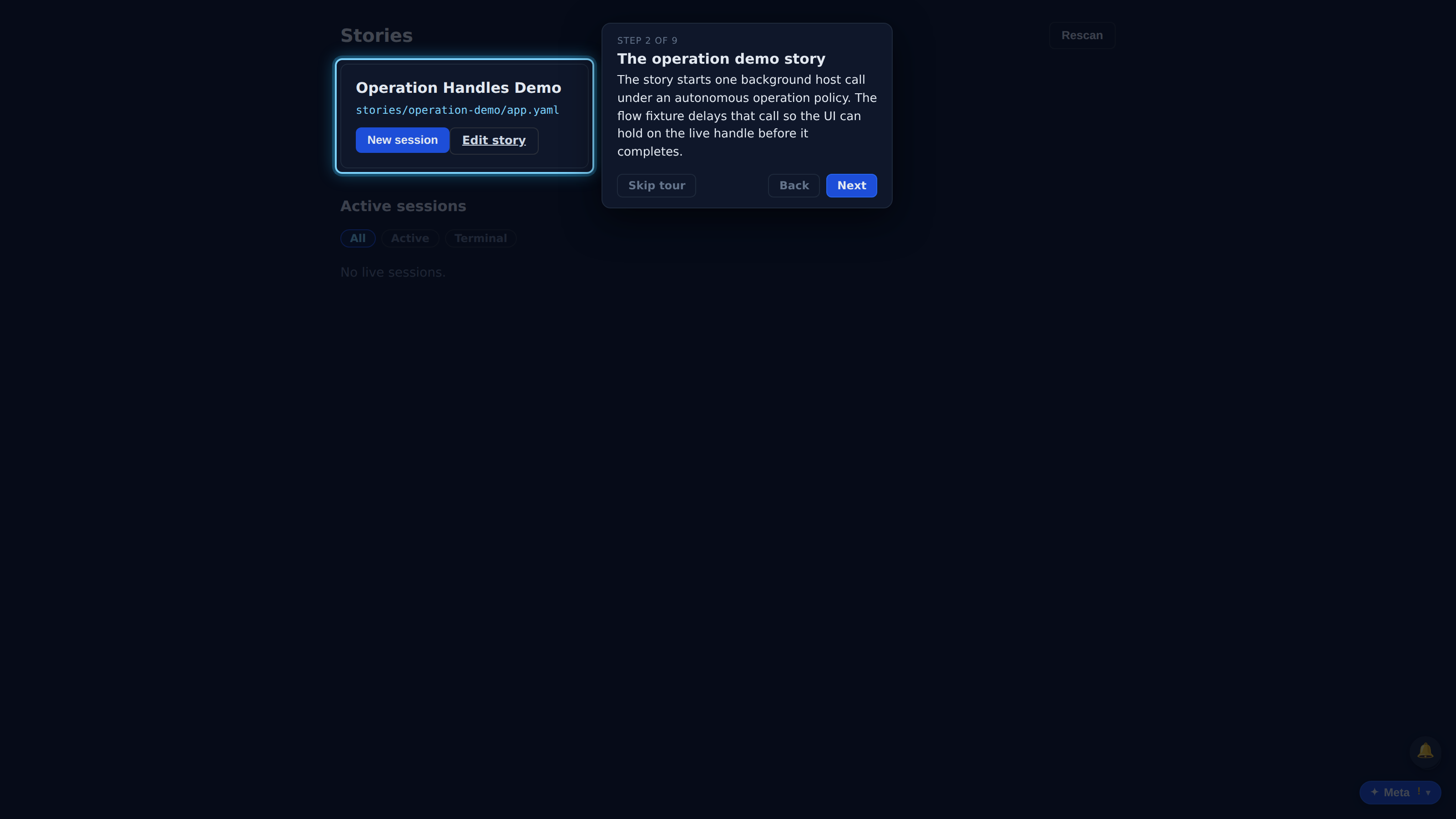
The story starts one background host call under an autonomous operation policy. The flow fixture delays that call so the UI can hold on the live handle before it completes.
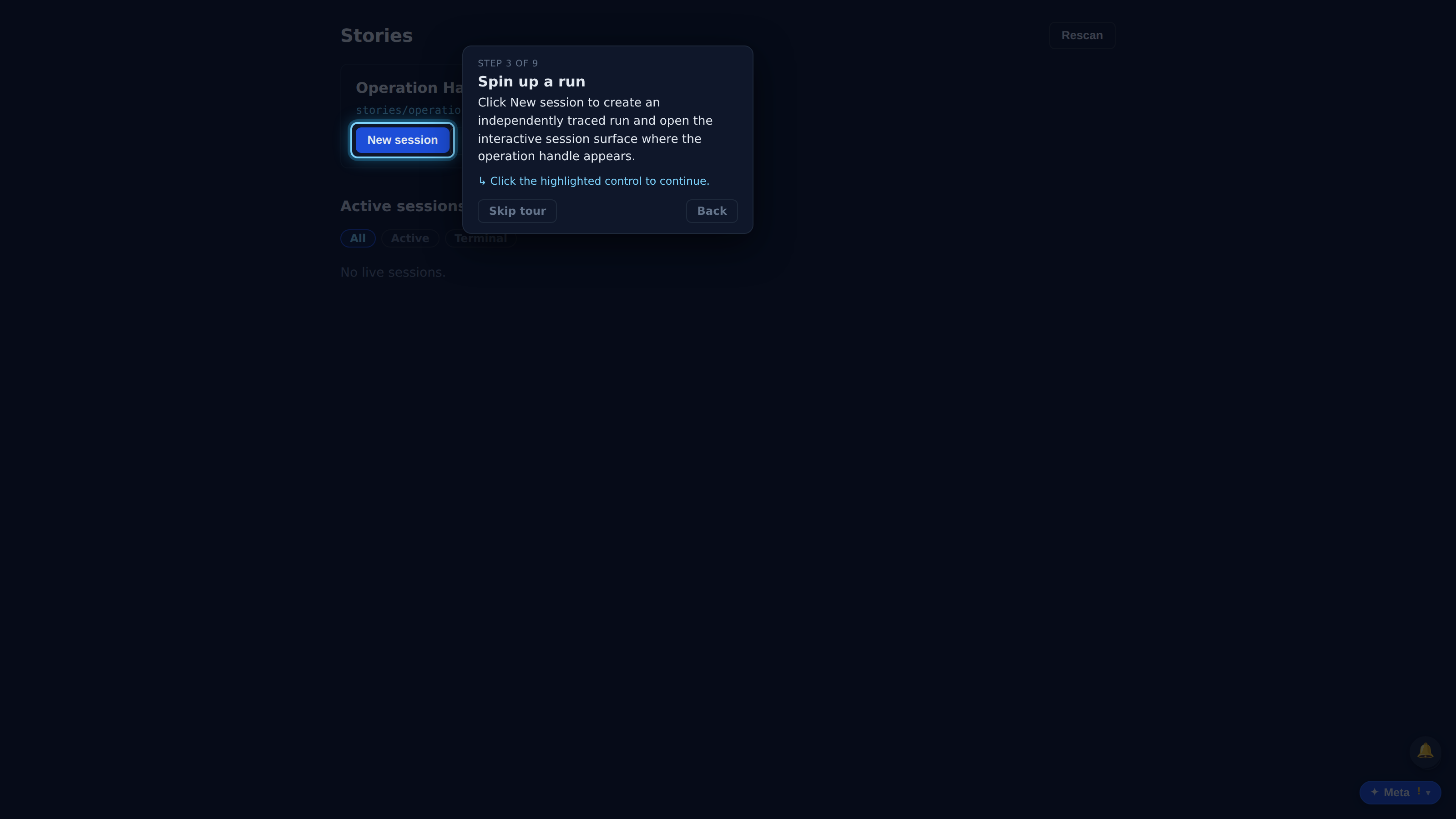
Click New session to create an independently traced run and open the interactive session surface where the operation handle appears.
The normal session view stays usable. Starting the operation does not replace the conversation with a waiting screen; the handle lives above the transcript.
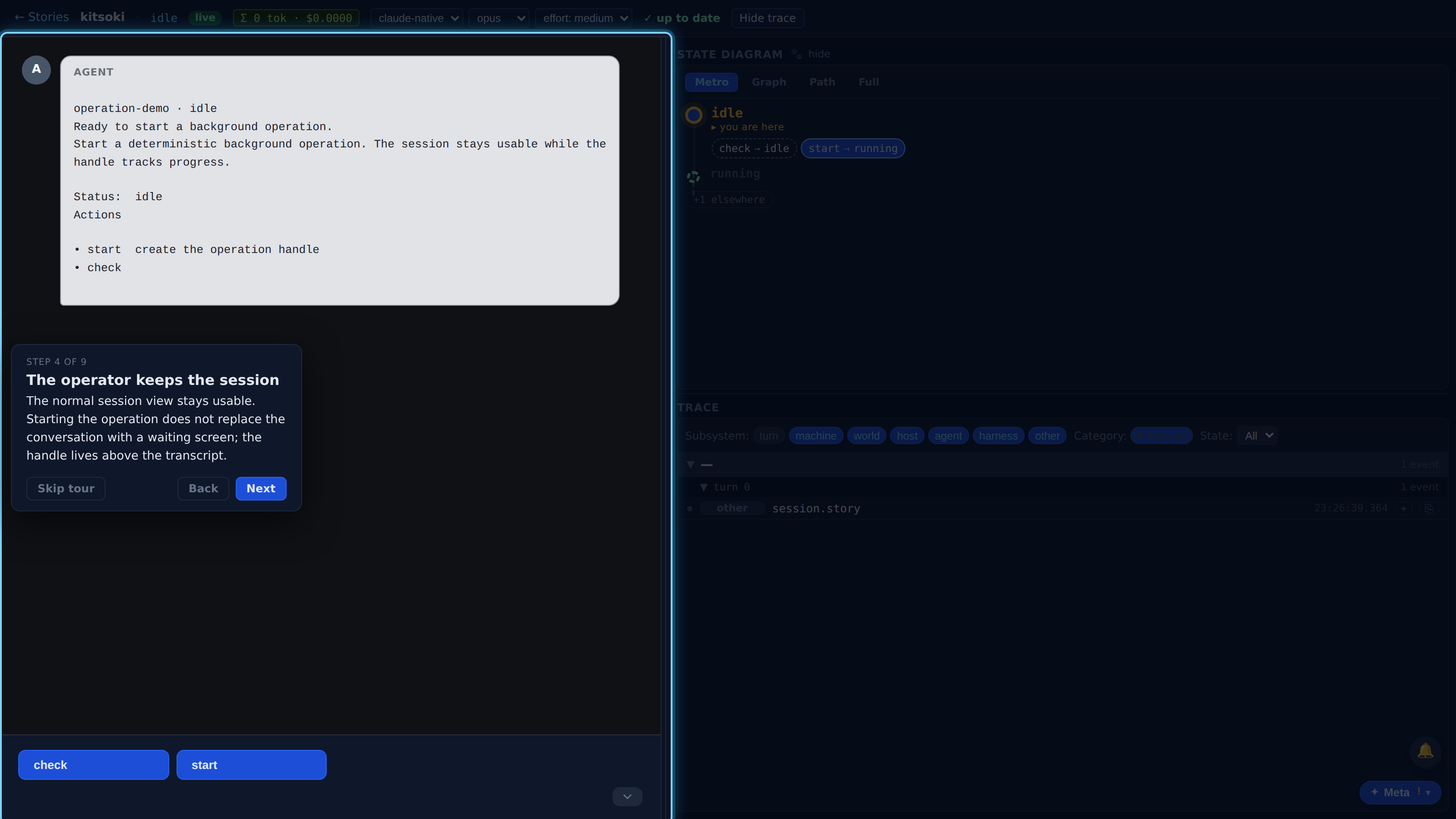
Click start. The transition creates an operation run, then launches the delayed host call in the background.
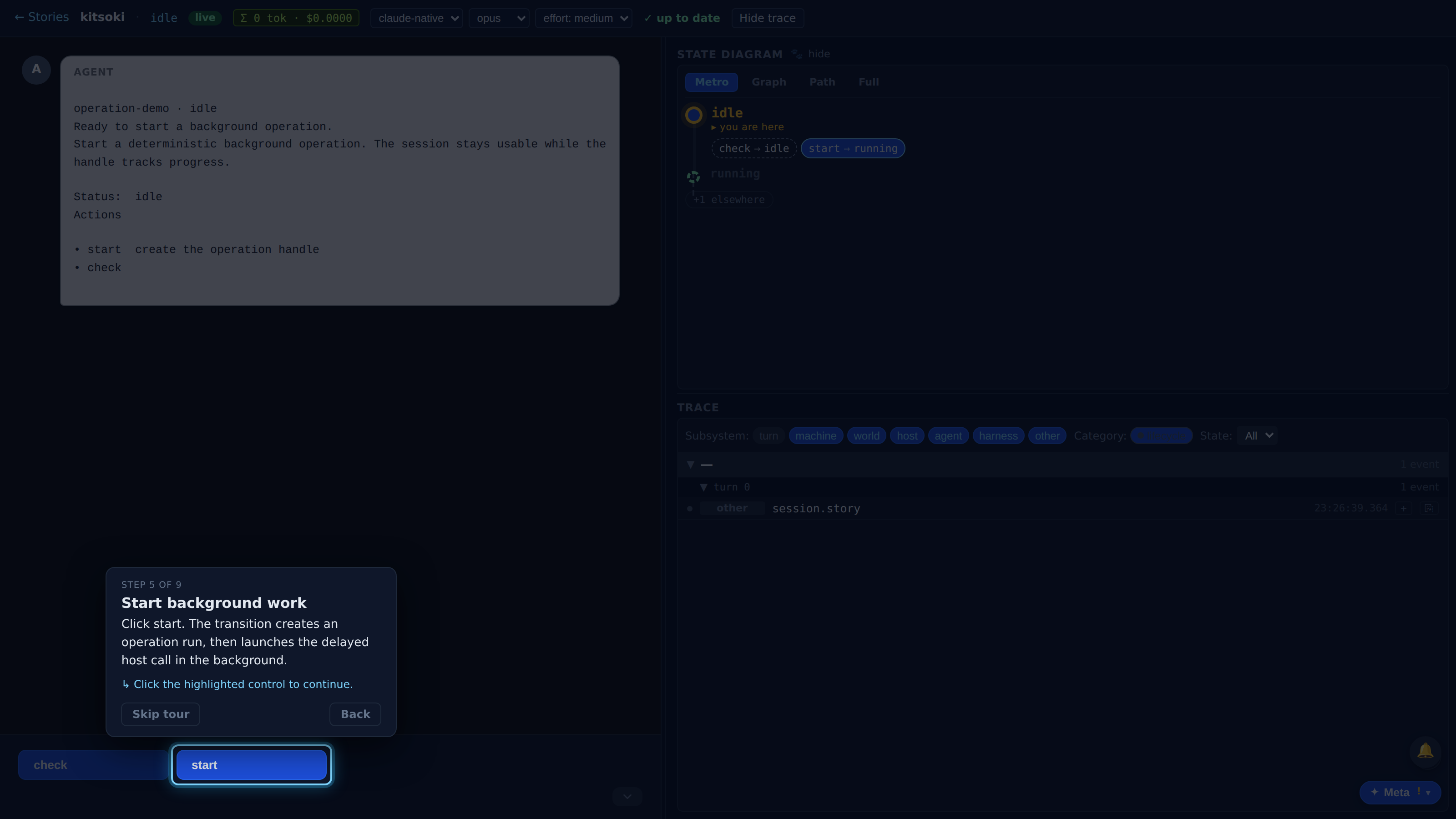
Full recorded walkthrough (9 steps)
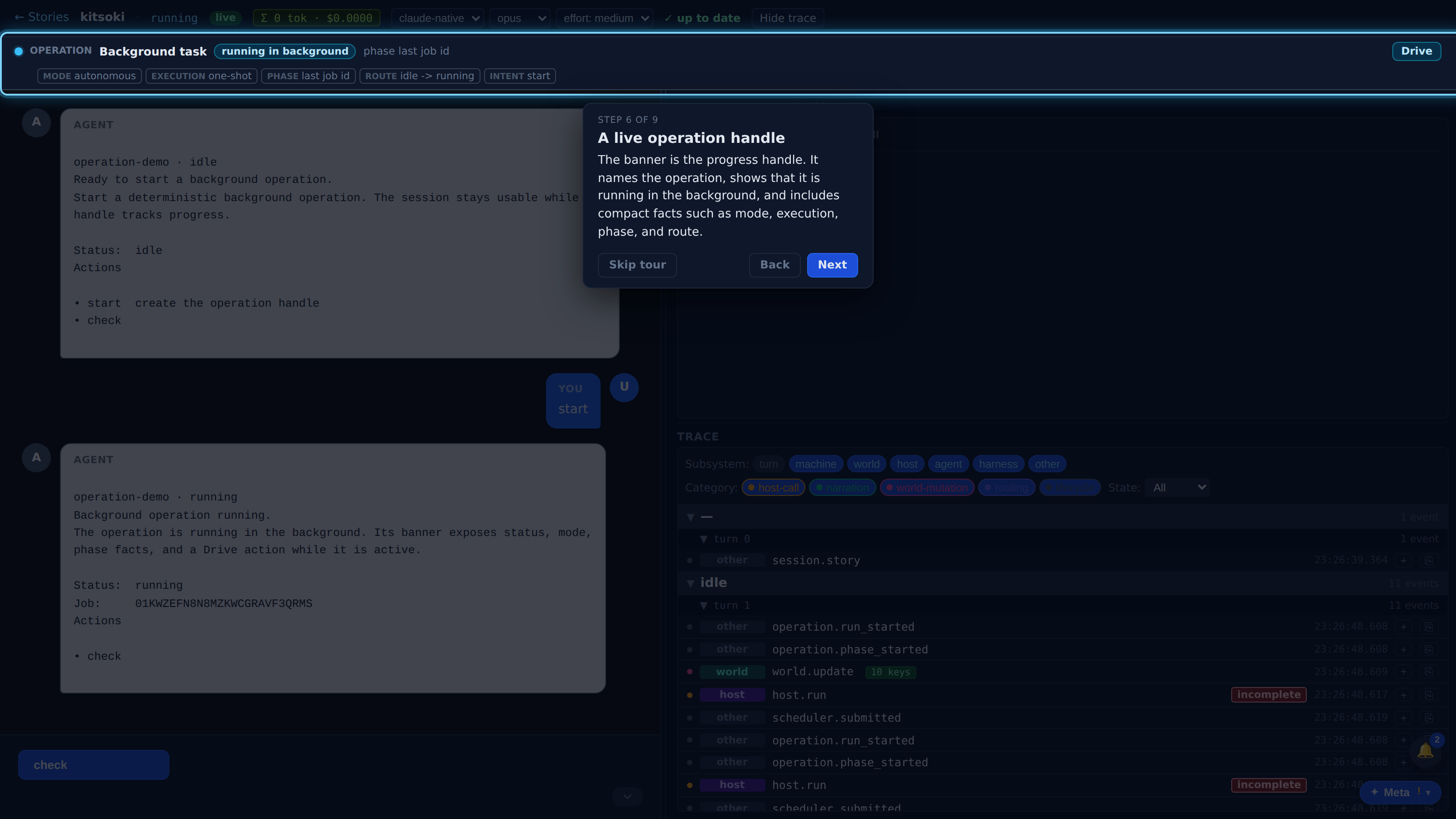
The banner is the progress handle. It names the operation, shows that it is running in the background, and includes compact facts such as mode, execution, phase, and route.
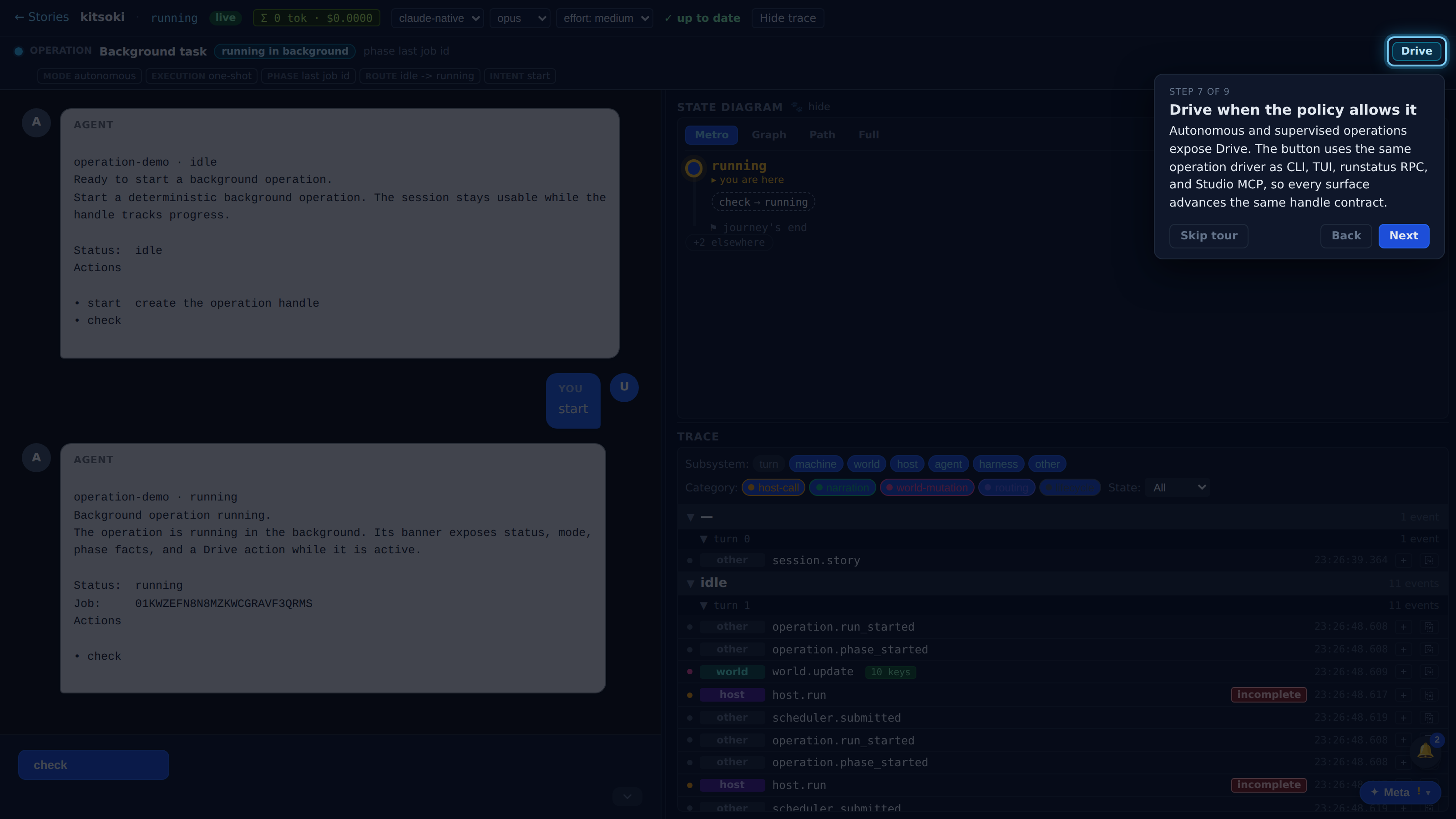
Autonomous and supervised operations expose Drive. The button uses the same operation driver as CLI, TUI, runstatus RPC, and Studio MCP, so every surface advances the same handle contract.
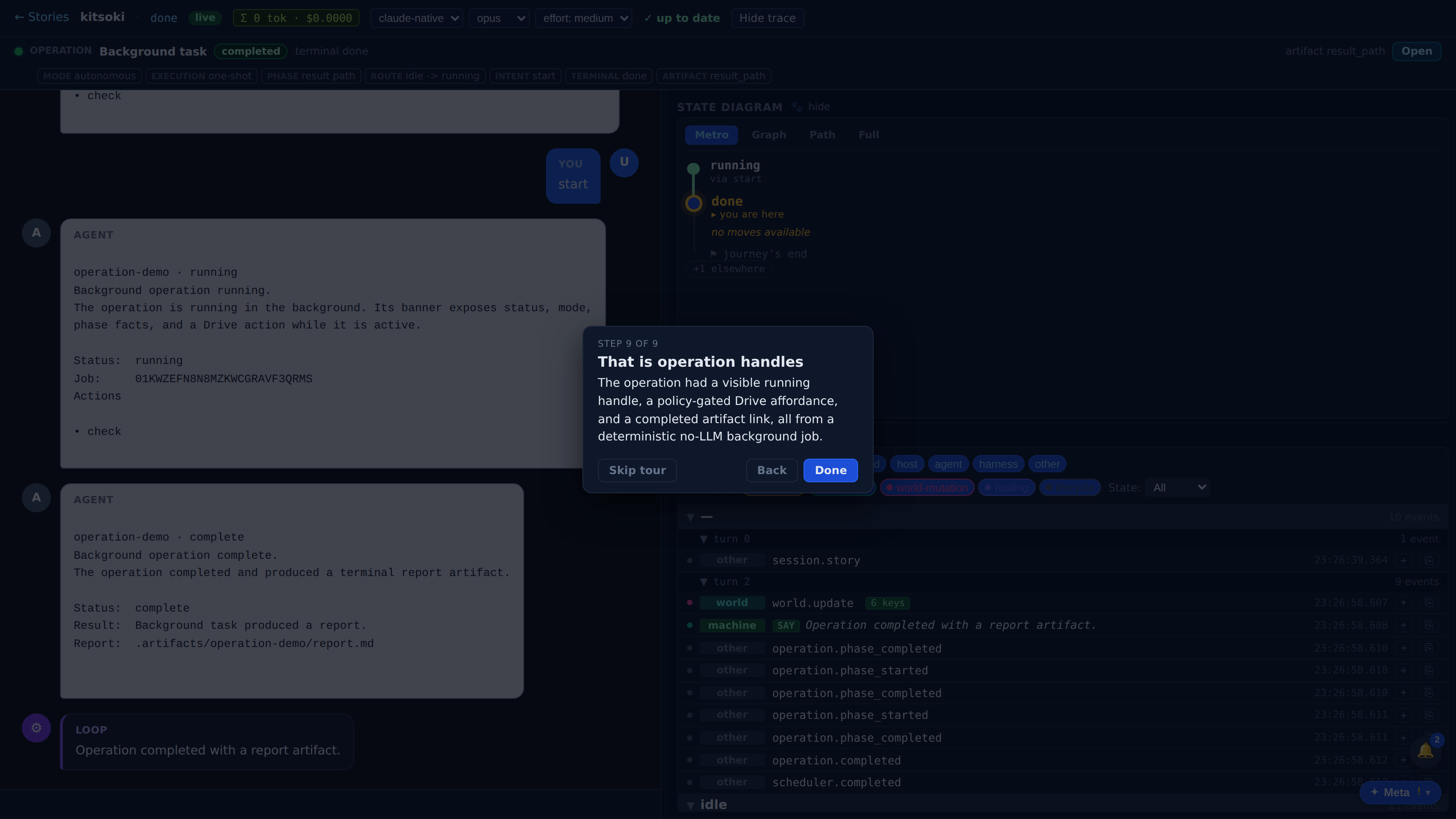
When the background job completes, the same banner becomes the terminal handle. The status changes to completed and the report path is exposed as an artifact action.
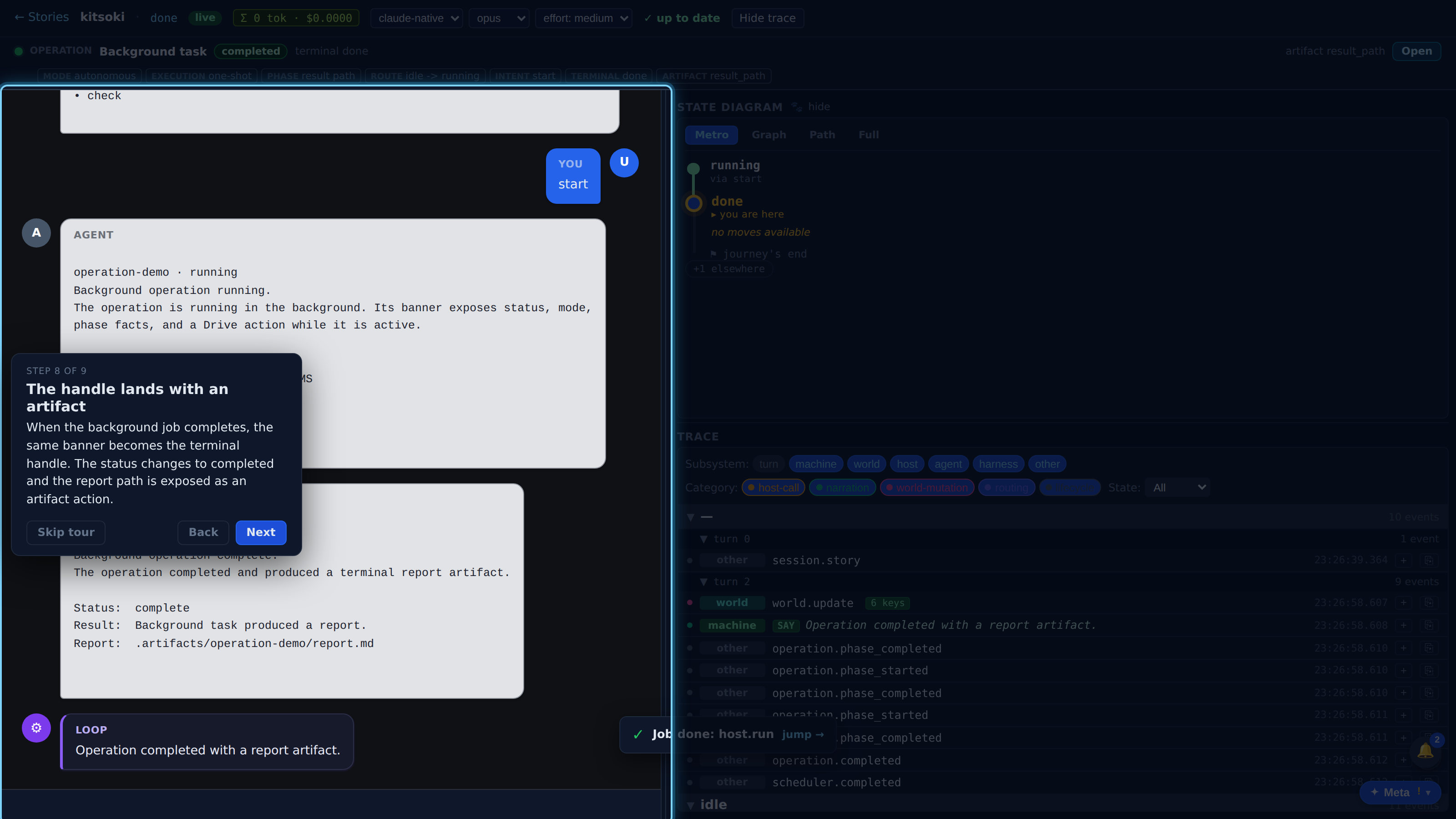
The operation had a visible running handle, a policy-gated Drive affordance, and a completed artifact link, all from a deterministic no-LLM background job.