

The kitsoki web UI, in five minutes
A story-agnostic guided walkthrough of every core surface.
The in-app onboarding tour: from the story library through a live run — chat, intent buttons, the live trace diagram and timeline, meta mode, and the read-only observer. It anchors only to elements every story ships, so it works for any first-time user on any story, and replays anytime from the “?” button.
How do the main product surfaces fit together?
The path through library, session, trace, meta, and observer views.
One story definition drives the same behavior across the product surfaces.
Key beats
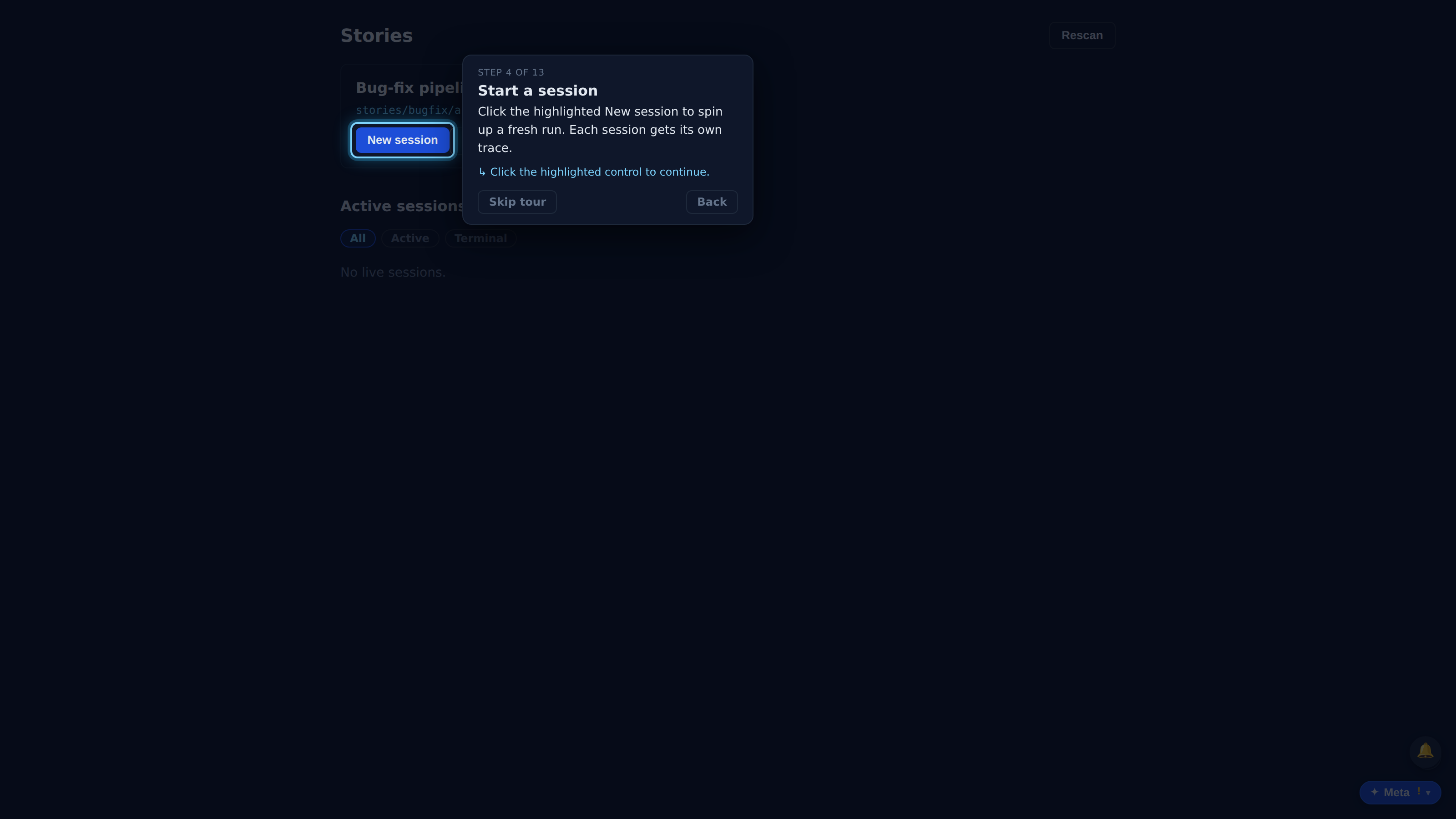
kitsoki runs LLM workflows as deterministic, auditable state machines. This quick tour shows you around the UI. Use Back / Next, or Skip anytime — and replay it later from the “?” button.
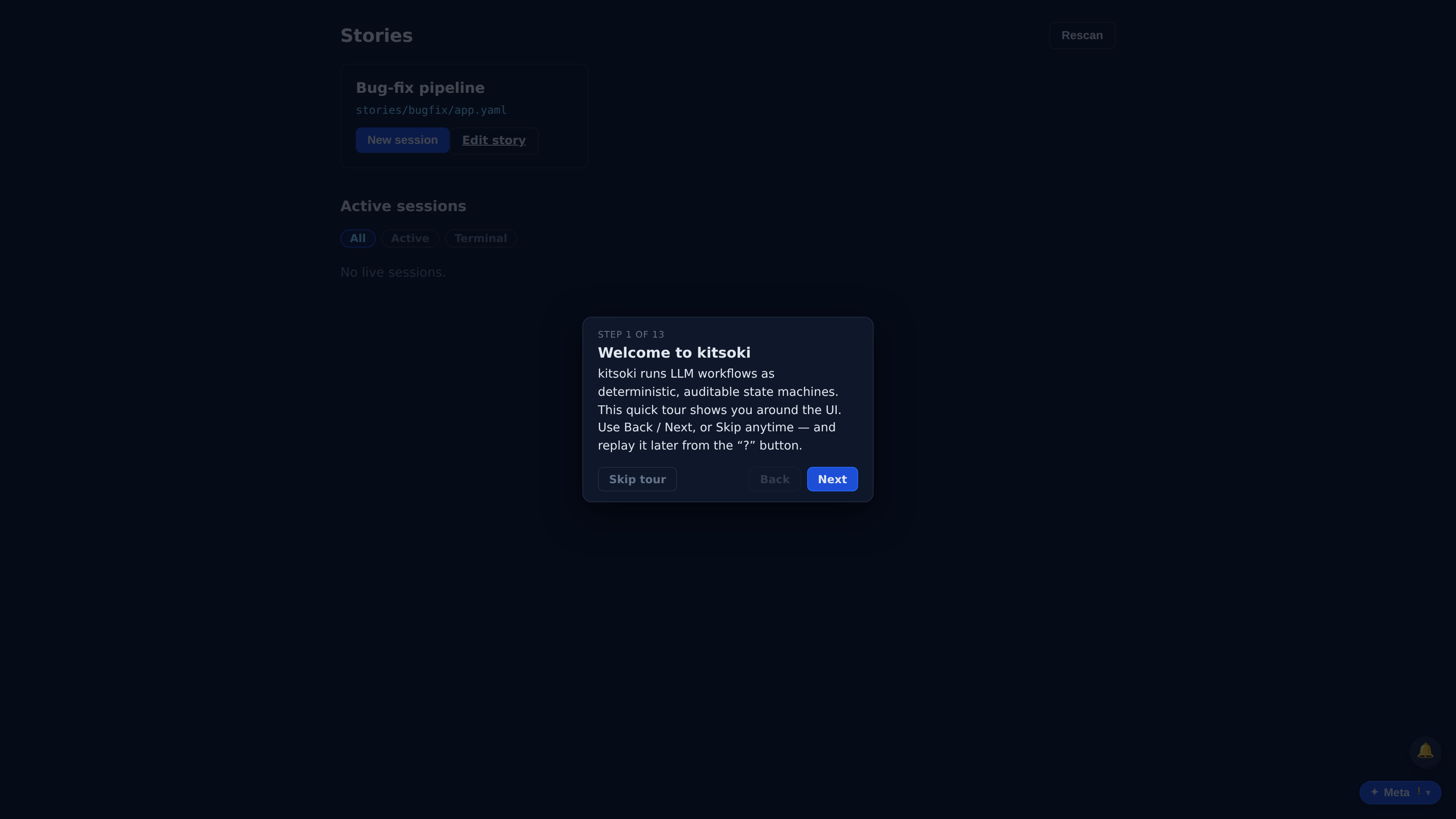
Each card is a story — a deterministic graph of rooms you can run. Pick any one to start a session.
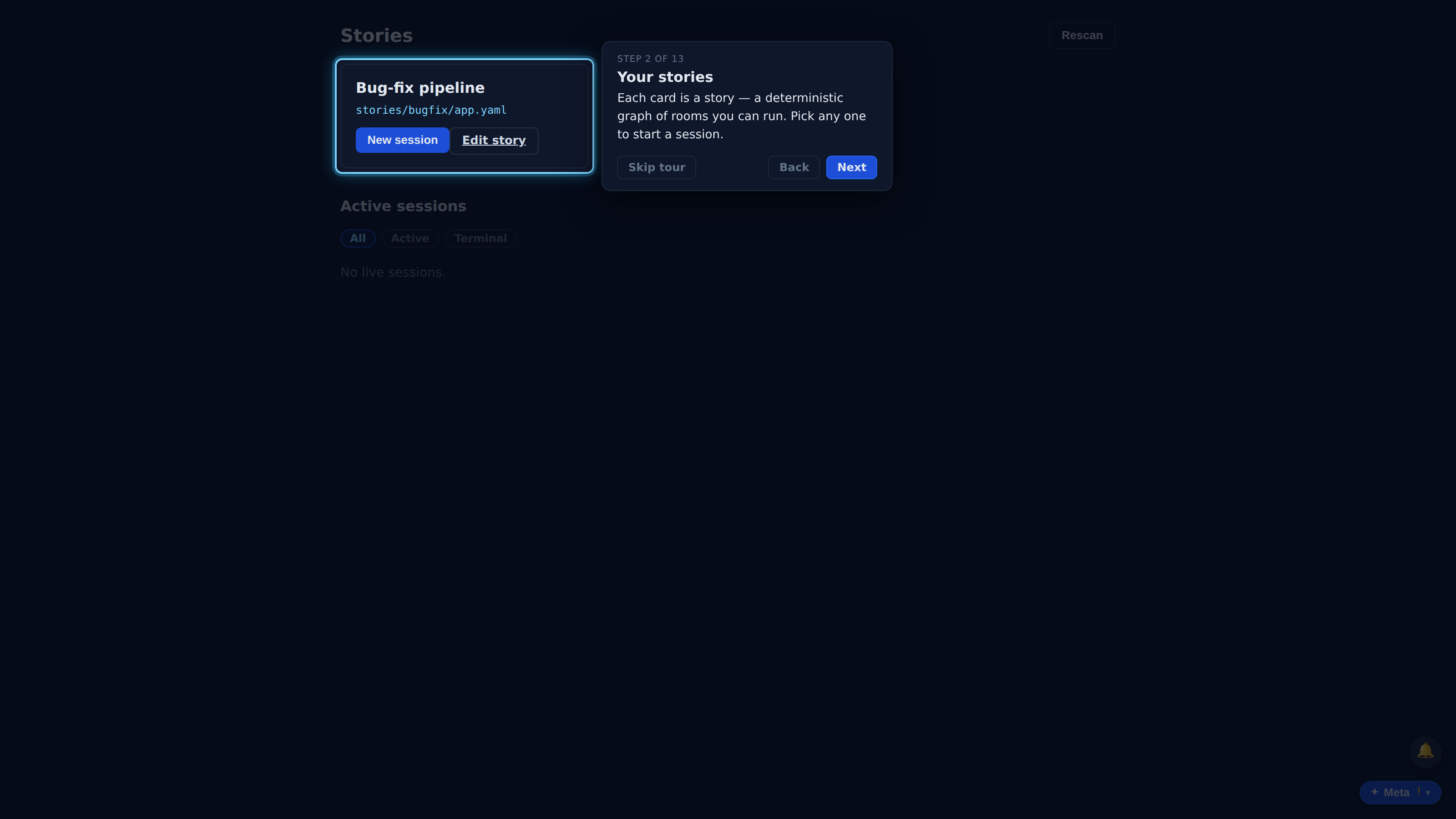
Authored a new story on disk? Rescan re-reads the stories directory without restarting the server.
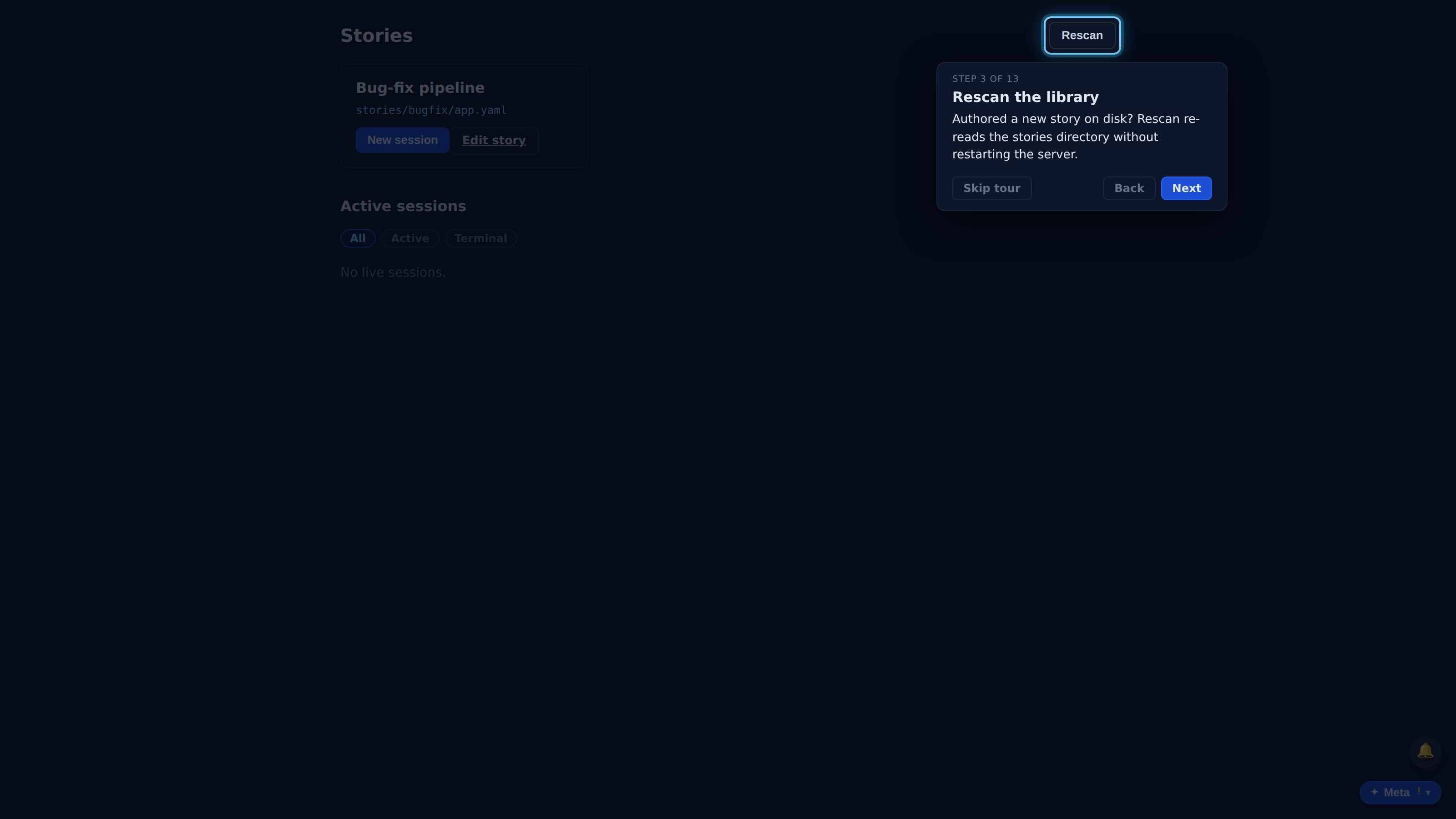
Click the highlighted New session to spin up a fresh run. Each session gets its own trace.
The current room (state) of the run shows here, and updates after every turn.
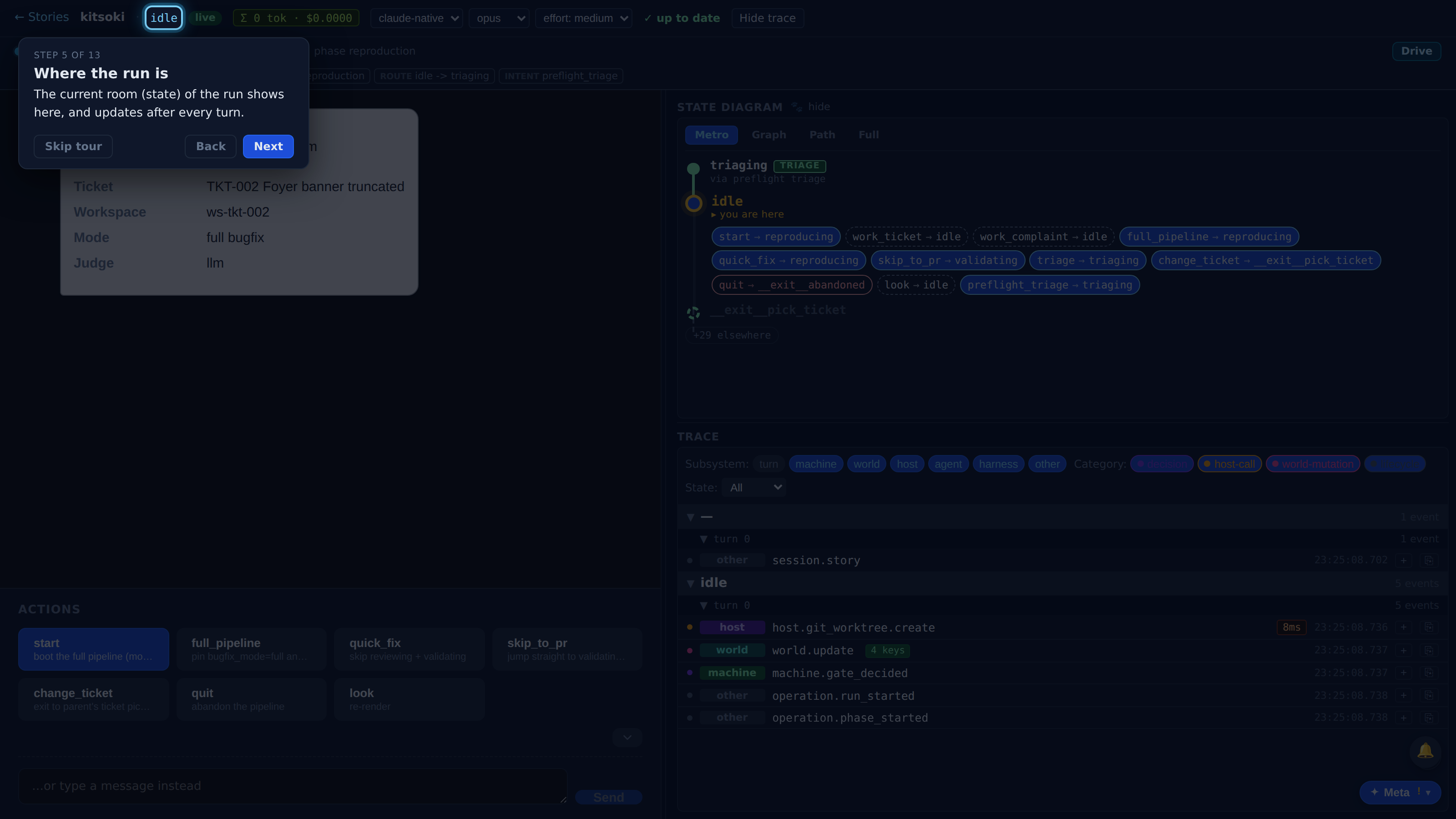
Full recorded walkthrough (13 steps)
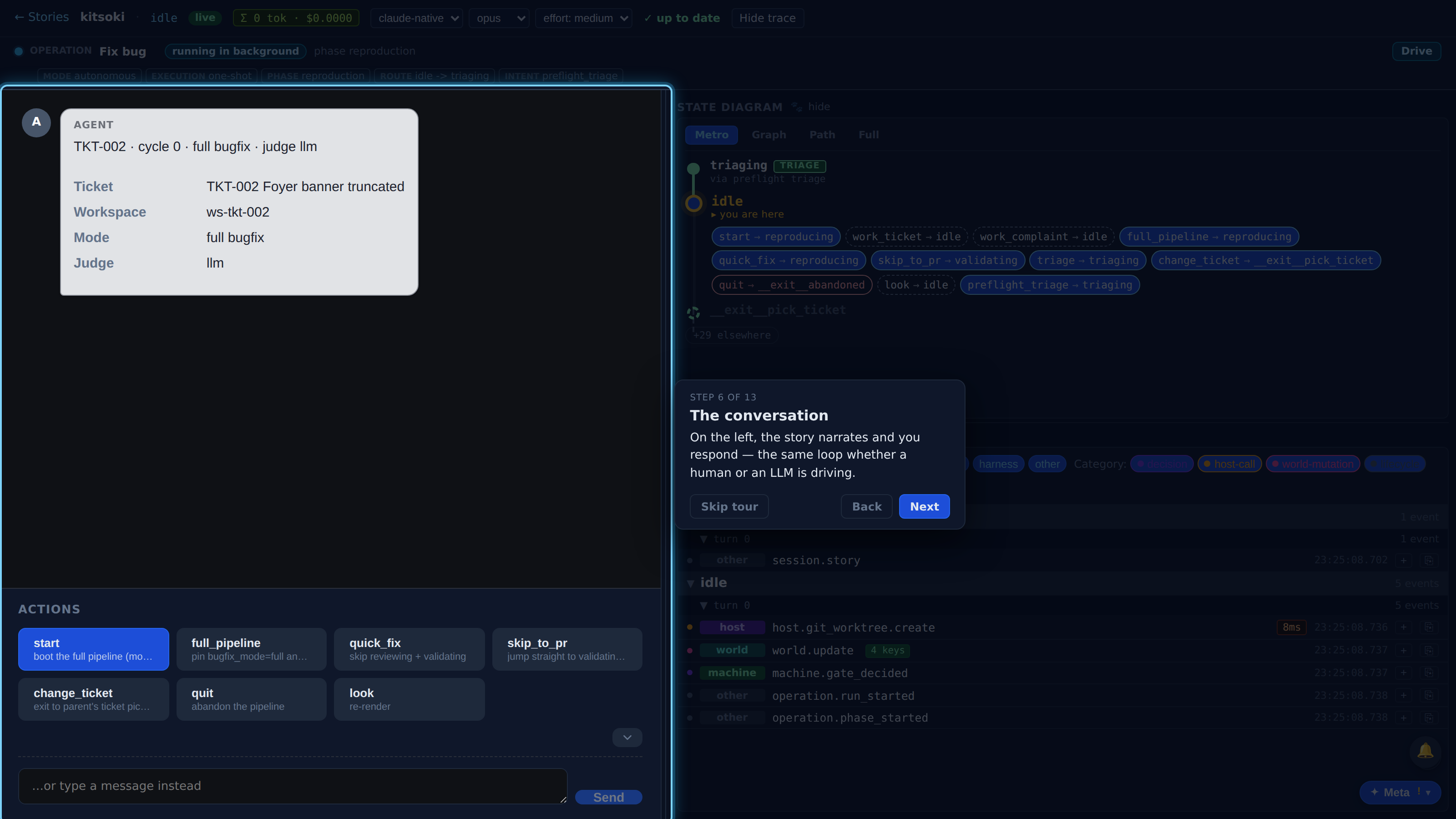
On the left, the story narrates and you respond — the same loop whether a human or an LLM is driving.
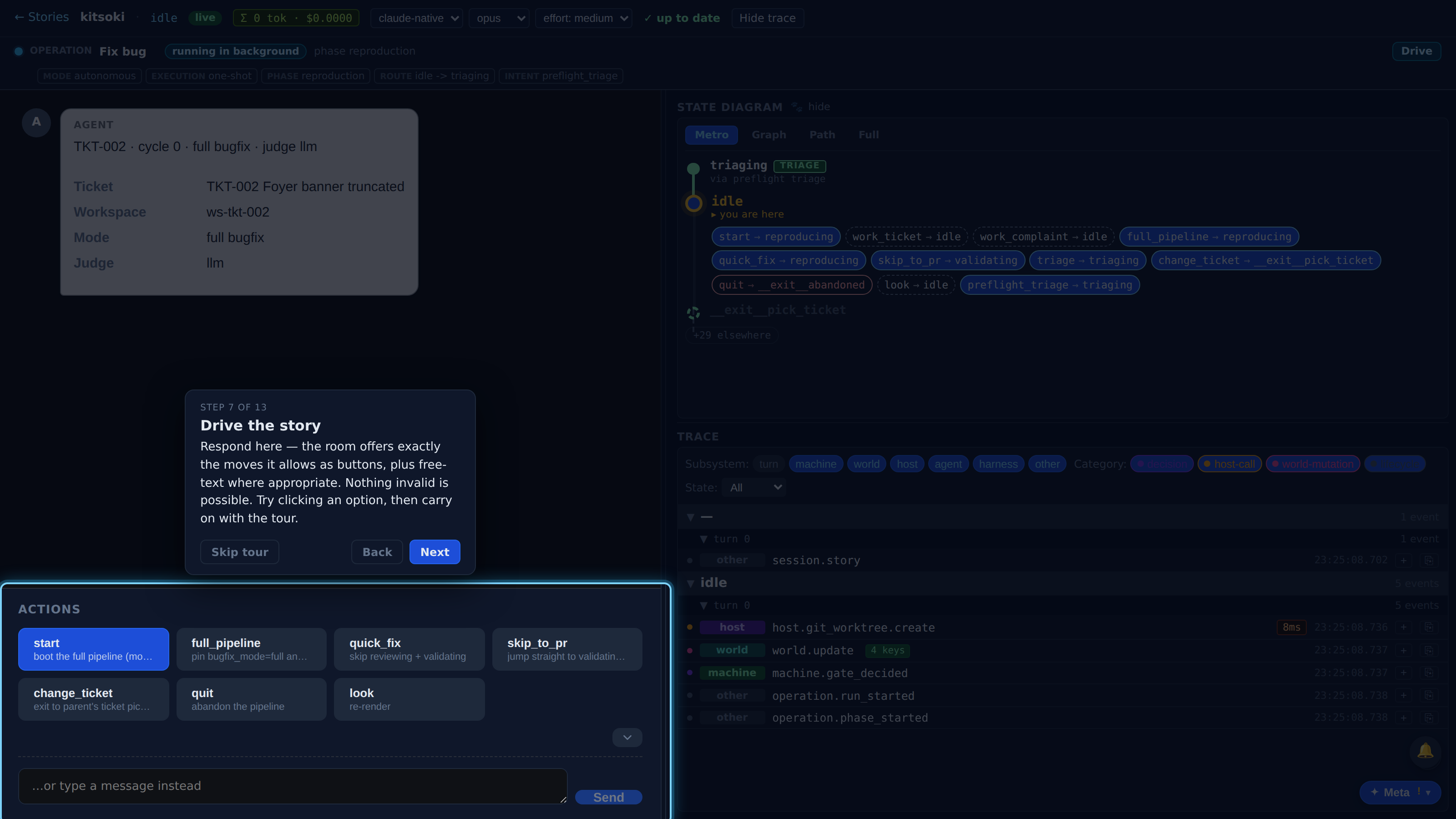
Respond here — the room offers exactly the moves it allows as buttons, plus free-text where appropriate. Nothing invalid is possible. Try clicking an option, then carry on with the tour.
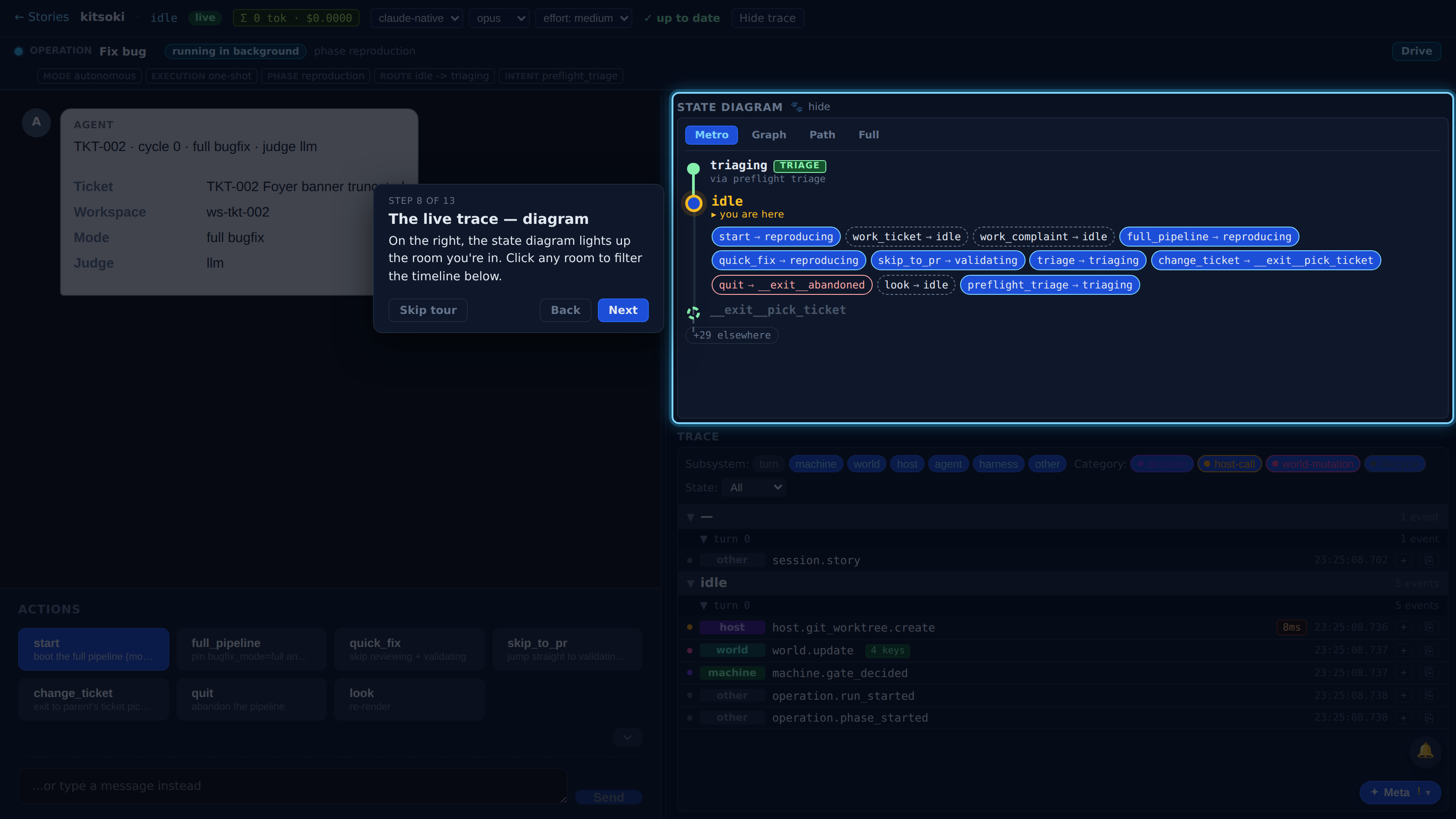
On the right, the state diagram lights up the room you're in. Click any room to filter the timeline below.
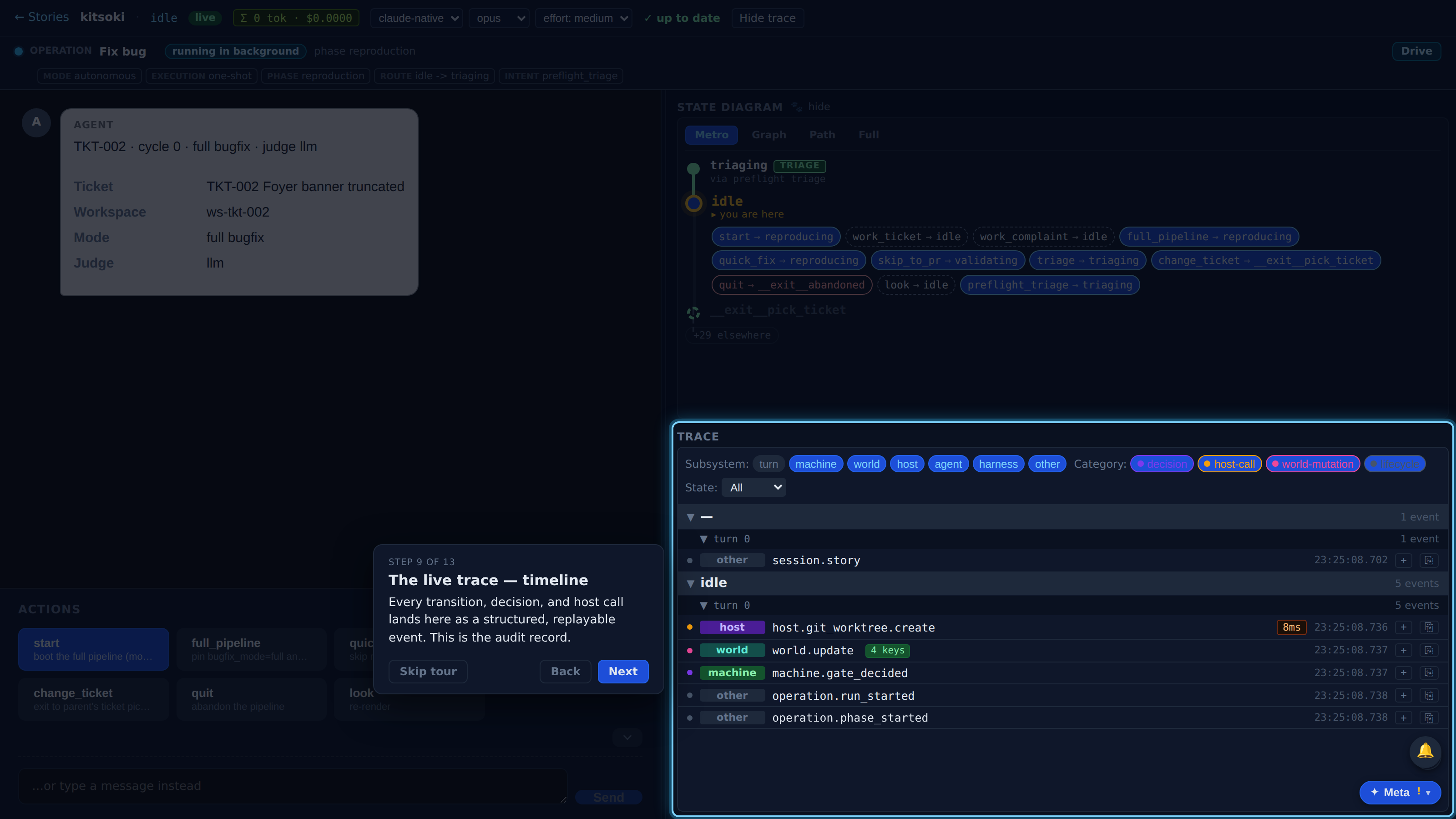
Every transition, decision, and host call lands here as a structured, replayable event. This is the audit record.
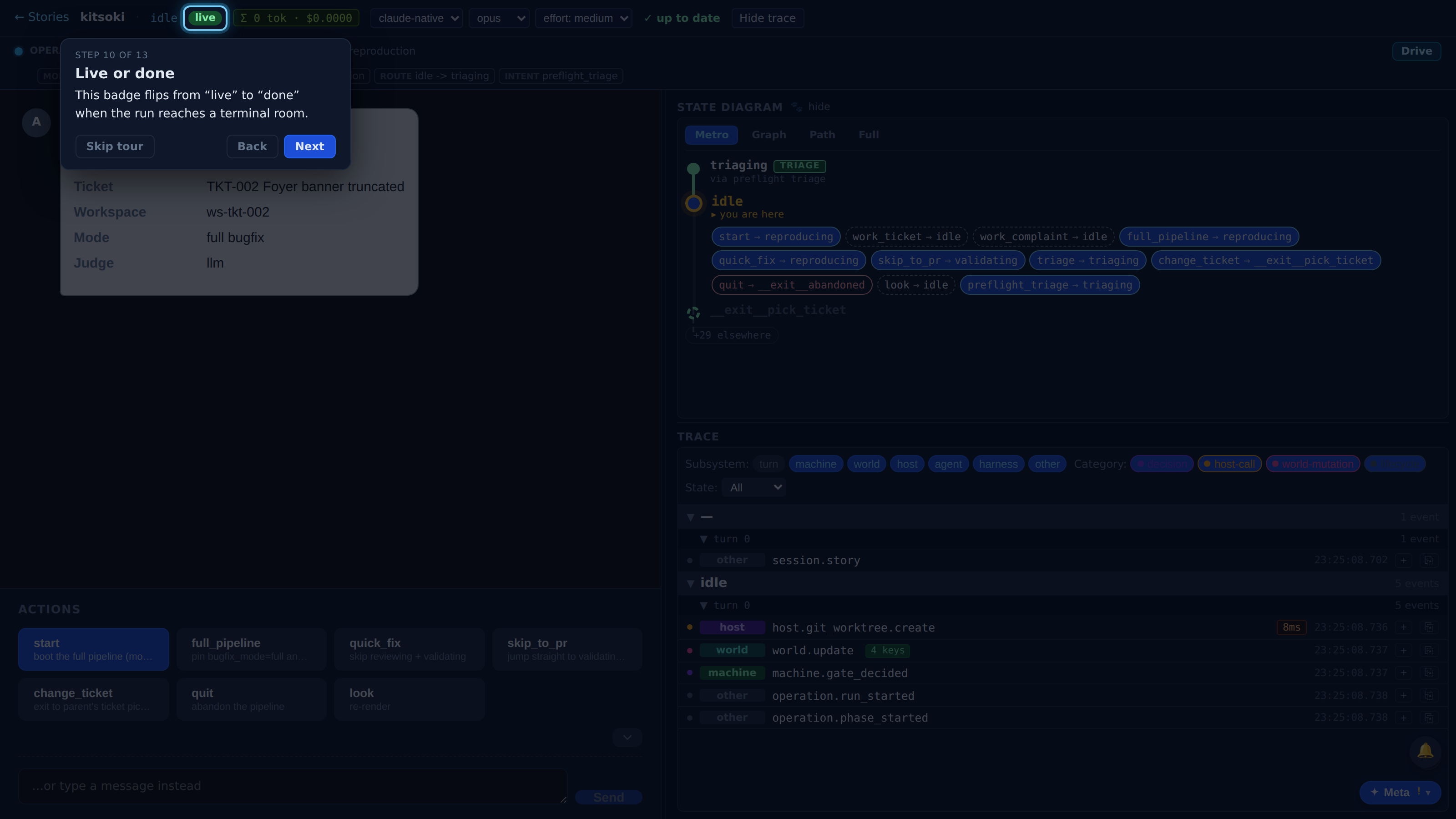
This badge flips from “live” to “done” when the run reaches a terminal room.
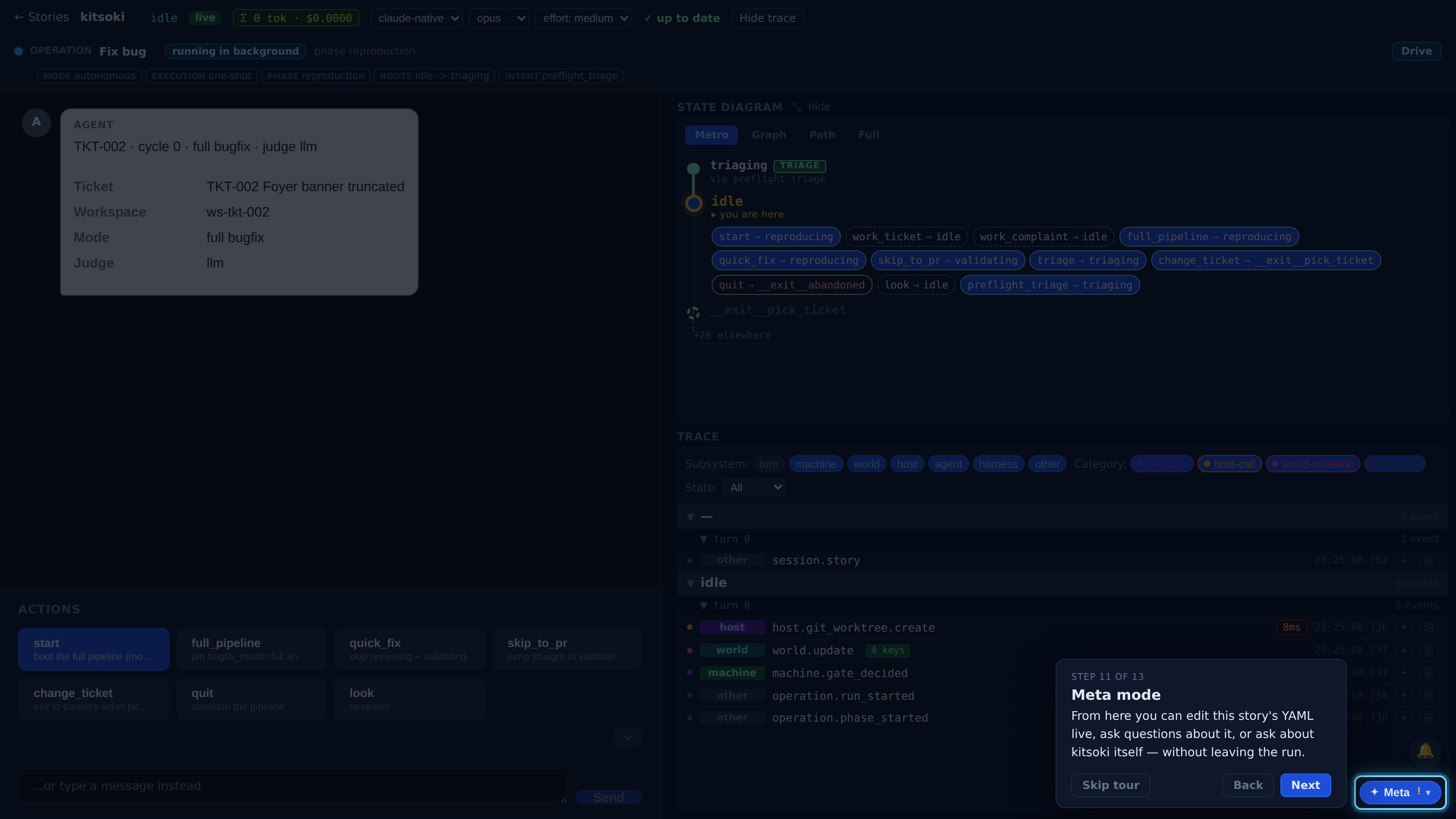
From here you can edit this story's YAML live, ask questions about it, or ask about kitsoki itself — without leaving the run.
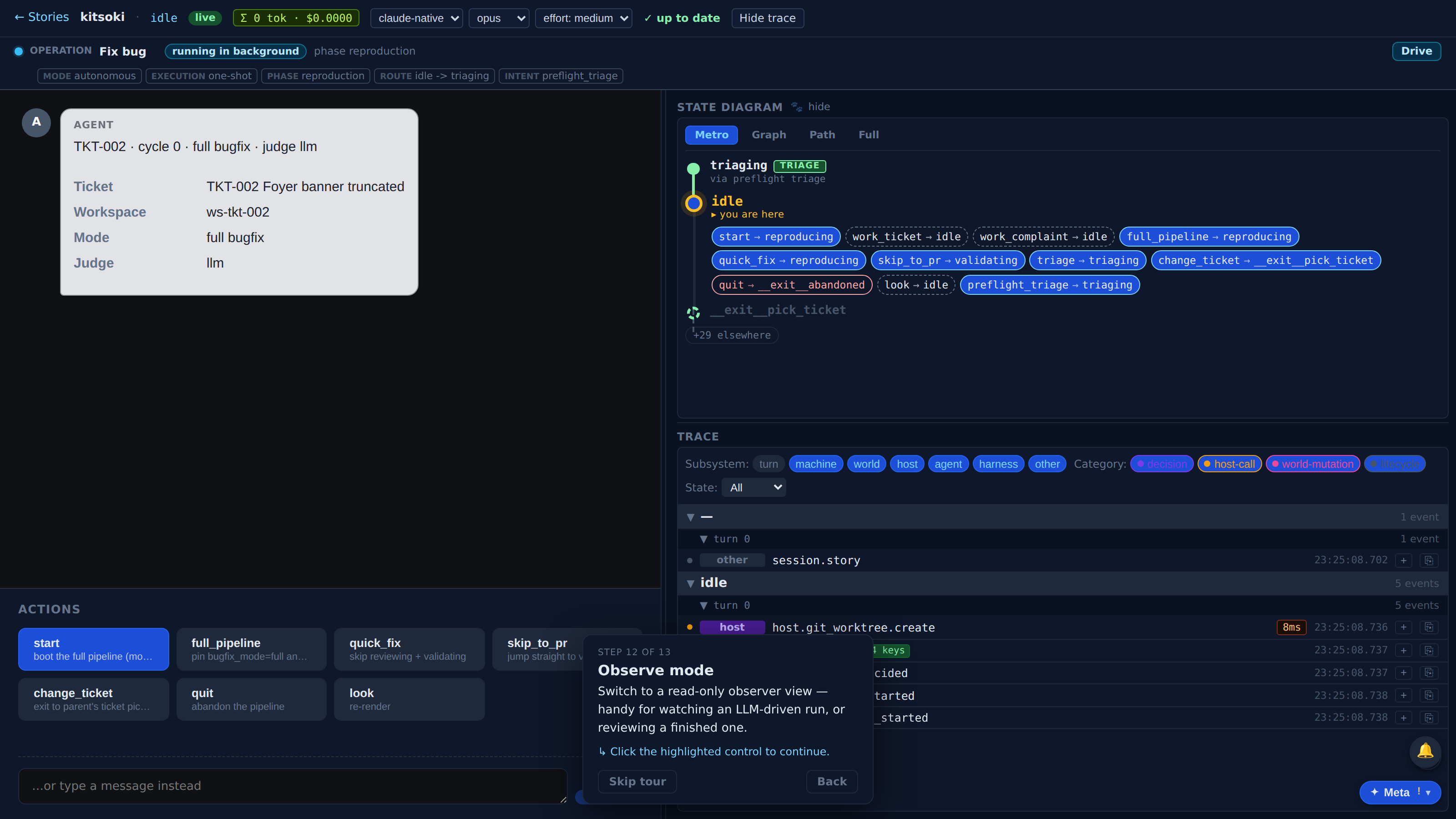
Switch to a read-only observer view — handy for watching an LLM-driven run, or reviewing a finished one.
You know the layout: drive the story from the left, watch the trace on the right, switch to observer mode for a focused read-only view, and hit the meta button to inspect or edit the story YAML live. Hit '?' anytime to replay this tour.