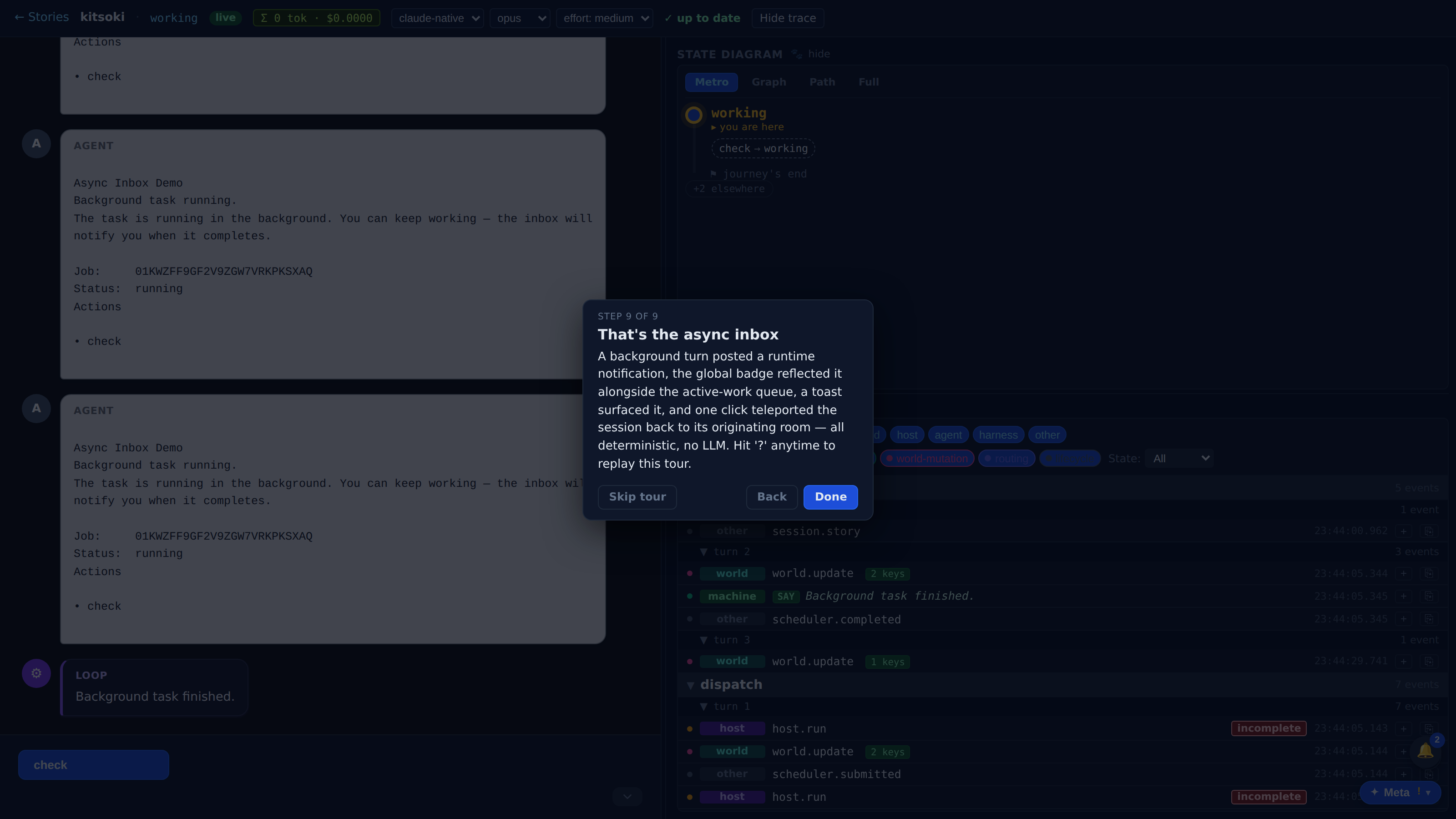
The async inbox
Background work notifies you when it lands — toast, badge, jump back.
A background host call launched from the chat composer completes while you're elsewhere: the runtime auto-posts a completion notification over SSE, the global inbox badge increments, a toast appears, and one click teleports the session back to the originating room.
Which product behavior does this surface prove?
The first few beats show the capability in the real Kitsoki UI.
The page is generated from the same catalog and deterministic fixtures used by QA.
Key beats
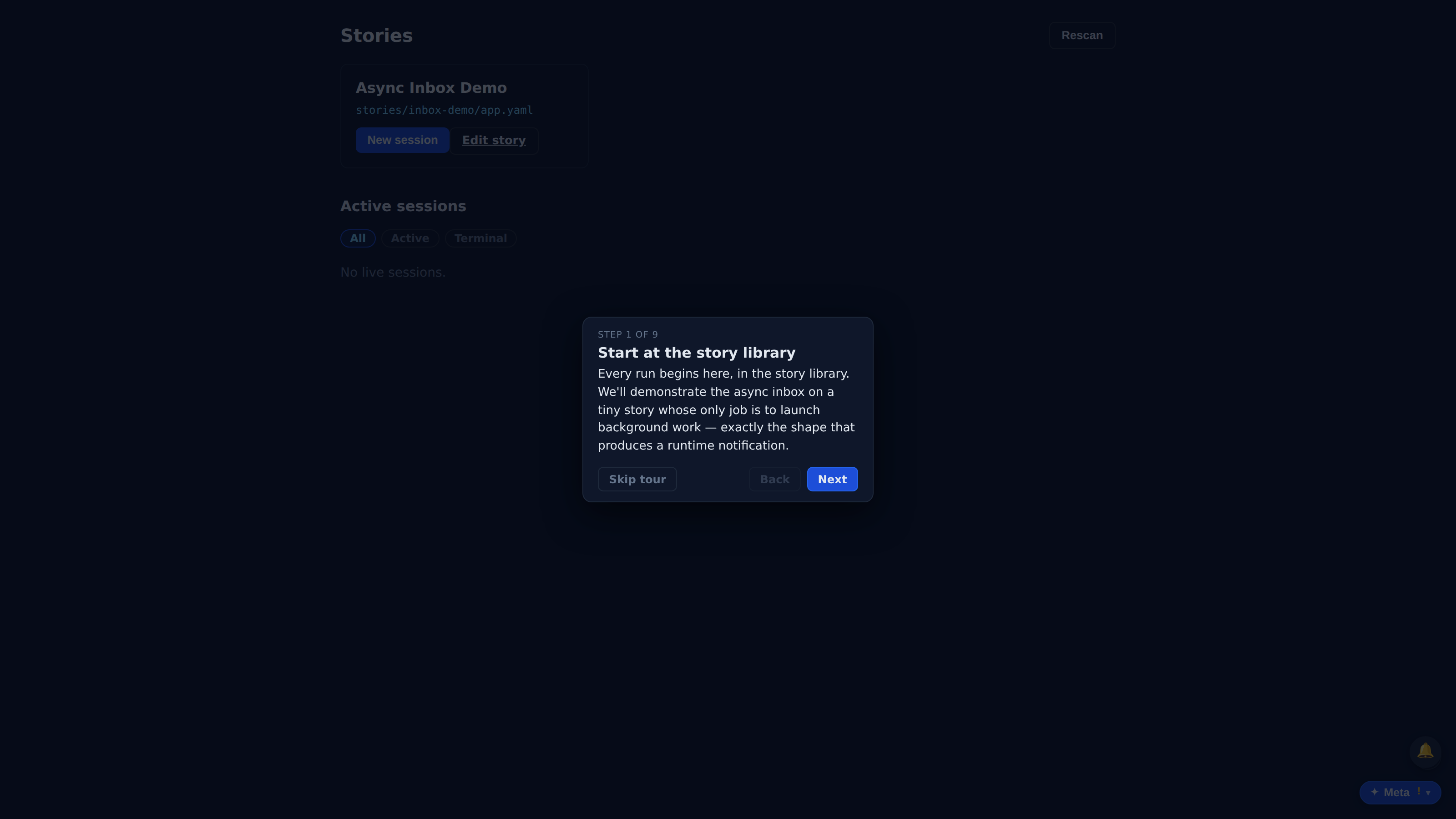
Every run begins here, in the story library. We'll demonstrate the async inbox on a tiny story whose only job is to launch background work — exactly the shape that produces a runtime notification.
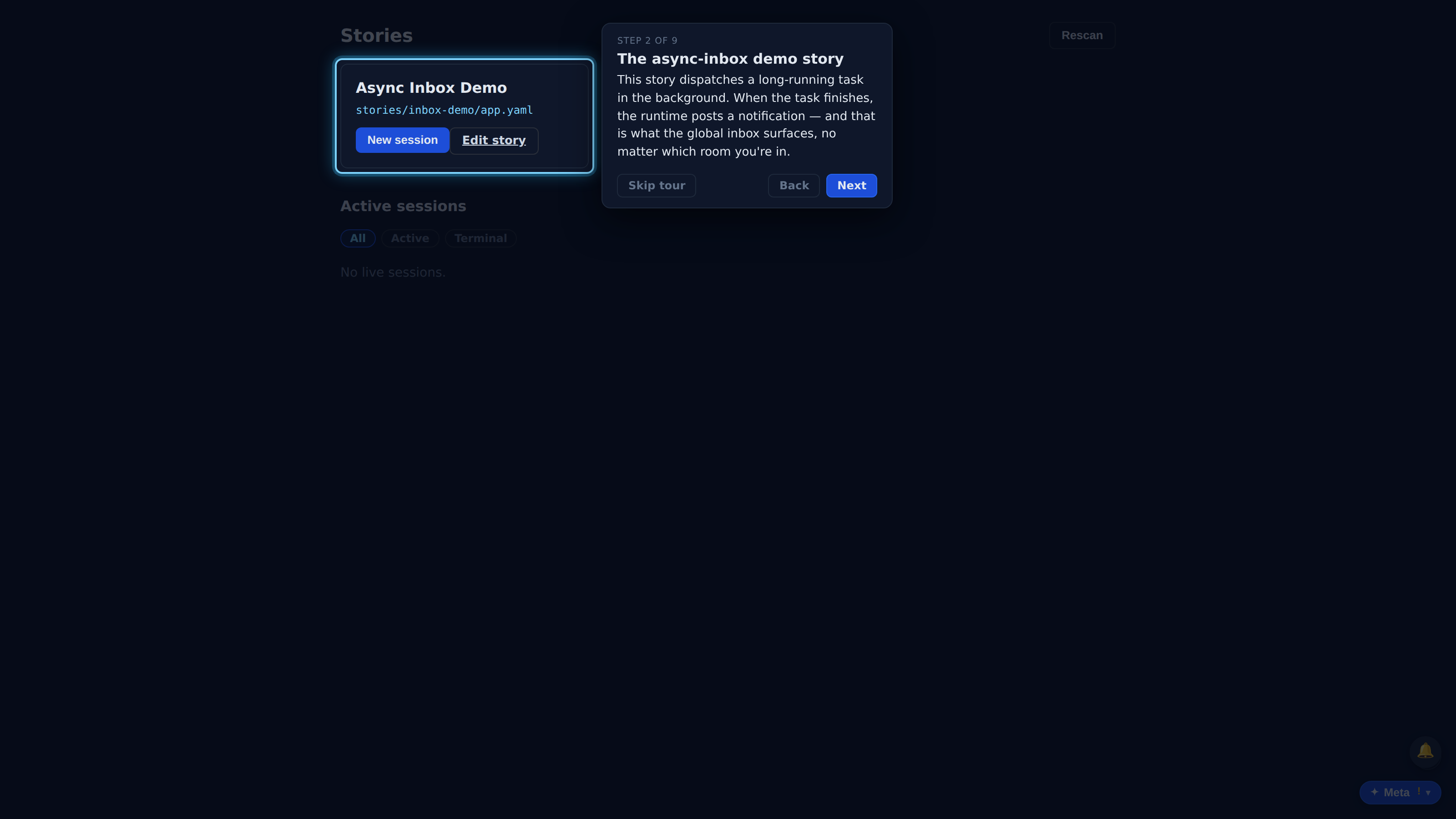
This story dispatches a long-running task in the background. When the task finishes, the runtime posts a notification — and that is what the global inbox surfaces, no matter which room you're in.
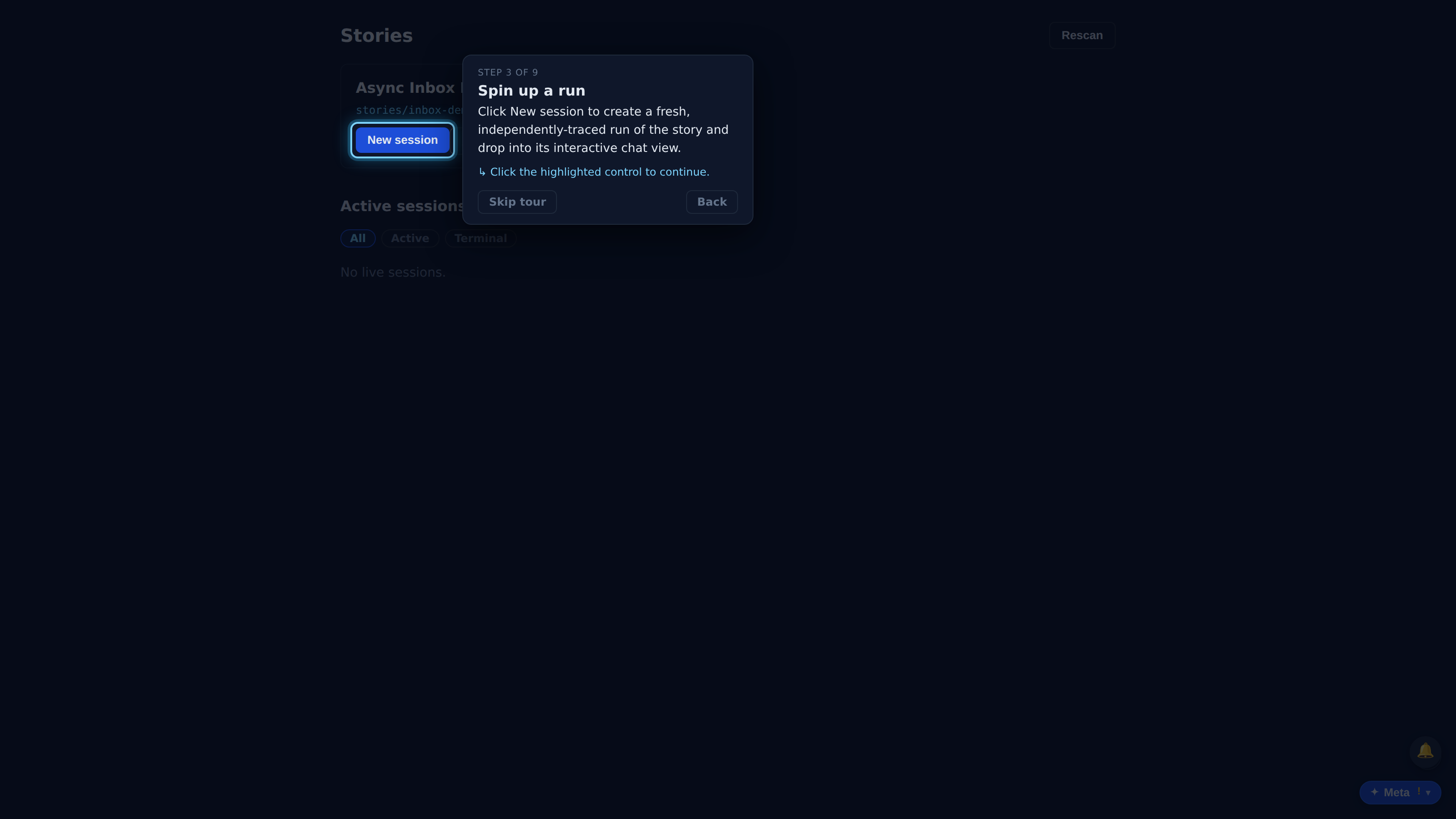
Click New session to create a fresh, independently-traced run of the story and drop into its interactive chat view.
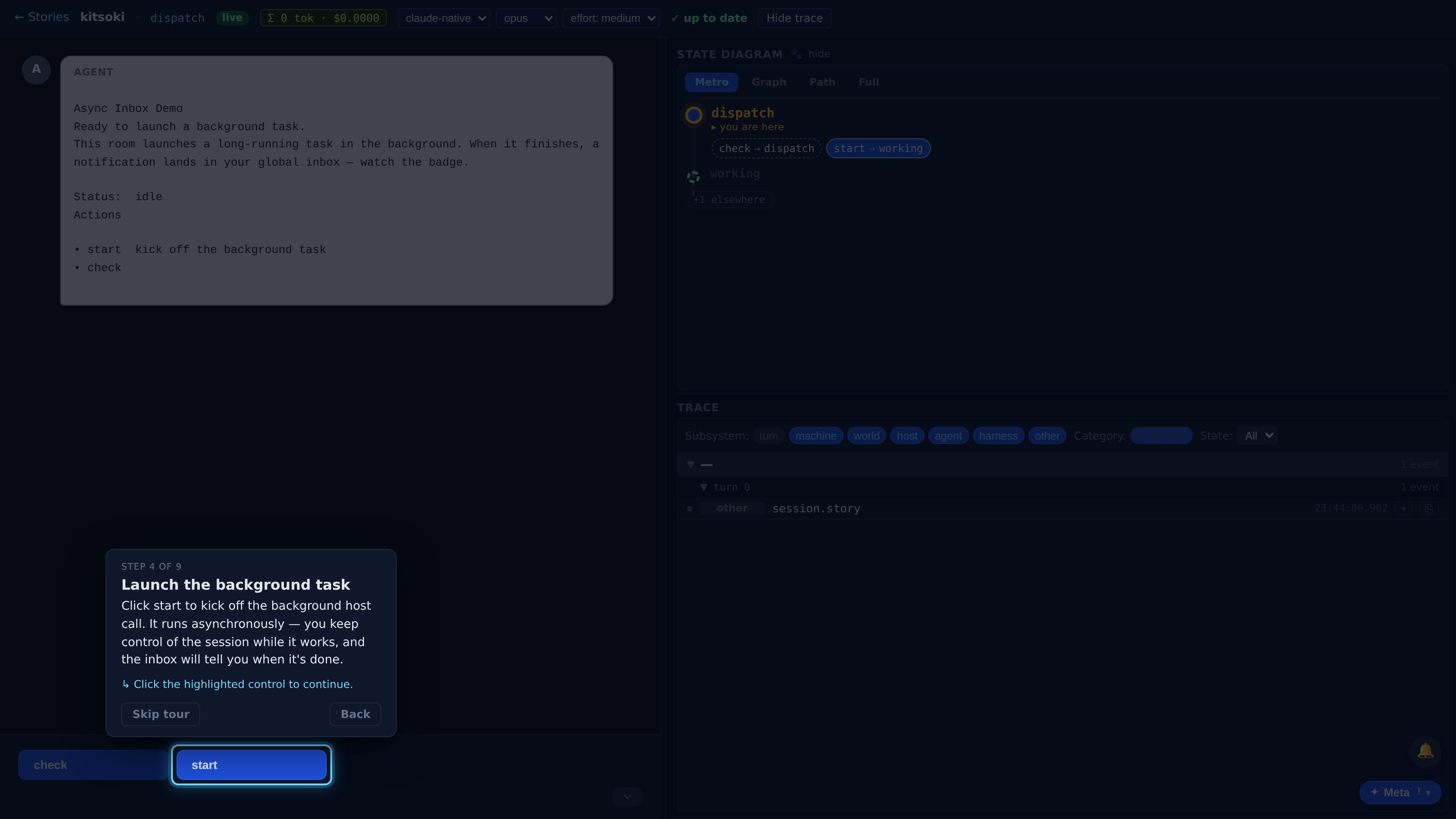
Click start to kick off the background host call. It runs asynchronously — you keep control of the session while it works, and the inbox will tell you when it's done.
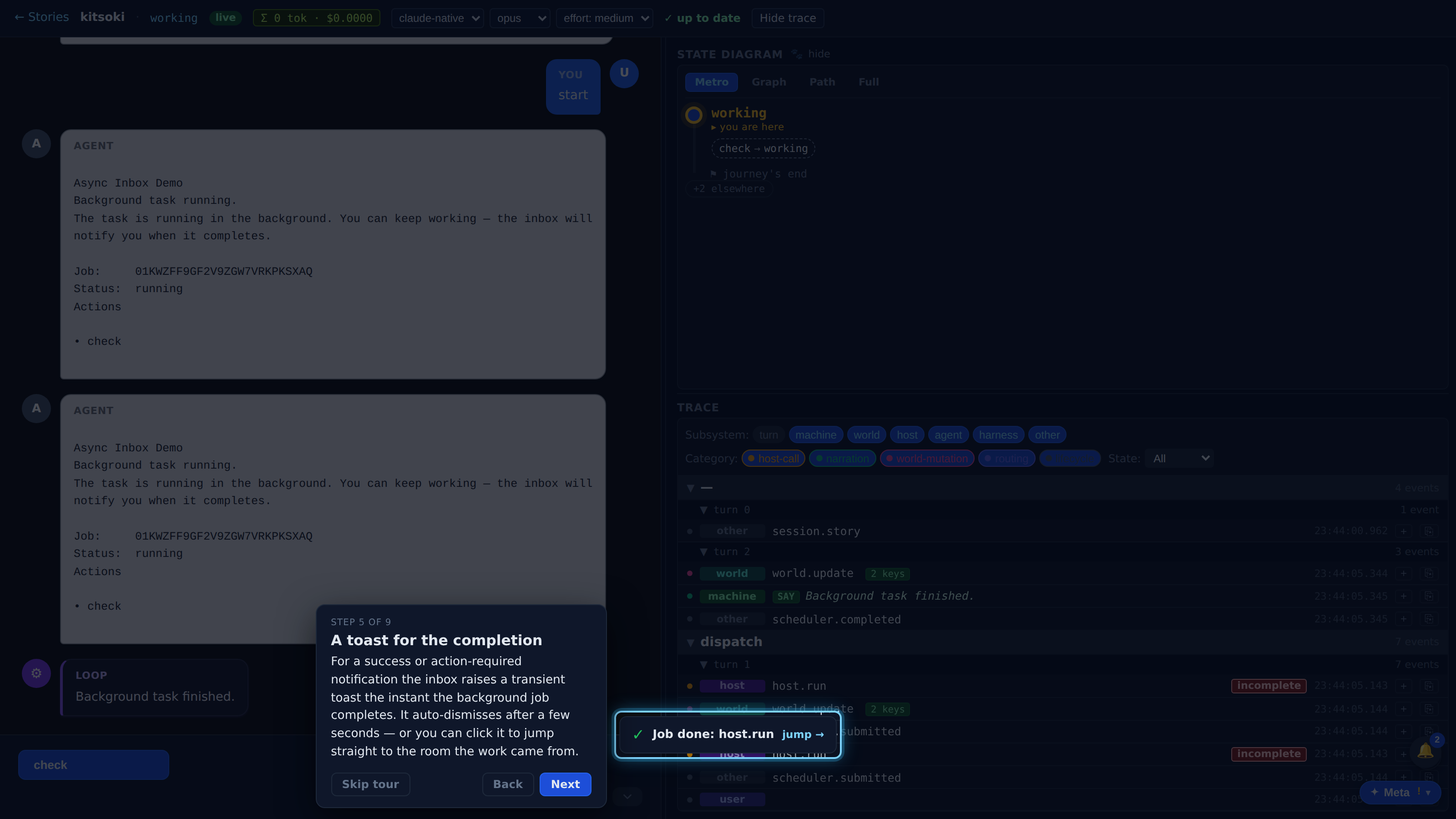
For a success or action-required notification the inbox raises a transient toast the instant the background job completes. It auto-dismisses after a few seconds — or you can click it to jump straight to the room the work came from.
Full recorded walkthrough (9 steps)
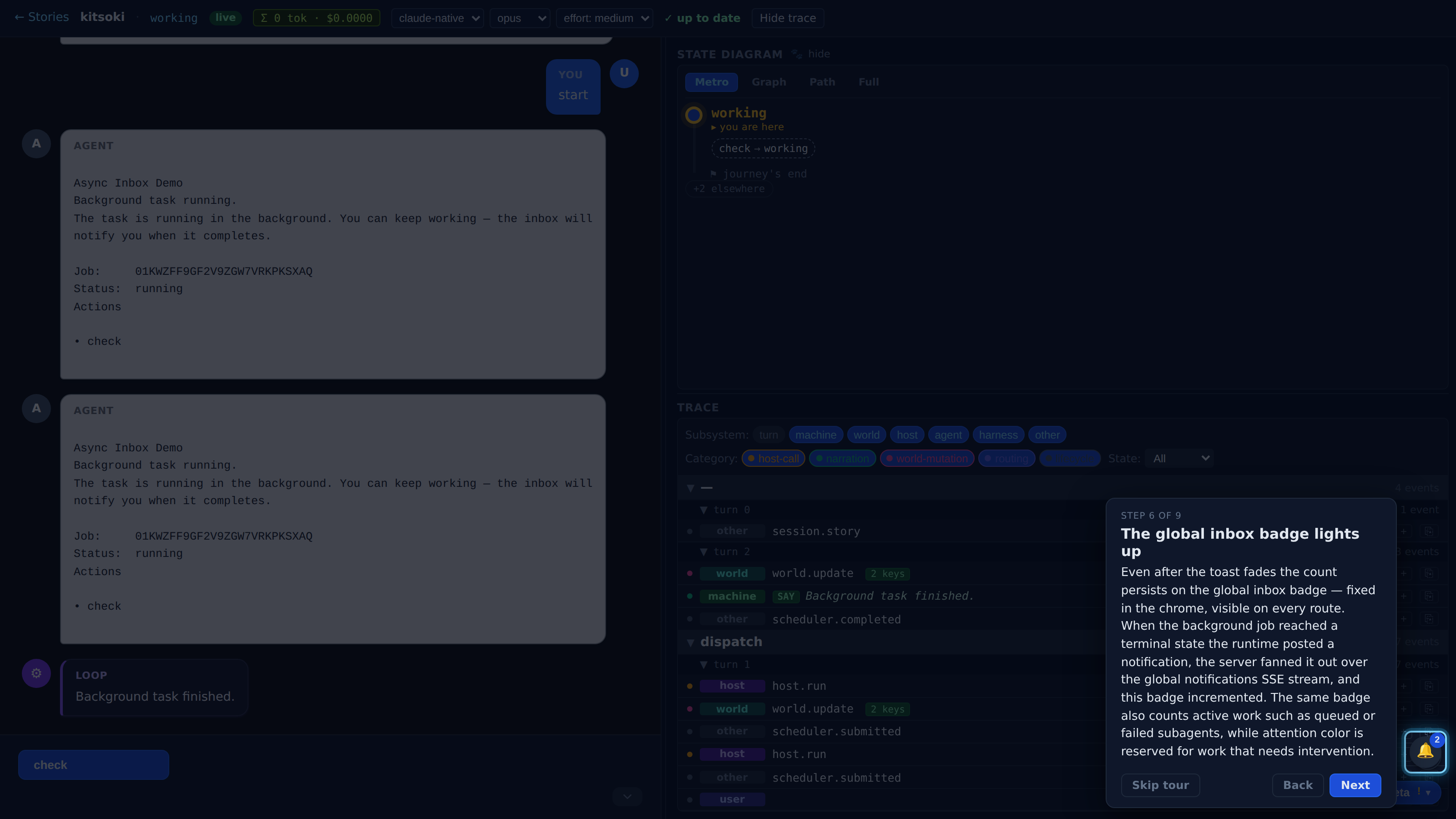
Even after the toast fades the count persists on the global inbox badge — fixed in the chrome, visible on every route. When the background job reached a terminal state the runtime posted a notification, the server fanned it out over the global notifications SSE stream, and this badge incremented. The same badge also counts active work such as queued or failed subagents, while attention color is reserved for work that needs intervention.
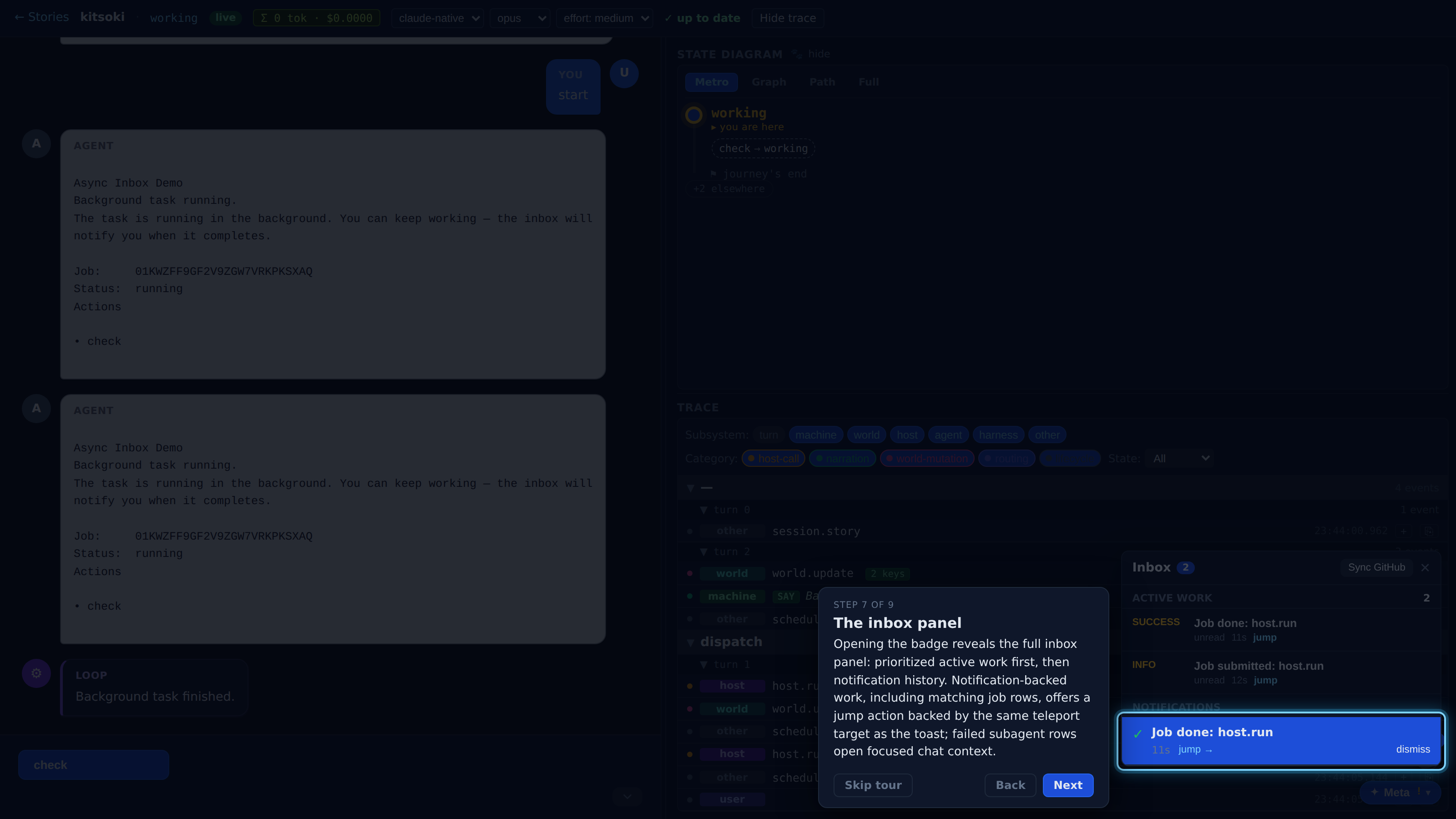
Opening the badge reveals the full inbox panel: prioritized active work first, then notification history. Notification-backed work, including matching job rows, offers a jump action backed by the same teleport target as the toast; failed subagent rows open focused chat context.
Click 'jump →' on the notification. The inbox teleports the session back to the exact room the background job was launched from — the notification carries that origin state, so a one-click jump lands you where the work happened.
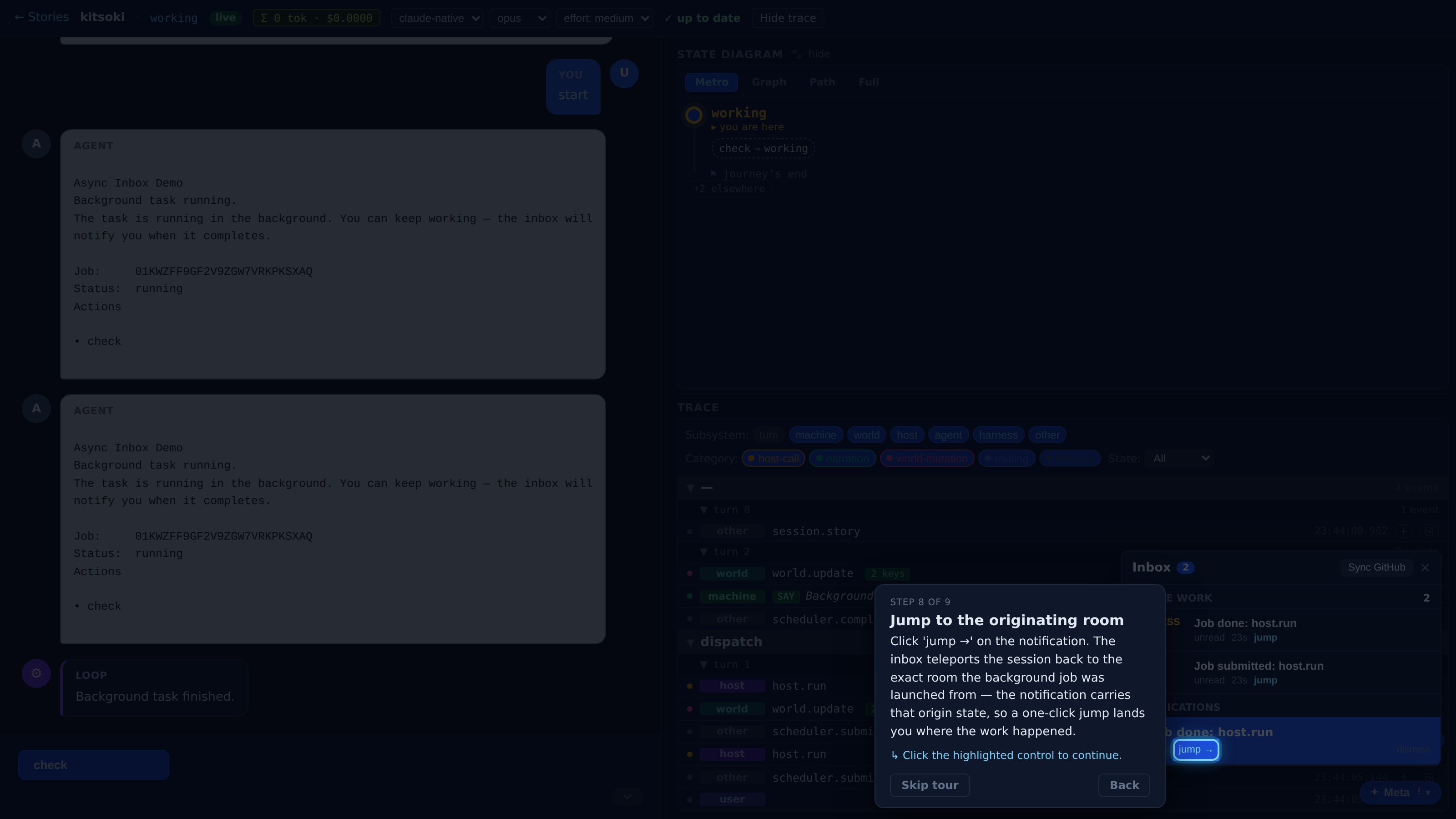
A background turn posted a runtime notification, the global badge reflected it alongside the active-work queue, a toast surfaced it, and one click teleported the session back to its originating room — all deterministic, no LLM. Hit '?' anytime to replay this tour.