The story editor
Rooms, hooks, domain model, and the Agent Workbench — one inspector.
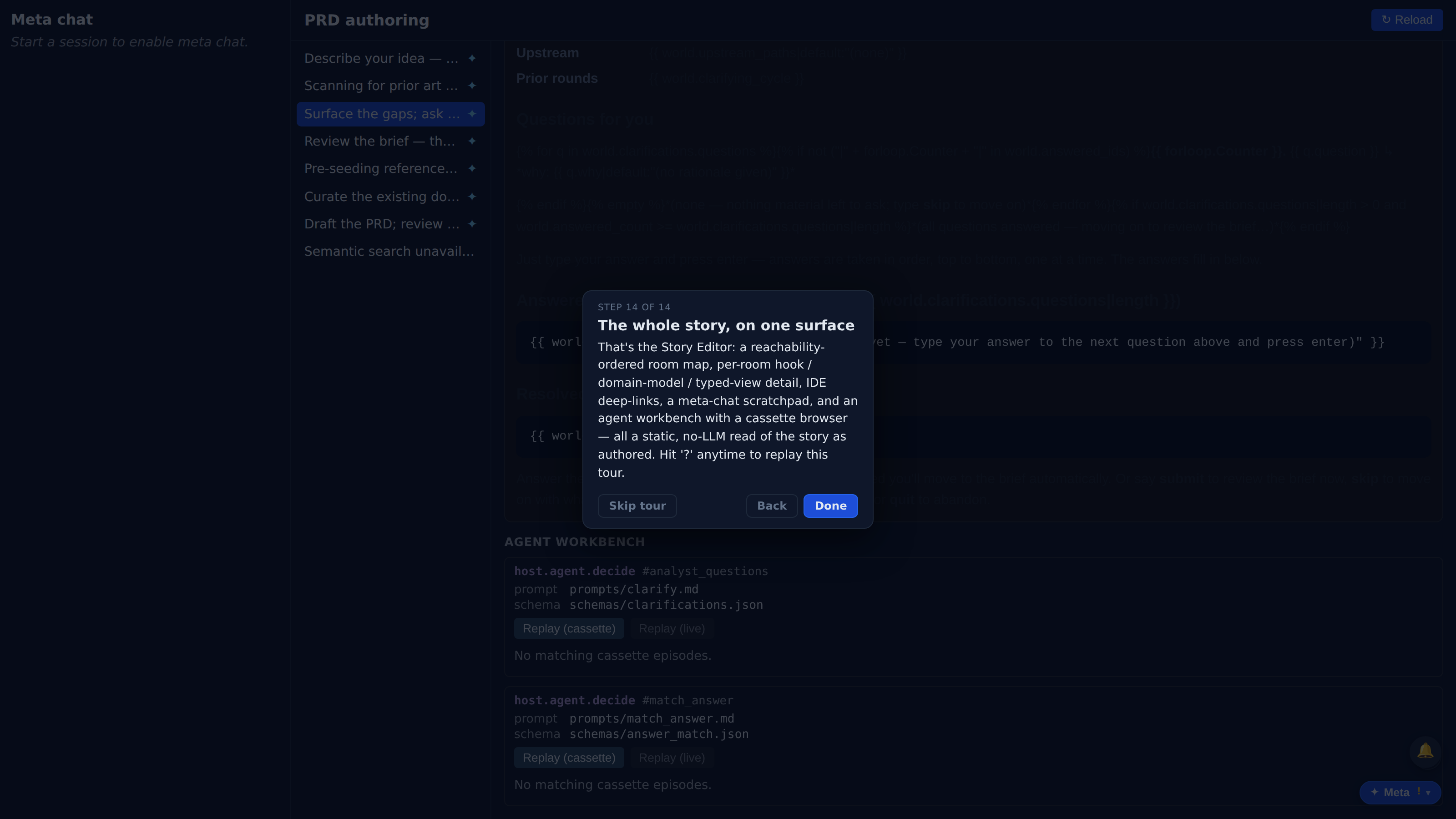
The per-story editor surface: the BFS-ordered room list, room detail with hook and domain model and IDE deep-link, the meta-chat column, and the Agent Workbench's contract cards and cassette browser.
Which product behavior does this surface prove?
The first few beats show the capability in the real Kitsoki UI.
The page is generated from the same catalog and deterministic fixtures used by QA.
Key beats
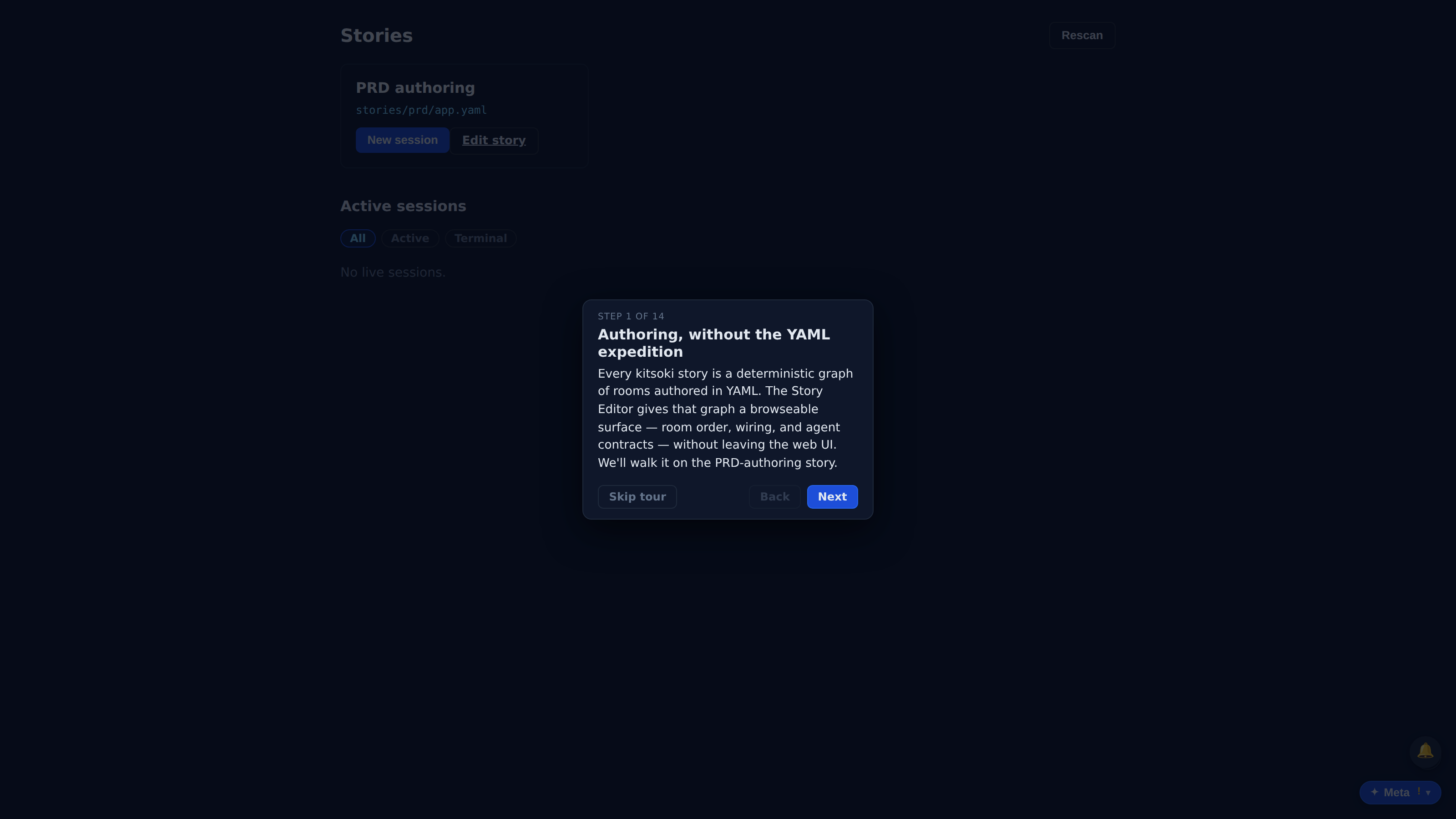
Every kitsoki story is a deterministic graph of rooms authored in YAML. The Story Editor gives that graph a browseable surface — room order, wiring, and agent contracts — without leaving the web UI. We'll walk it on the PRD-authoring story.
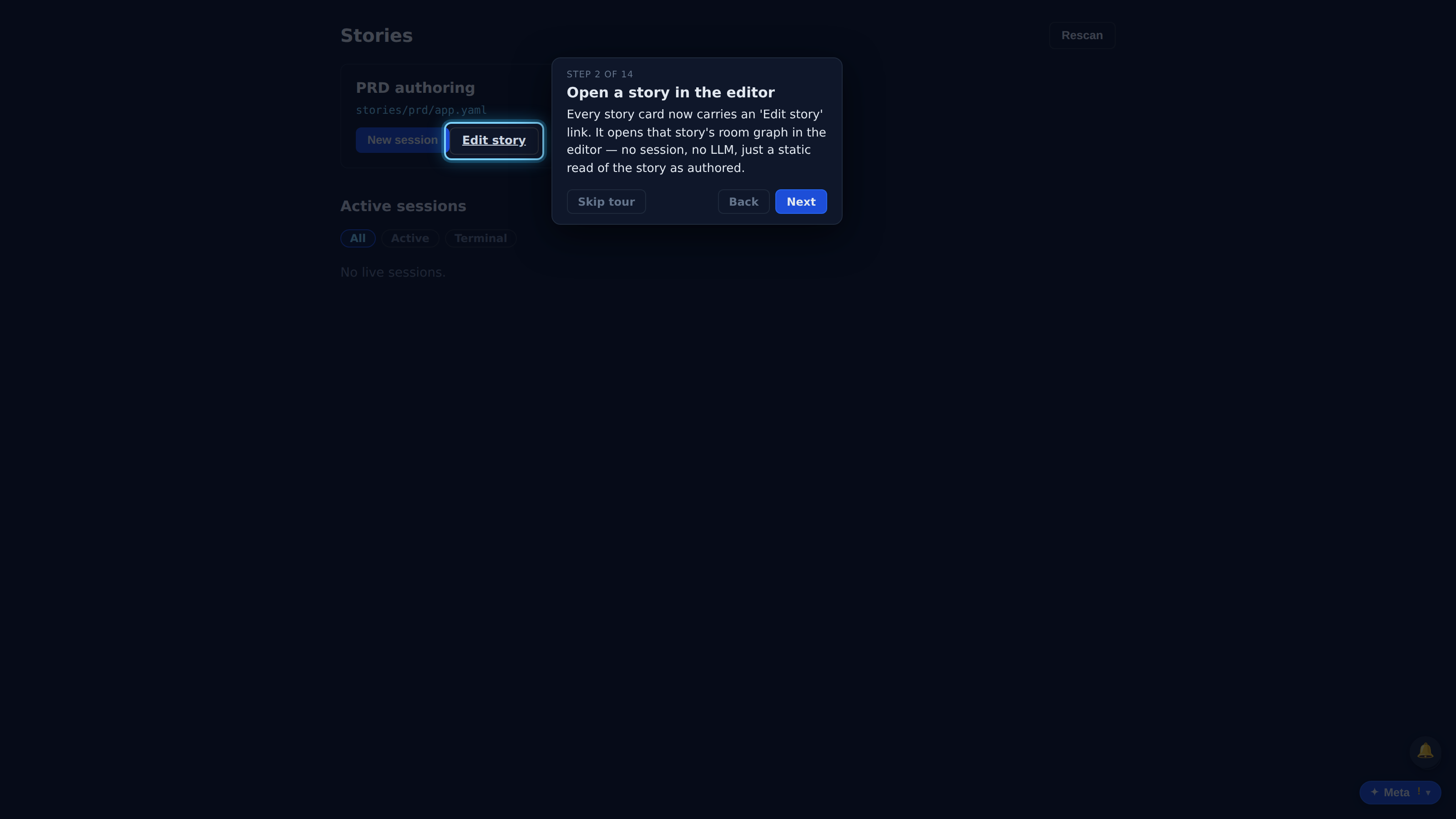
Every story card now carries an 'Edit story' link. It opens that story's room graph in the editor — no session, no LLM, just a static read of the story as authored.
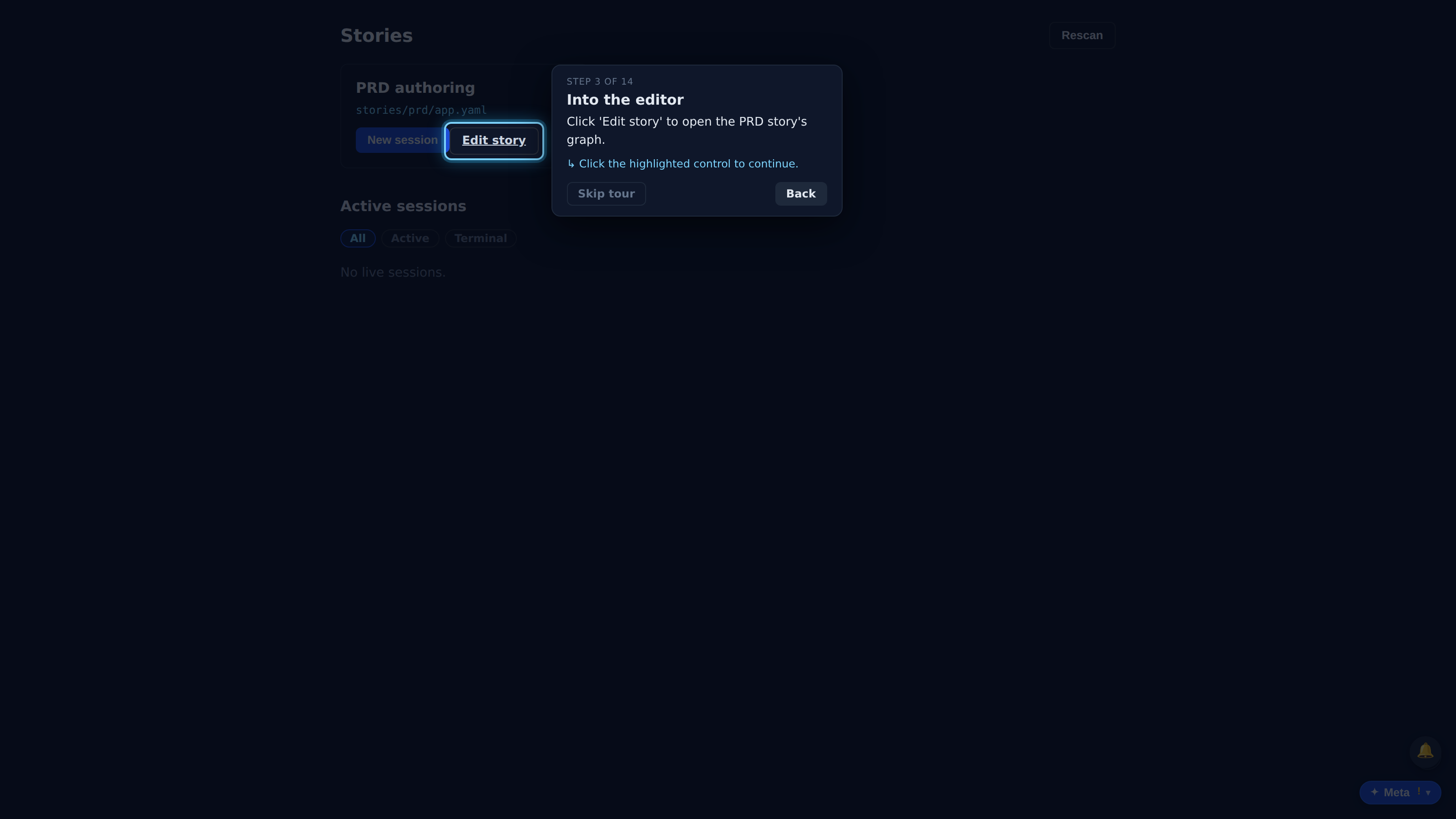
Click 'Edit story' to open the PRD story's graph.
The editor is a two-column shell. On the right, every room in the story — on the left, a meta-chat scratchpad. The room list is the map you navigate by.
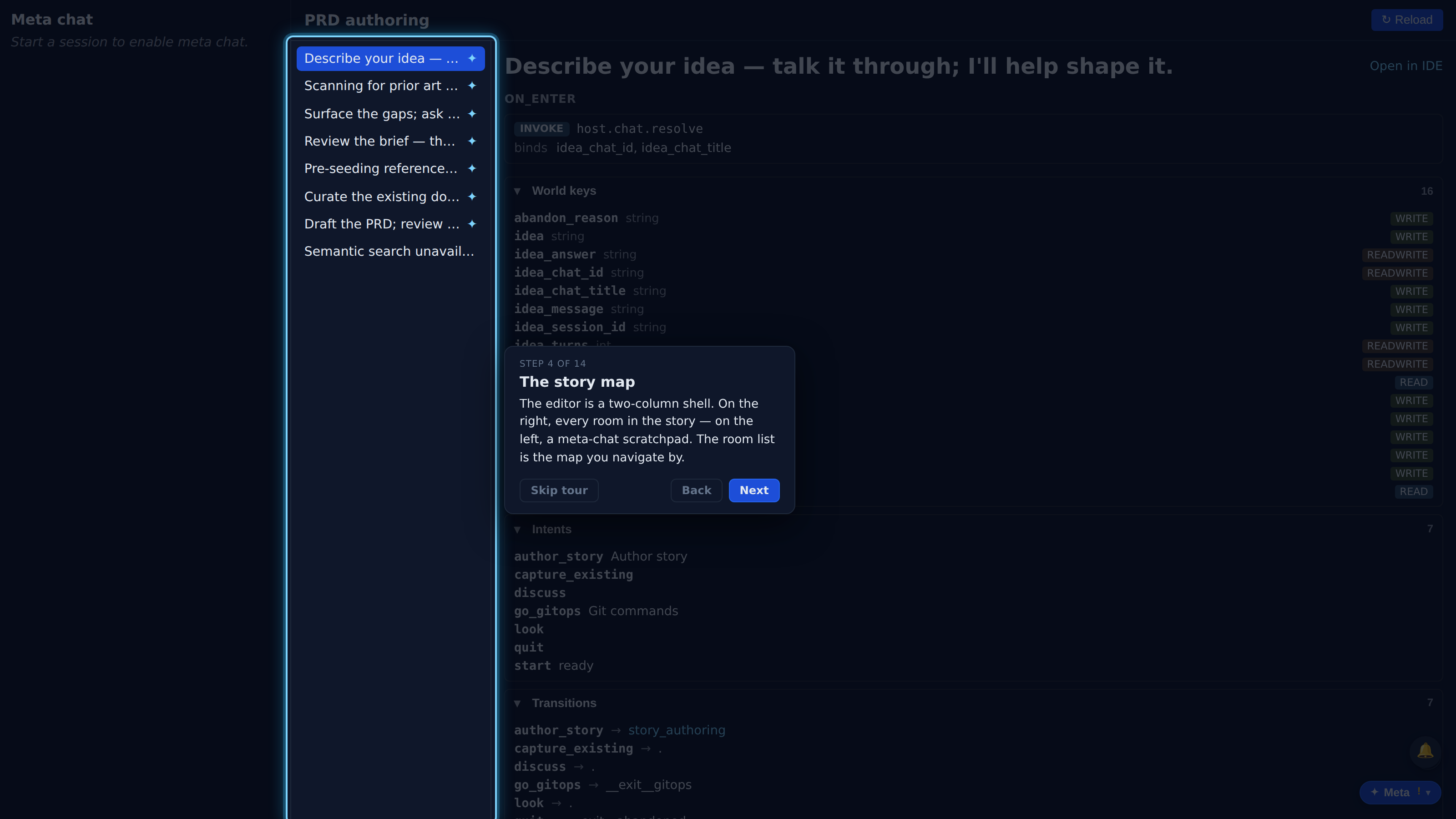
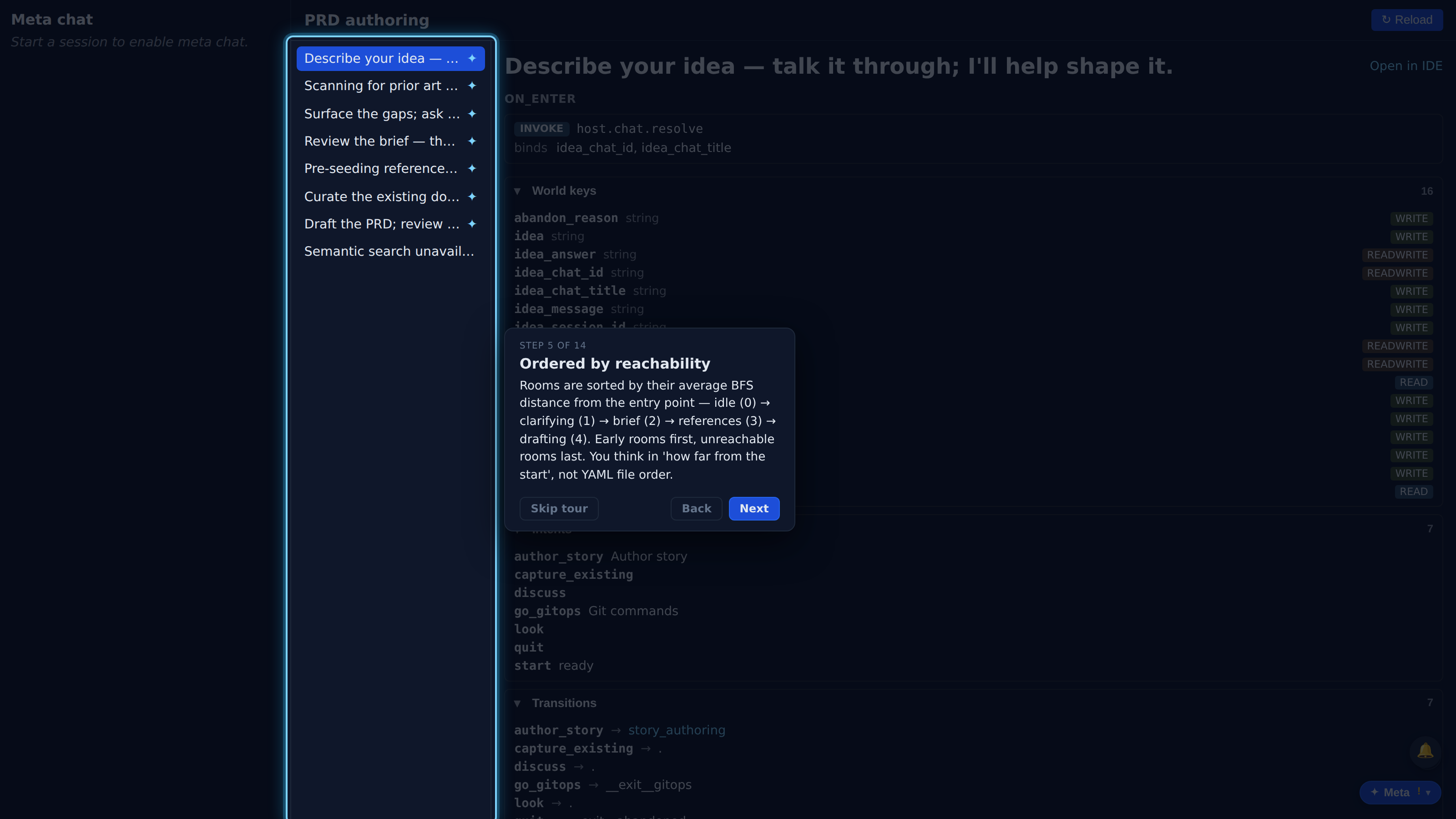
Rooms are sorted by their average BFS distance from the entry point — idle (0) → clarifying (1) → brief (2) → references (3) → drafting (4). Early rooms first, unreachable rooms last. You think in 'how far from the start', not YAML file order.
Full recorded walkthrough (14 steps)
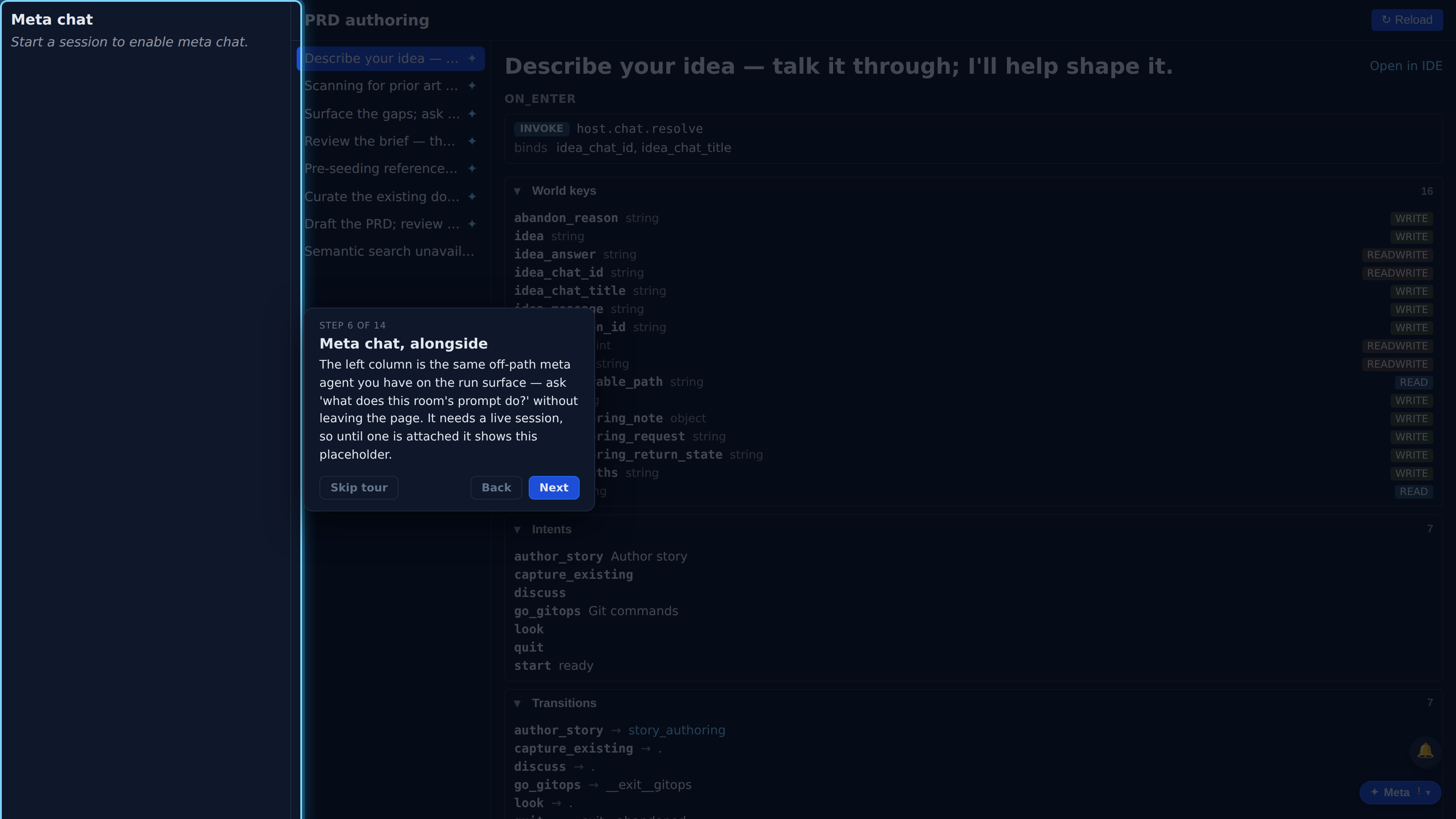
The left column is the same off-path meta agent you have on the run surface — ask 'what does this room's prompt do?' without leaving the page. It needs a live session, so until one is attached it shows this placeholder.
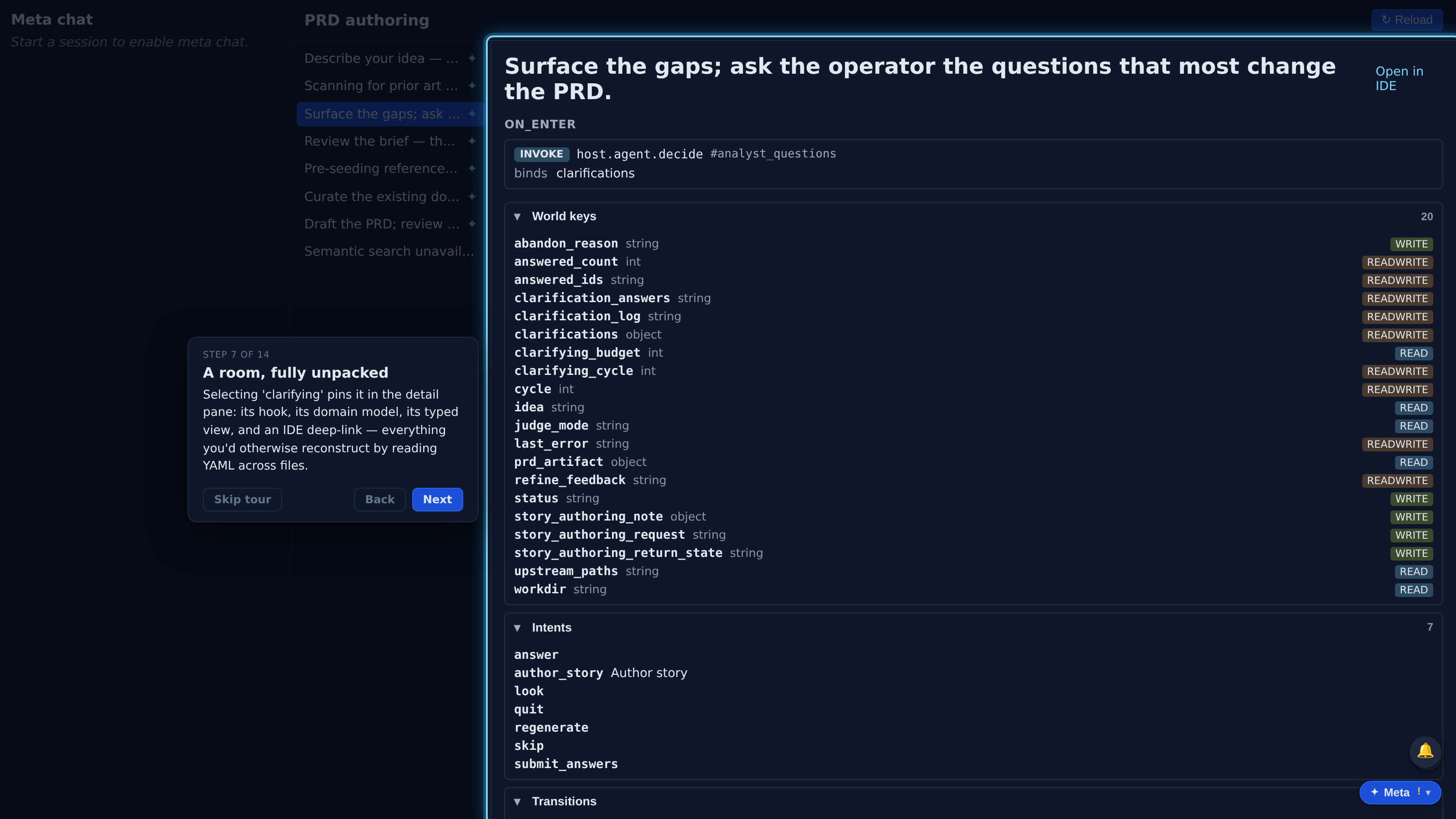
Selecting 'clarifying' pins it in the detail pane: its hook, its domain model, its typed view, and an IDE deep-link — everything you'd otherwise reconstruct by reading YAML across files.
The header carries a vscode://file deep-link to the exact line of the room's source. Editing stays in your IDE — the editor reads and links, it doesn't write YAML.
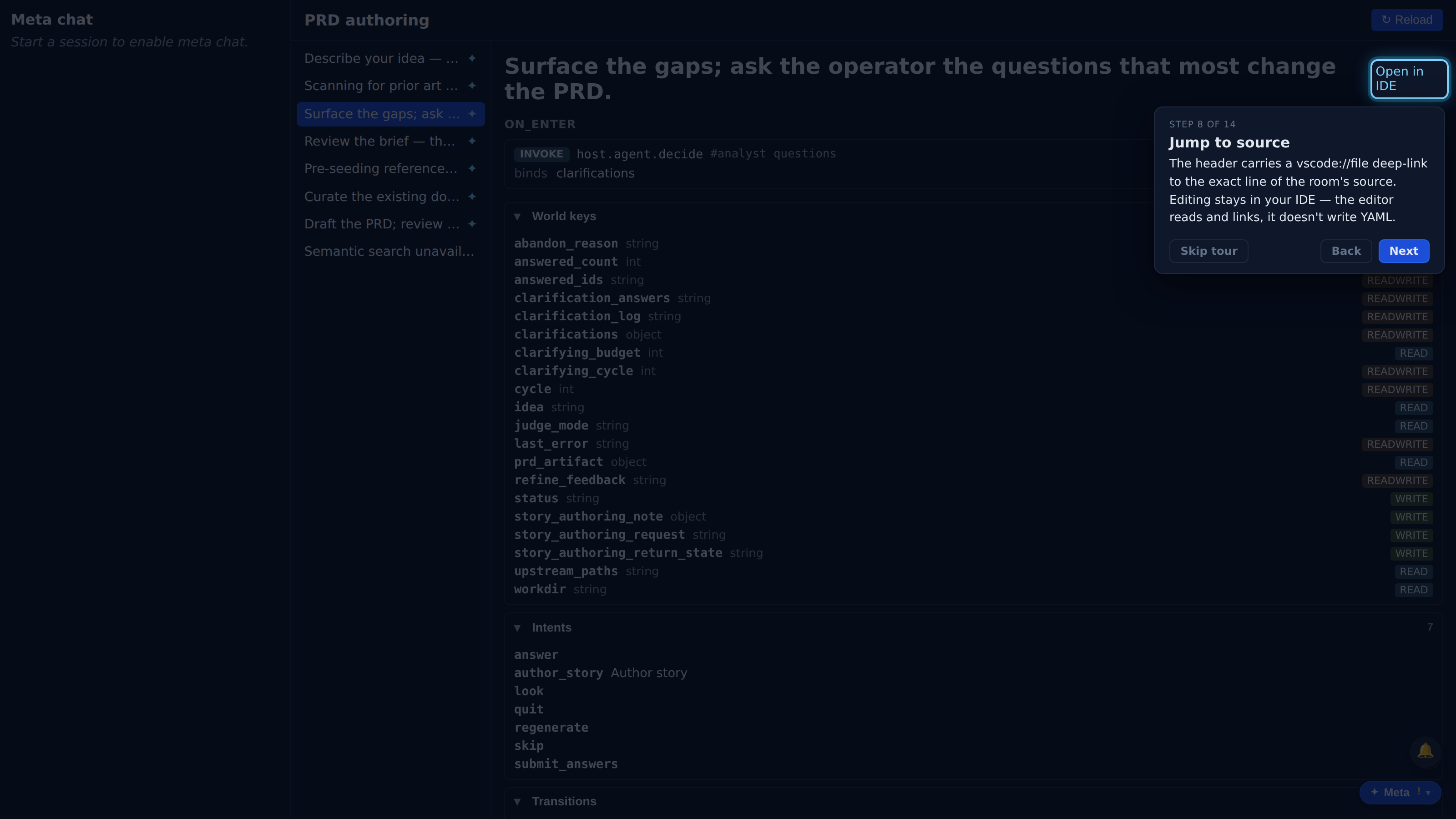
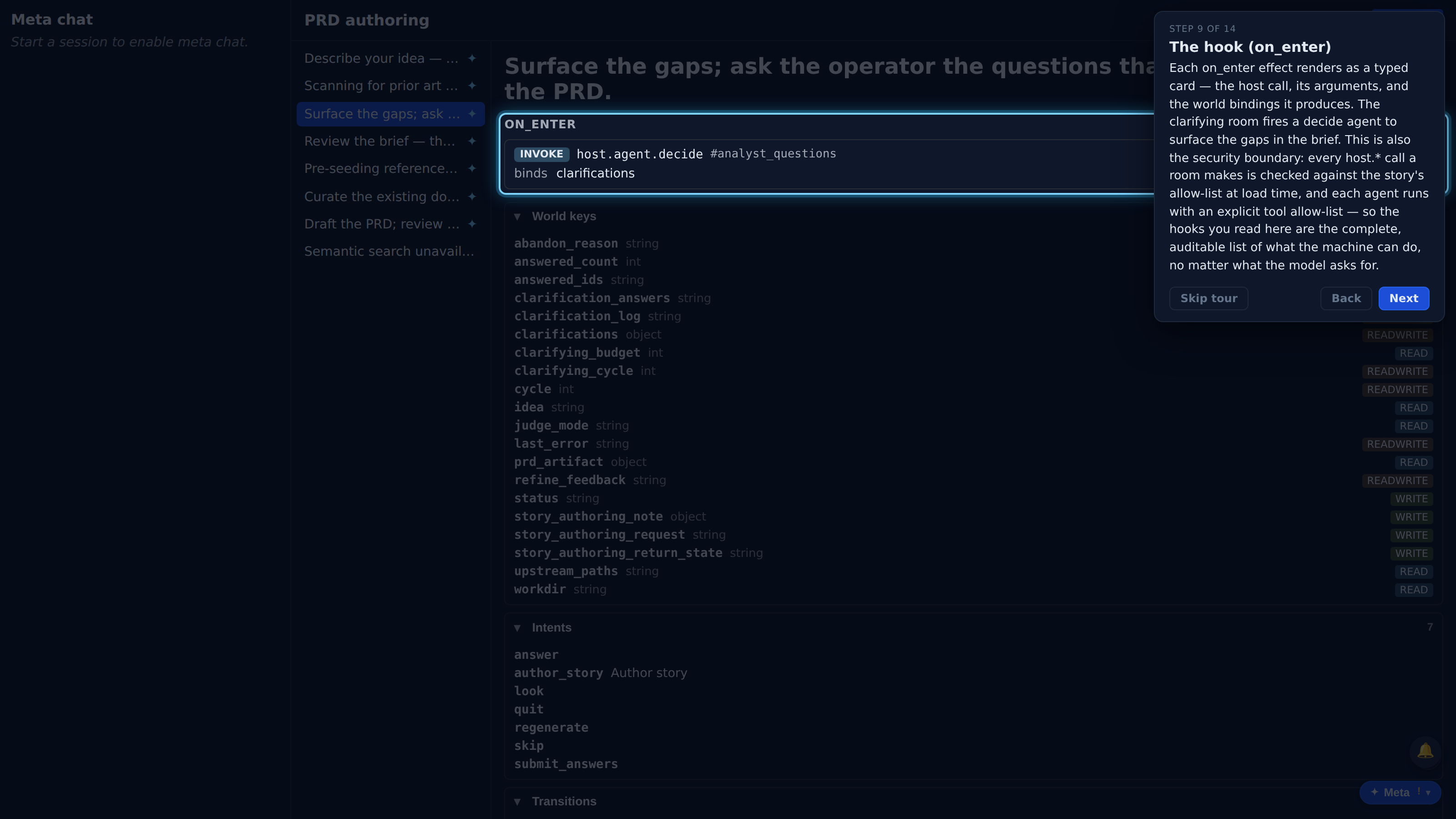
Each on_enter effect renders as a typed card — the host call, its arguments, and the world bindings it produces. The clarifying room fires a decide agent to surface the gaps in the brief. This is also the security boundary: every host.* call a room makes is checked against the story's allow-list at load time, and each agent runs with an explicit tool allow-list — so the hooks you read here are the complete, auditable list of what the machine can do, no matter what the model asks for.
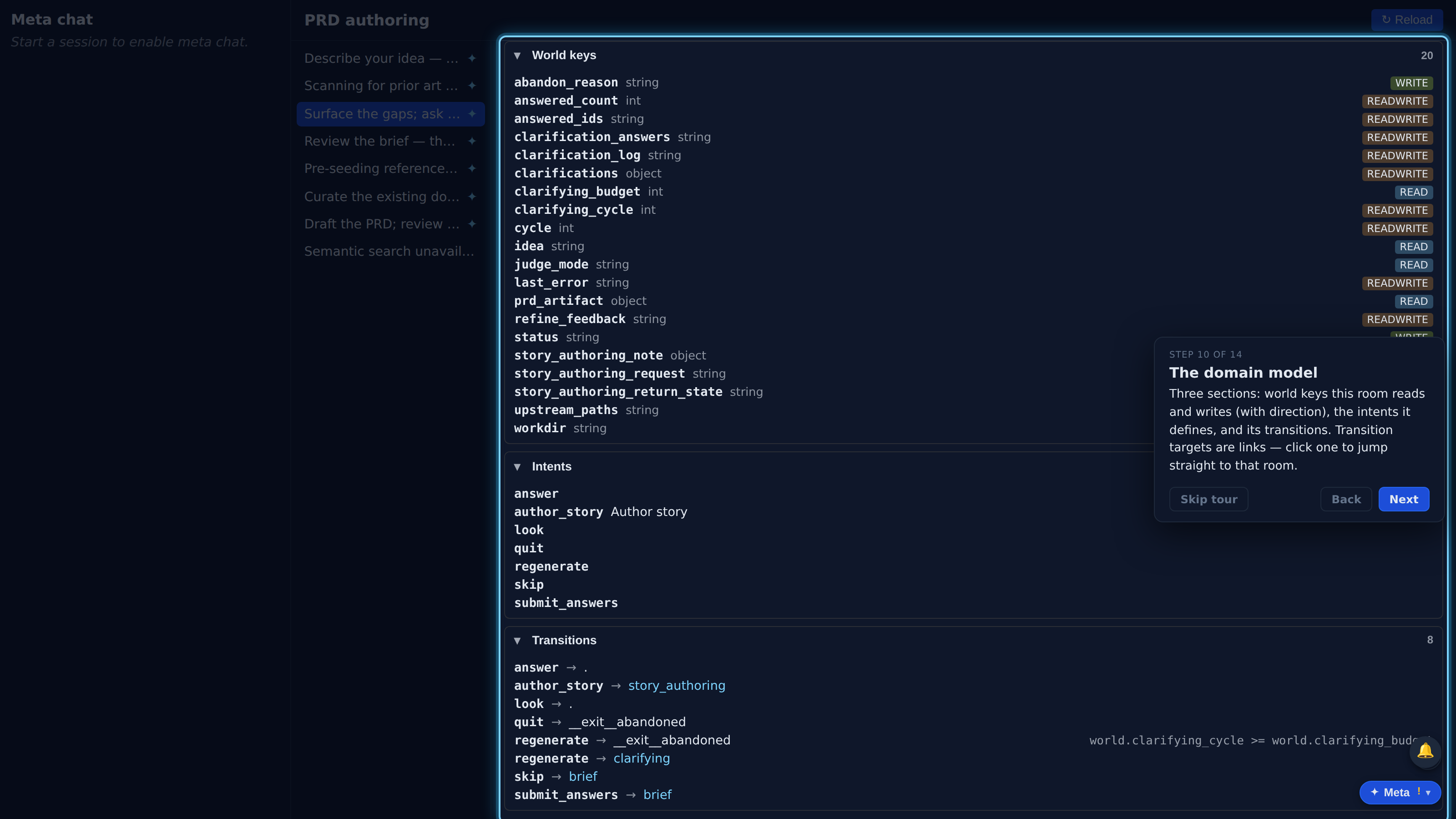
Three sections: world keys this room reads and writes (with direction), the intents it defines, and its transitions. Transition targets are links — click one to jump straight to that room.
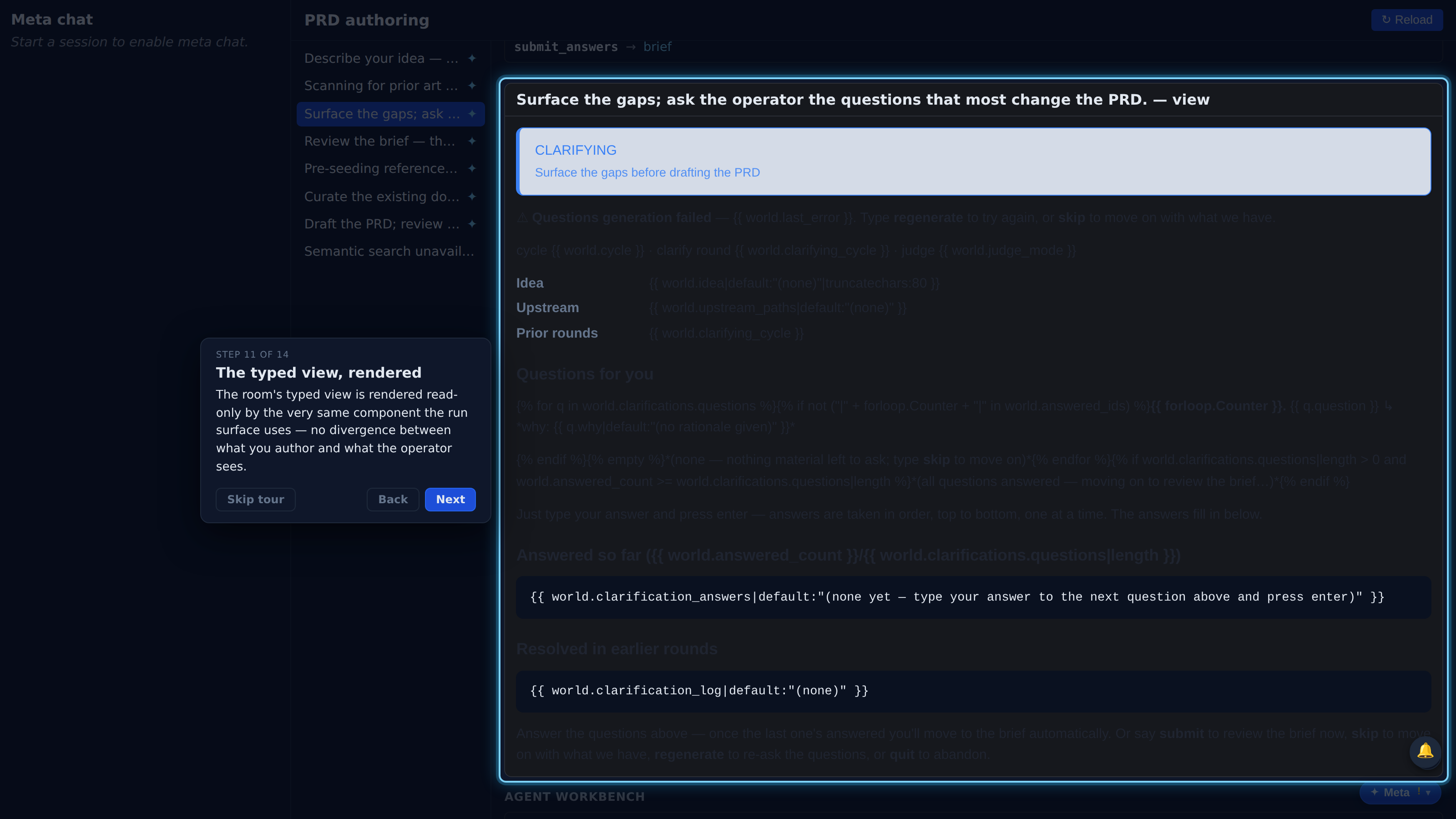
The room's typed view is rendered read-only by the very same component the run surface uses — no divergence between what you author and what the operator sees.
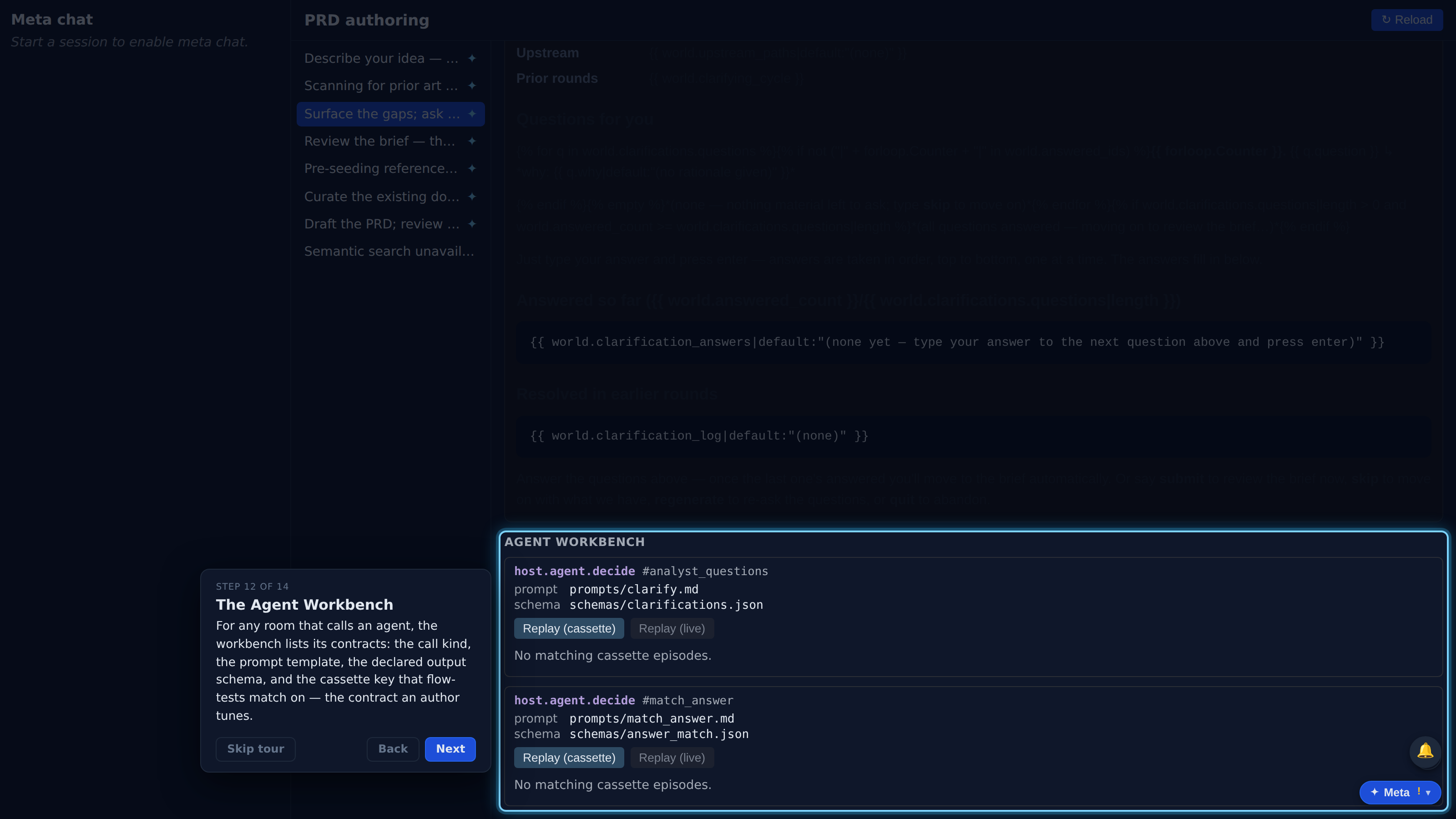
For any room that calls an agent, the workbench lists its contracts: the call kind, the prompt template, the declared output schema, and the cassette key that flow-tests match on — the contract an author tunes.
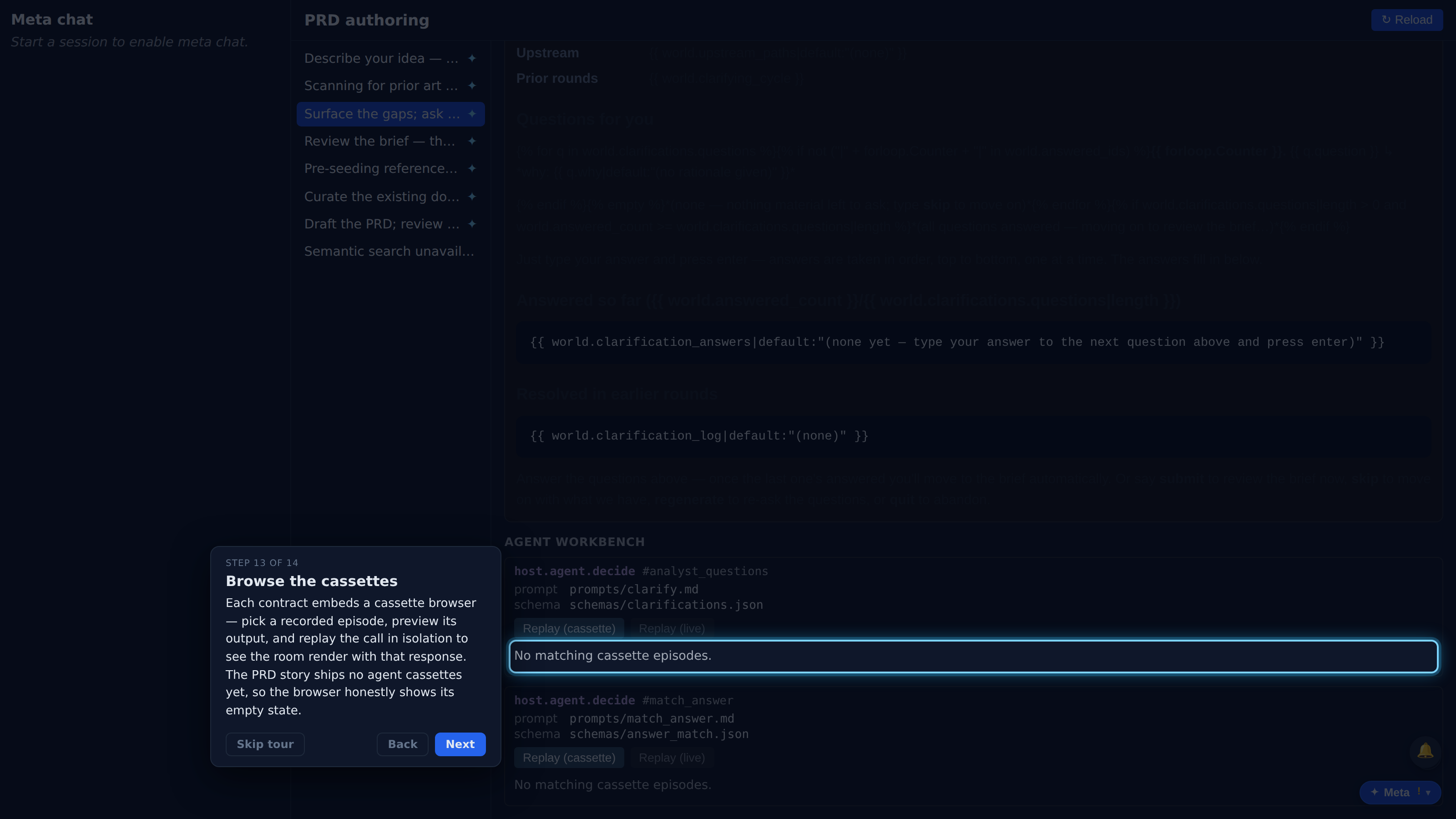
Each contract embeds a cassette browser — pick a recorded episode, preview its output, and replay the call in isolation to see the room render with that response. The PRD story ships no agent cassettes yet, so the browser honestly shows its empty state.
That's the Story Editor: a reachability-ordered room map, per-room hook / domain-model / typed-view detail, IDE deep-links, a meta-chat scratchpad, and an agent workbench with a cassette browser — all a static, no-LLM read of the story as authored. Hit '?' anytime to replay this tour.