Video review and feedback
Chaptered playback with frame-anchored feedback flags.
The /review surface for produced videos: a chapter timeline synced to playback, a flag list for frame-anchored feedback, and a detail pane per flag — the feedback half of the produce → review → refine loop.
Which product behavior does this surface prove?
The first few beats show the capability in the real Kitsoki UI.
The page is generated from the same catalog and deterministic fixtures used by QA.
Key beats
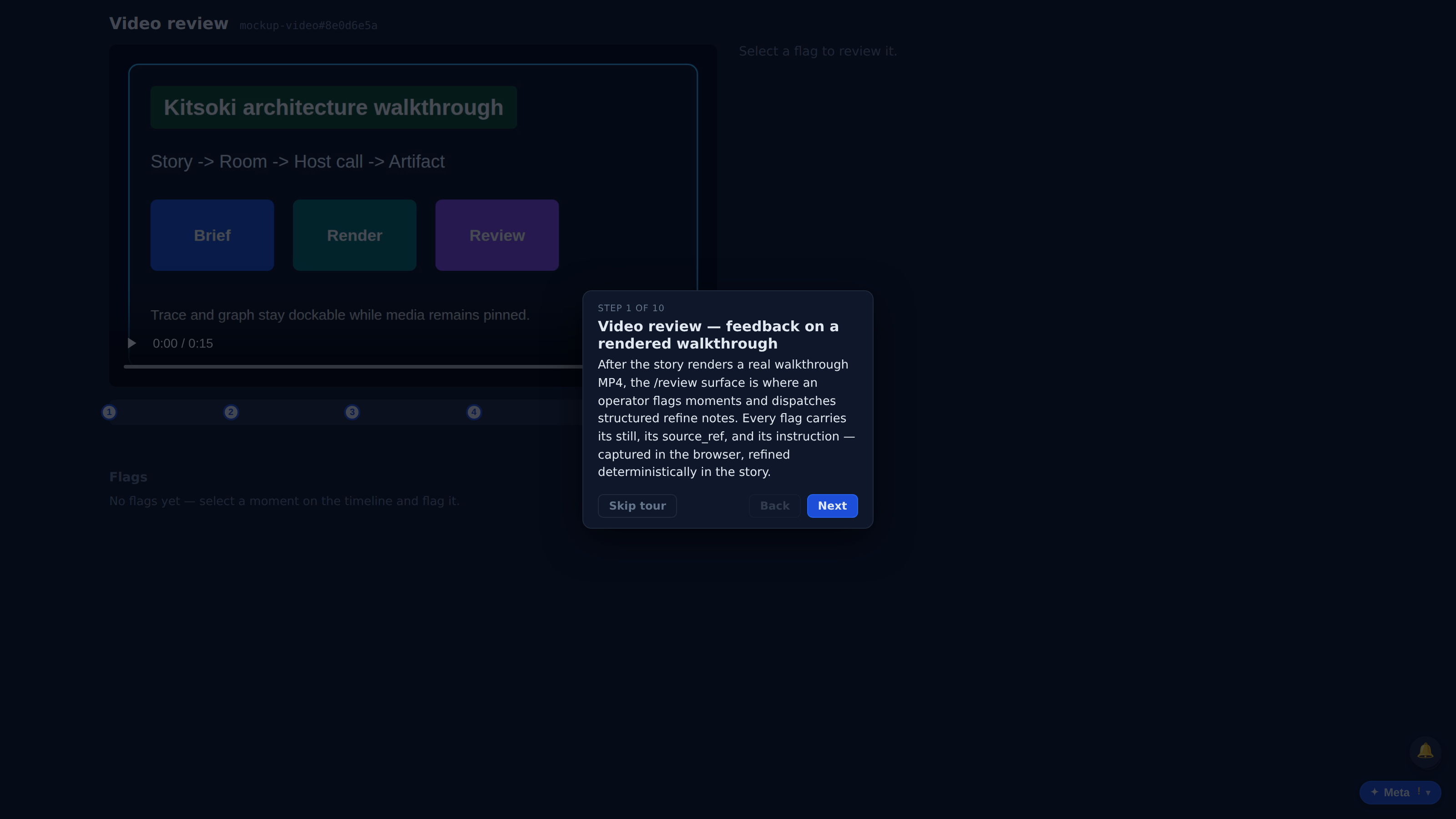
After the story renders a real walkthrough MP4, the /review surface is where an operator flags moments and dispatches structured refine notes. Every flag carries its still, its source_ref, and its instruction — captured in the browser, refined deterministically in the story.
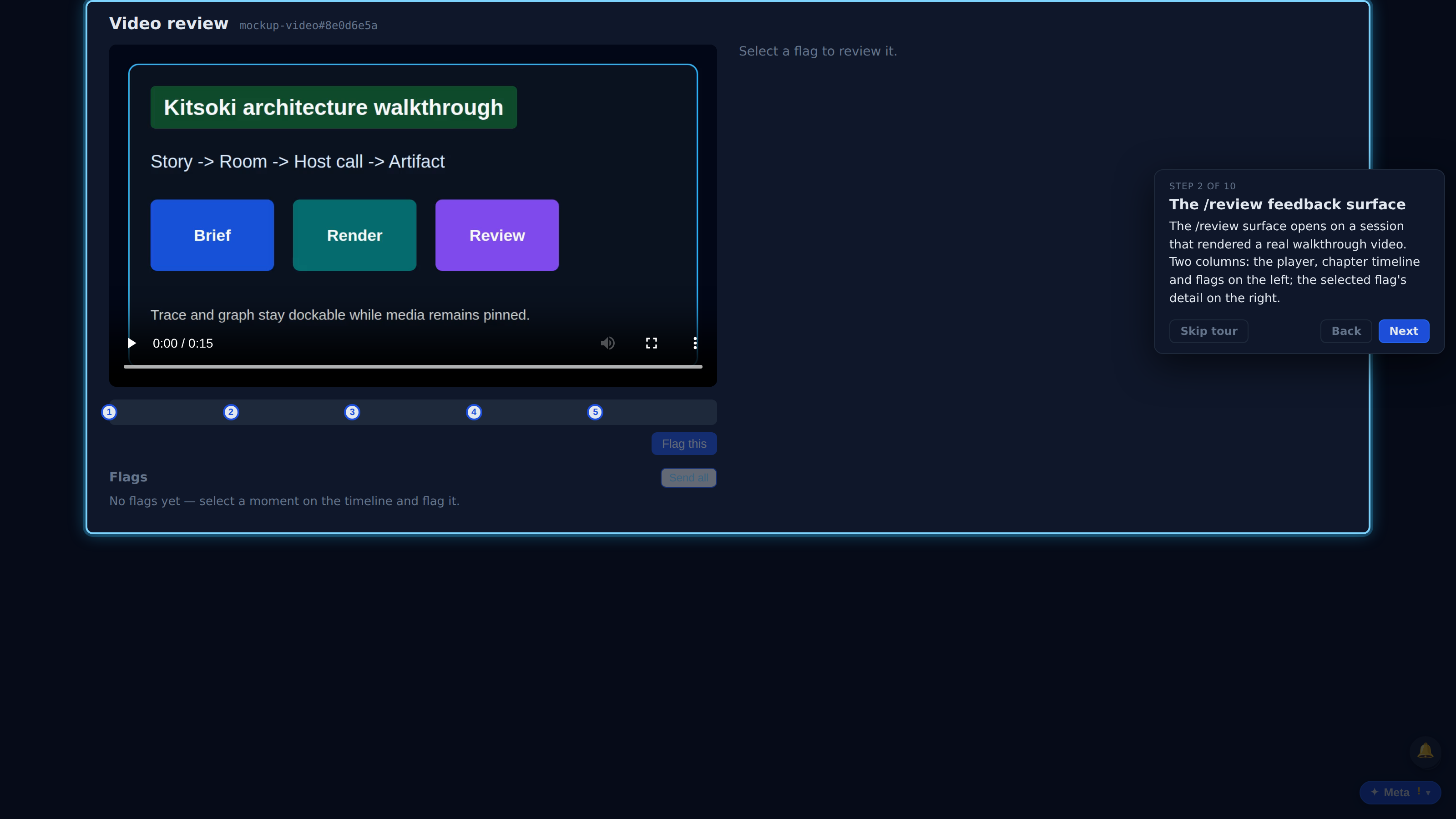
The /review surface opens on a session that rendered a real walkthrough video. Two columns: the player, chapter timeline and flags on the left; the selected flag's detail on the right.
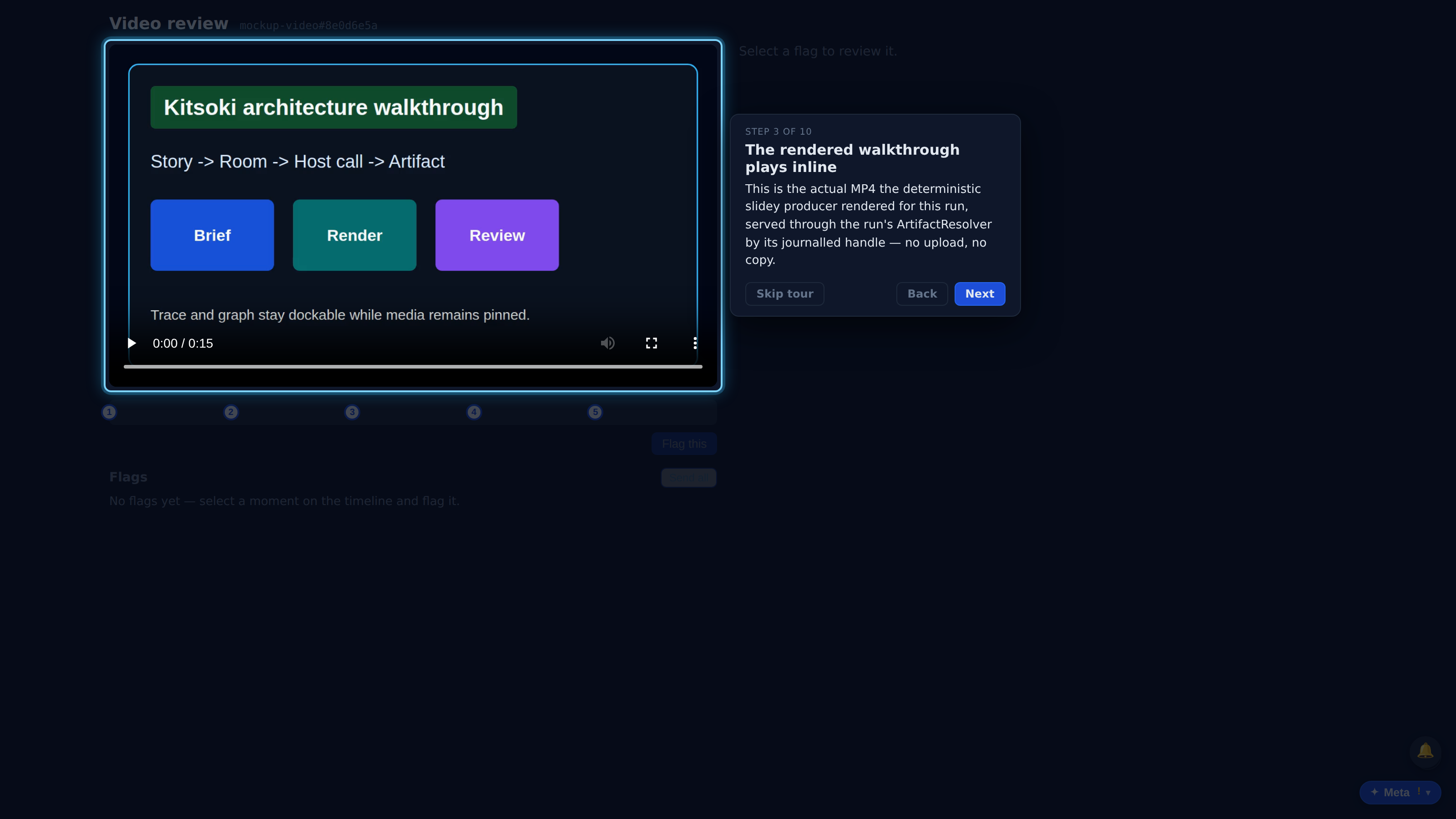
This is the actual MP4 the deterministic slidey producer rendered for this run, served through the run's ArtifactResolver by its journalled handle — no upload, no copy.
Each marker is one scene from the chapter sidecar the render emitted (source_ref kind=slidey). Click or drag the track to pick a moment; the selection is what you flag.
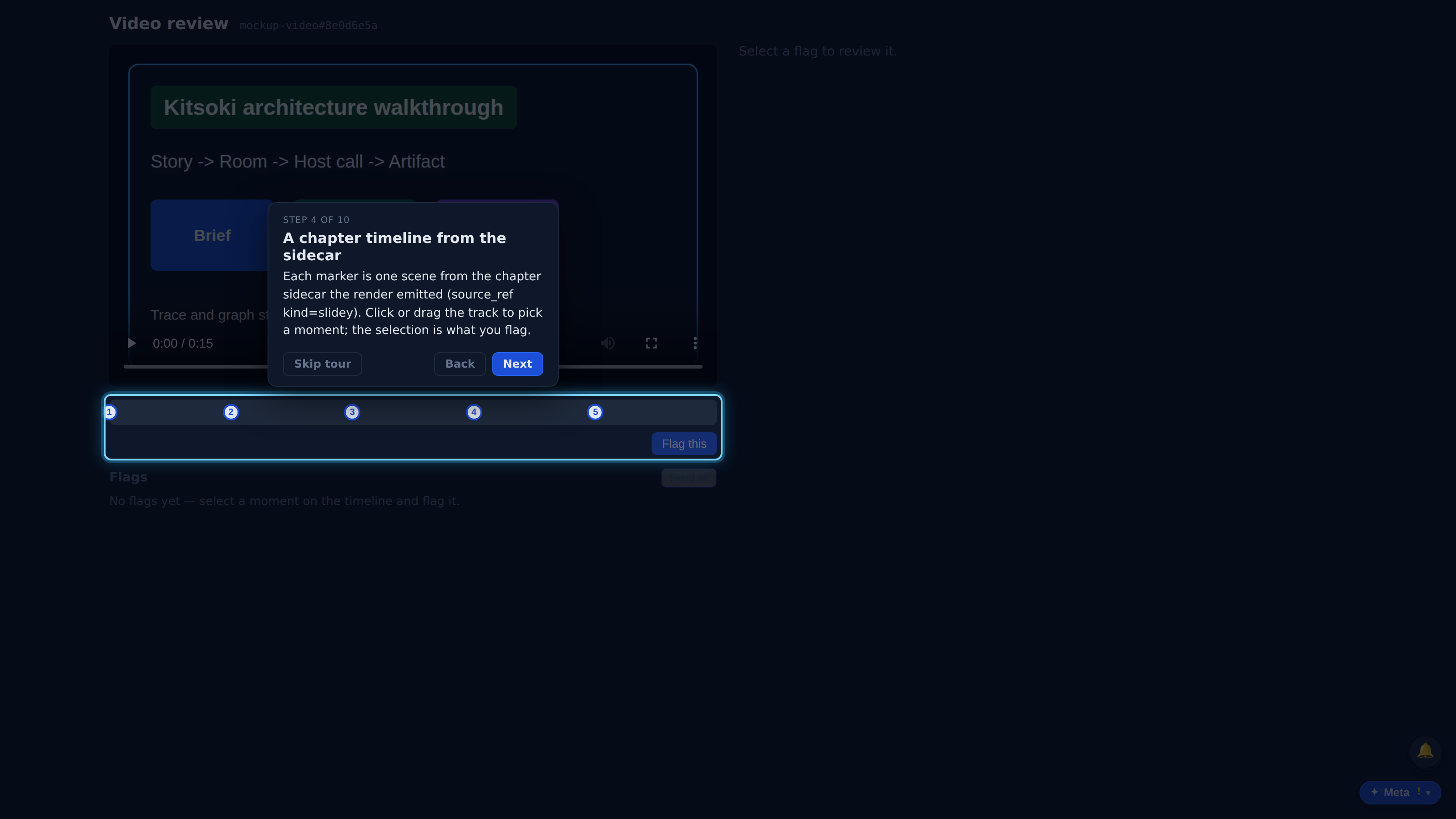
Flagging the selected moment grabs a still at that timestamp — a REAL single-frame ffmpeg extraction (internal/video.Frame), recorded back through the run's substrate as its own artifact handle.
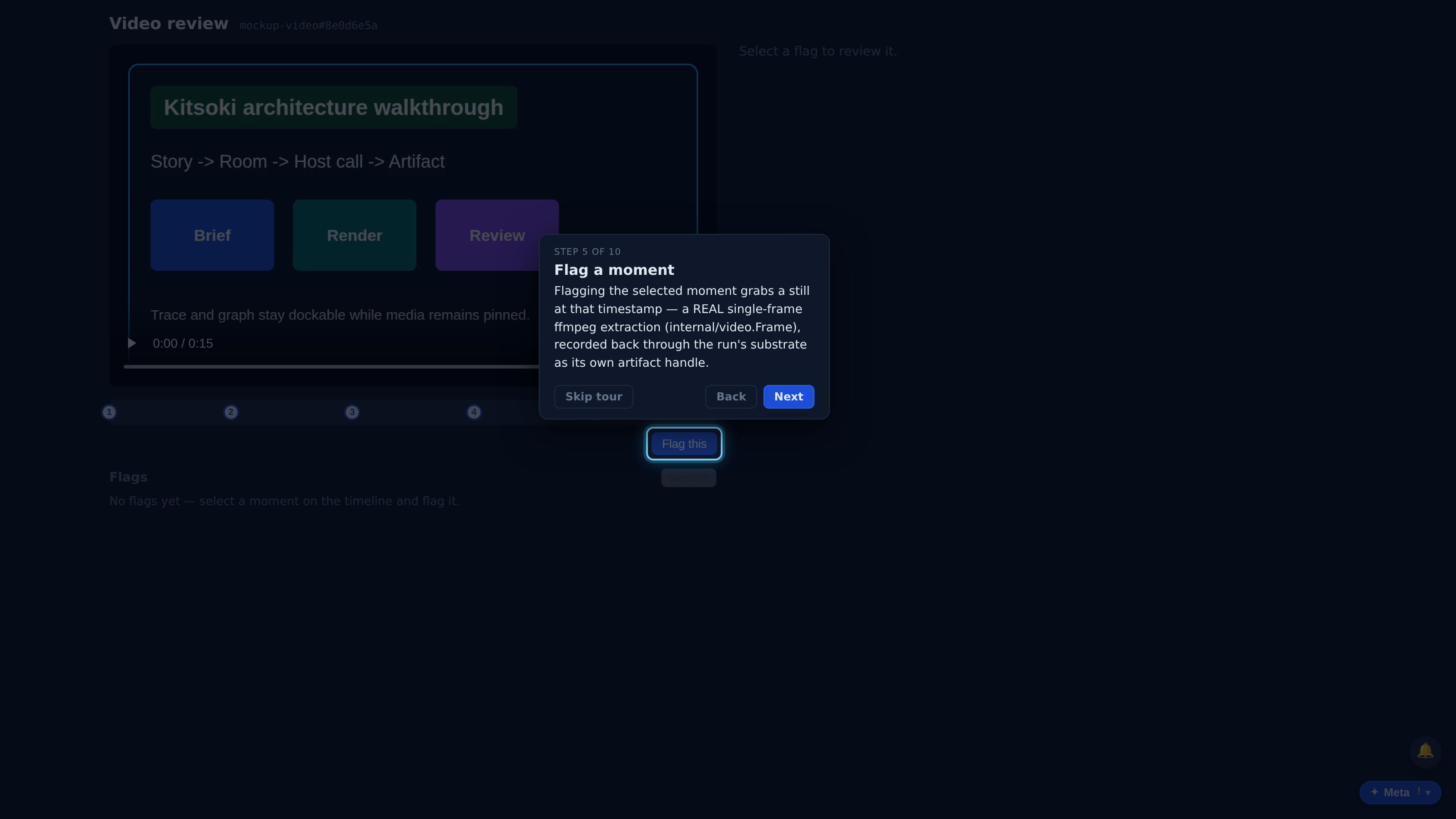
Full recorded walkthrough (10 steps)
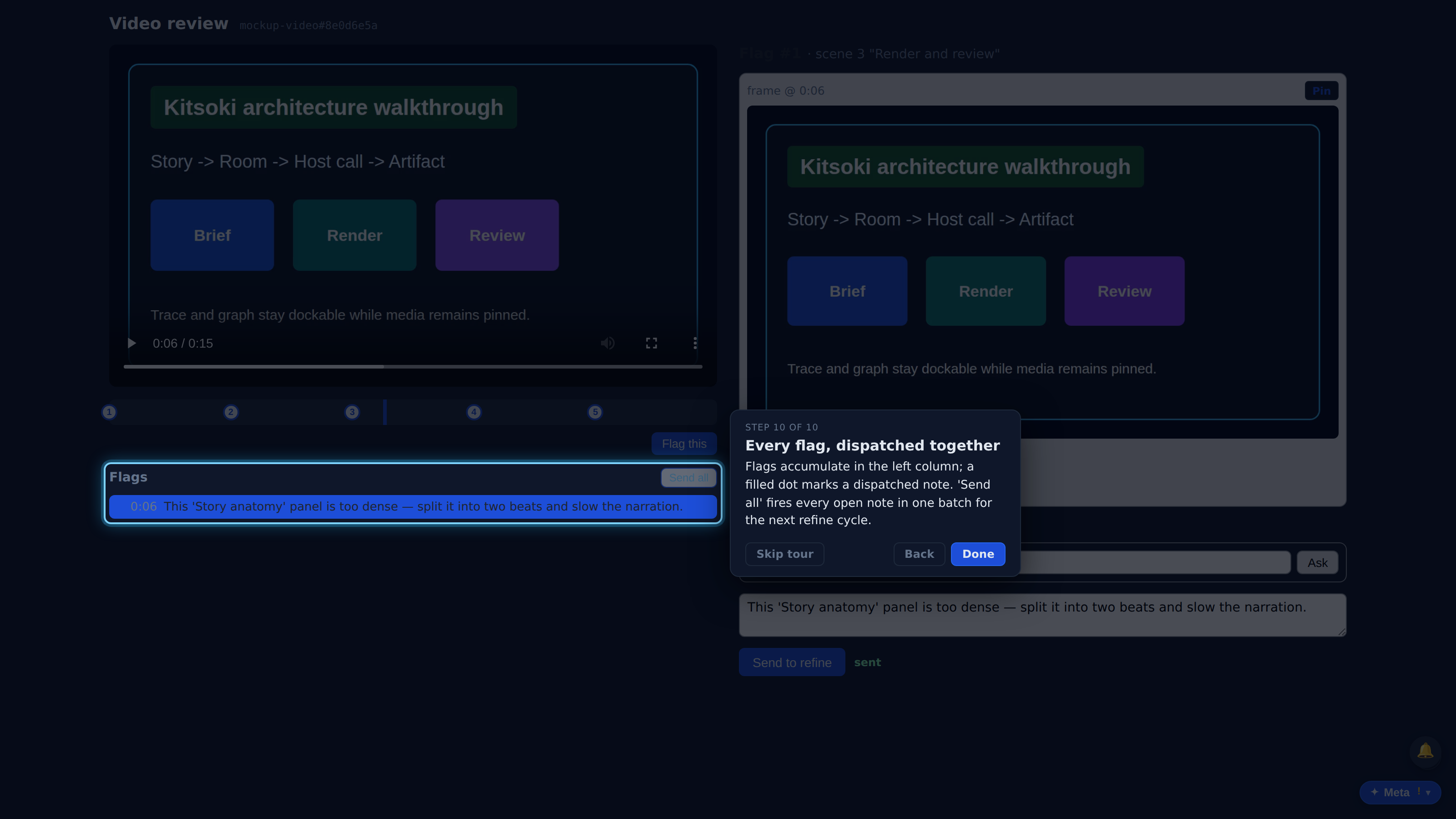
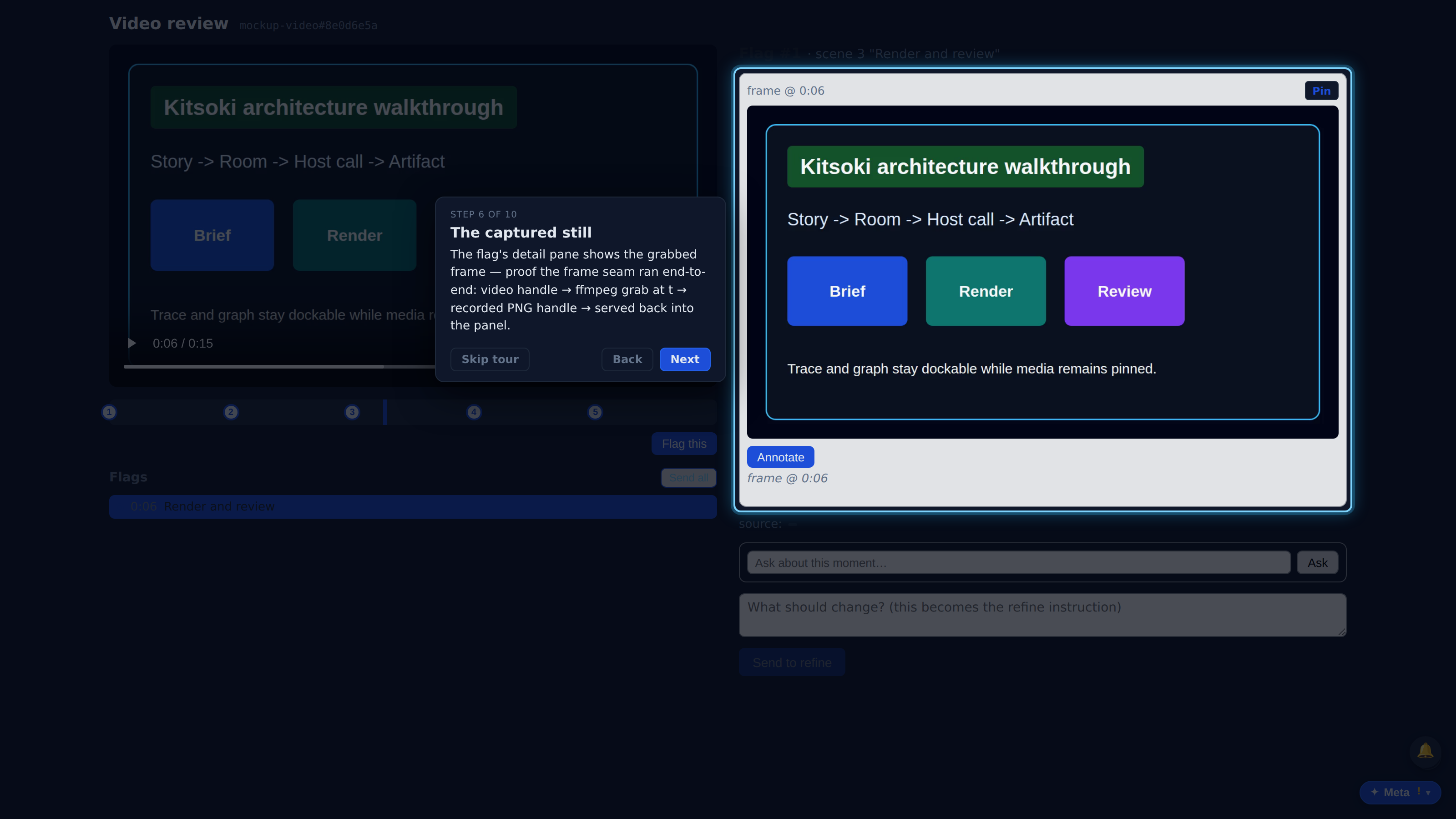
The flag's detail pane shows the grabbed frame — proof the frame seam ran end-to-end: video handle → ffmpeg grab at t → recorded PNG handle → served back into the panel.
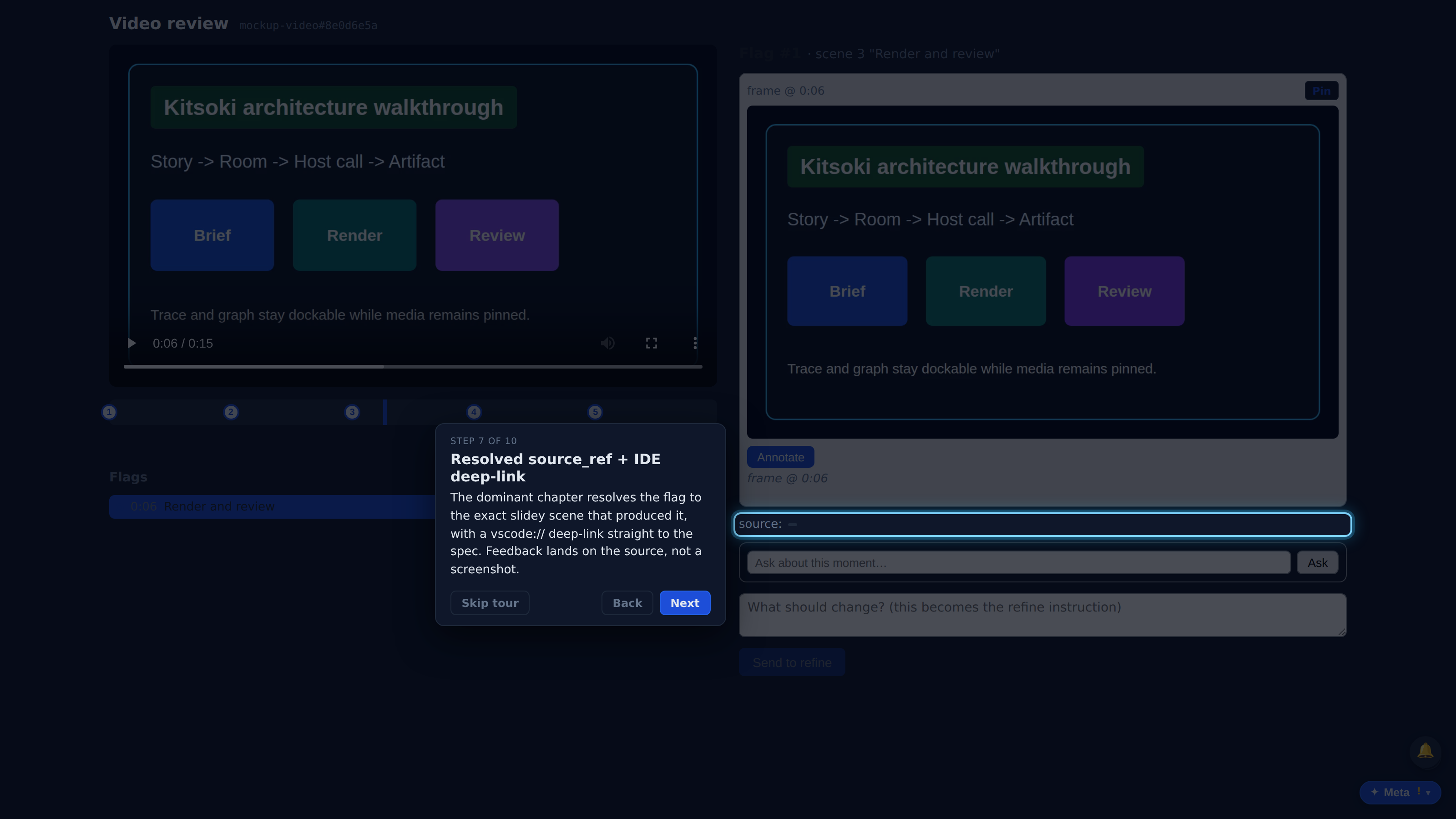
The dominant chapter resolves the flag to the exact slidey scene that produced it, with a vscode:// deep-link straight to the spec. Feedback lands on the source, not a screenshot.
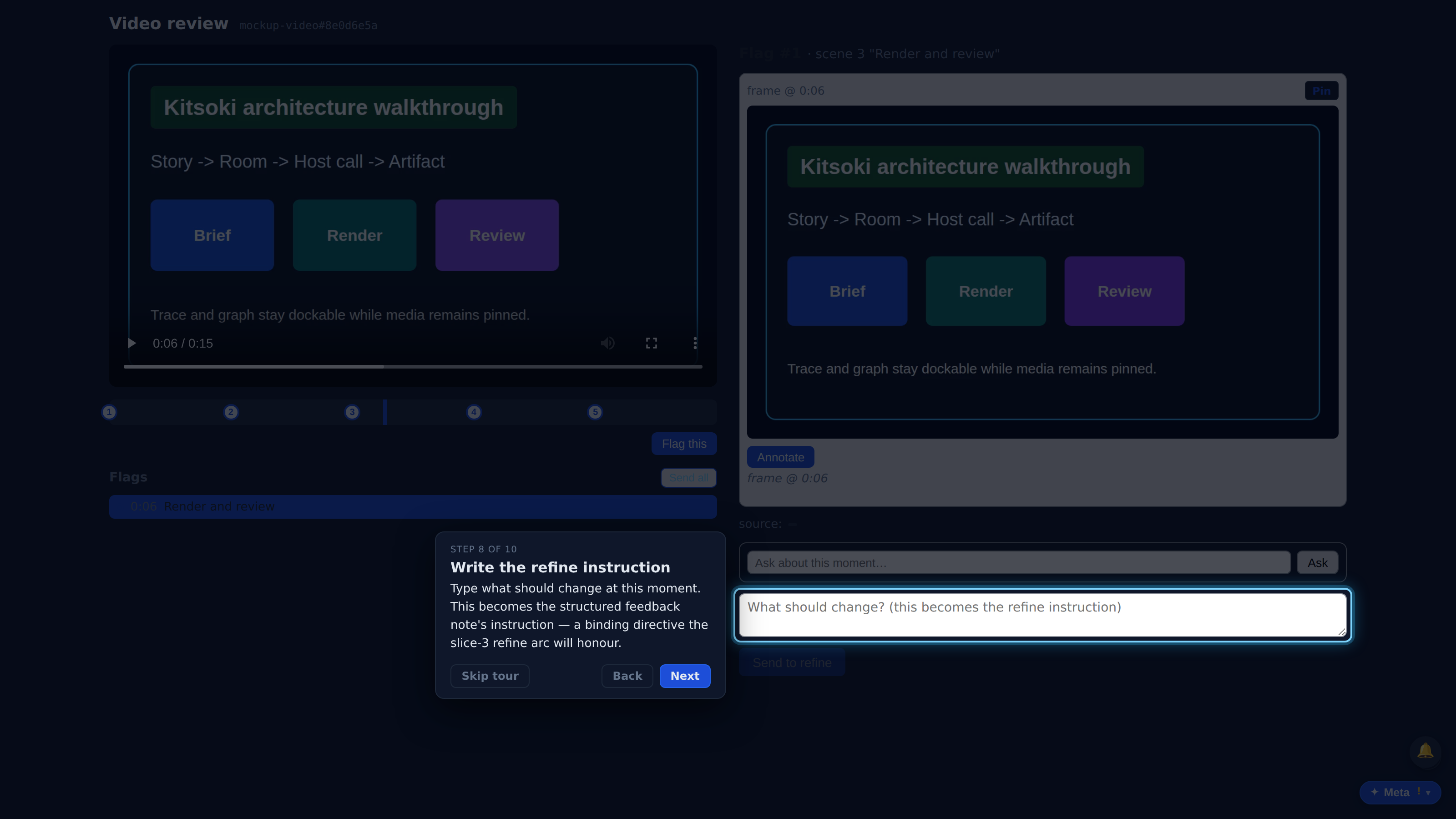
Type what should change at this moment. This becomes the structured feedback note's instruction — a binding directive the slice-3 refine arc will honour.
Dispatch the note via runstatus.feedback.add: it carries the source_ref, the time range, the captured frame handle, and the instruction. The panel captures and dispatches — it never edits a spec itself.
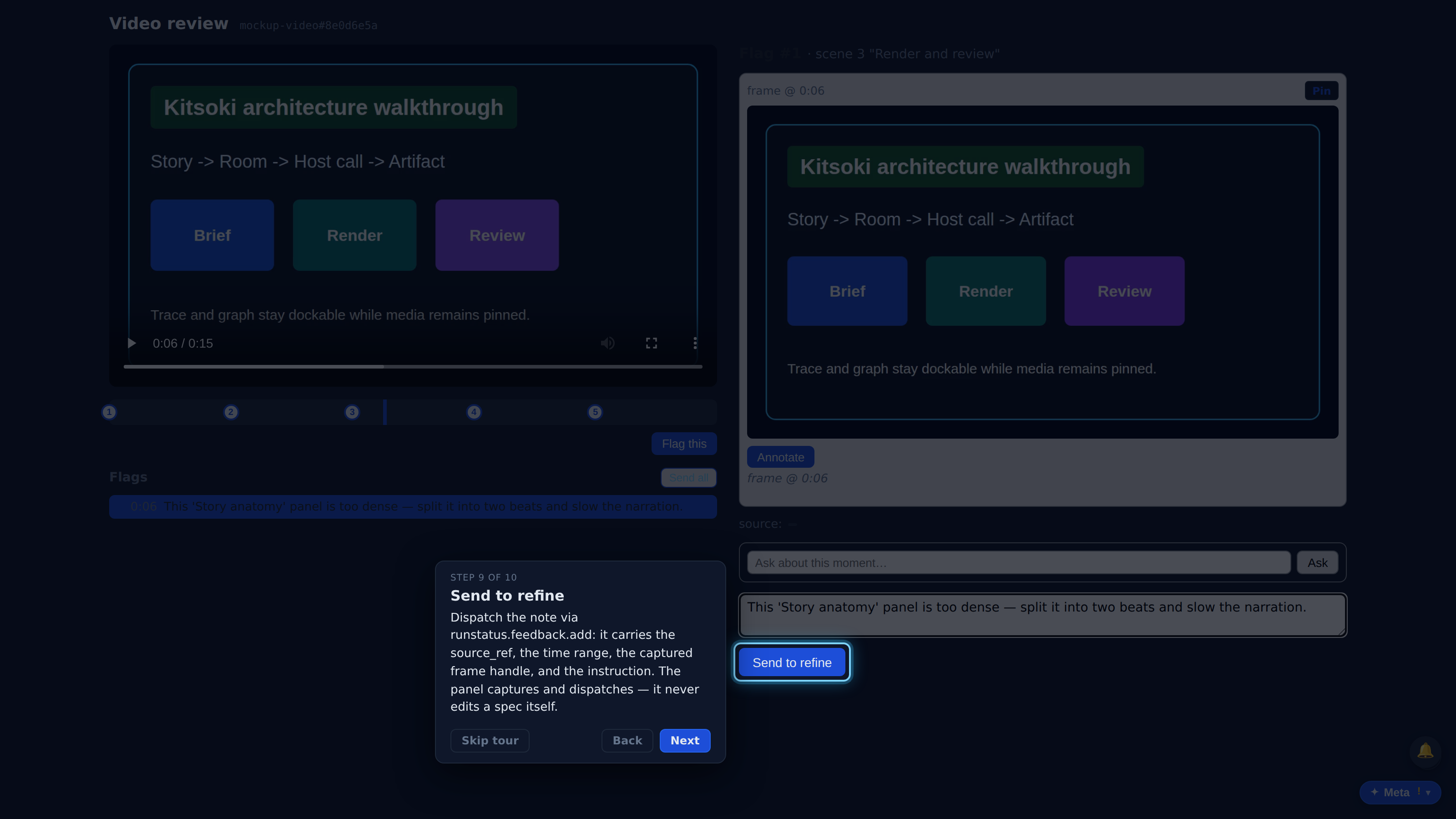
Flags accumulate in the left column; a filled dot marks a dispatched note. 'Send all' fires every open note in one batch for the next refine cycle.