Session Media Workbench
Pin the artifact, keep the conversation, move the devtools.
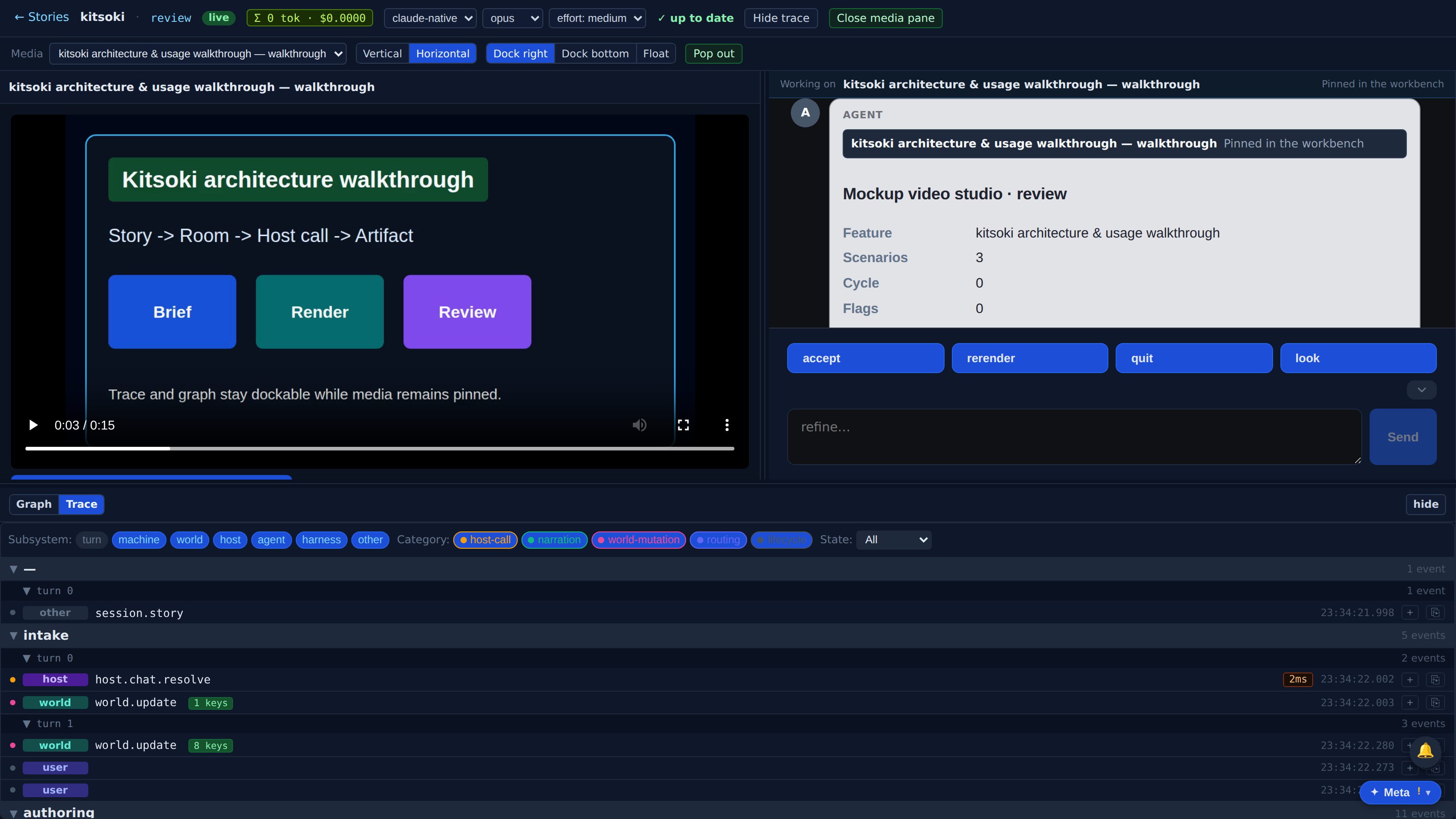
A browser session can now pin a produced markdown/html/slidey/video artifact into a stable resizable media pane while the chat remains beside it and trace/graph devtools can dock right, dock bottom, float, or pop out.
Which product behavior does this surface prove?
The first few beats show the capability in the real Kitsoki UI.
The page is generated from the same catalog and deterministic fixtures used by QA.
Key beats
The produced media no longer has to live only as another embed inside the transcript. Pin it into the session workbench and it becomes the stable thing this conversation is about.
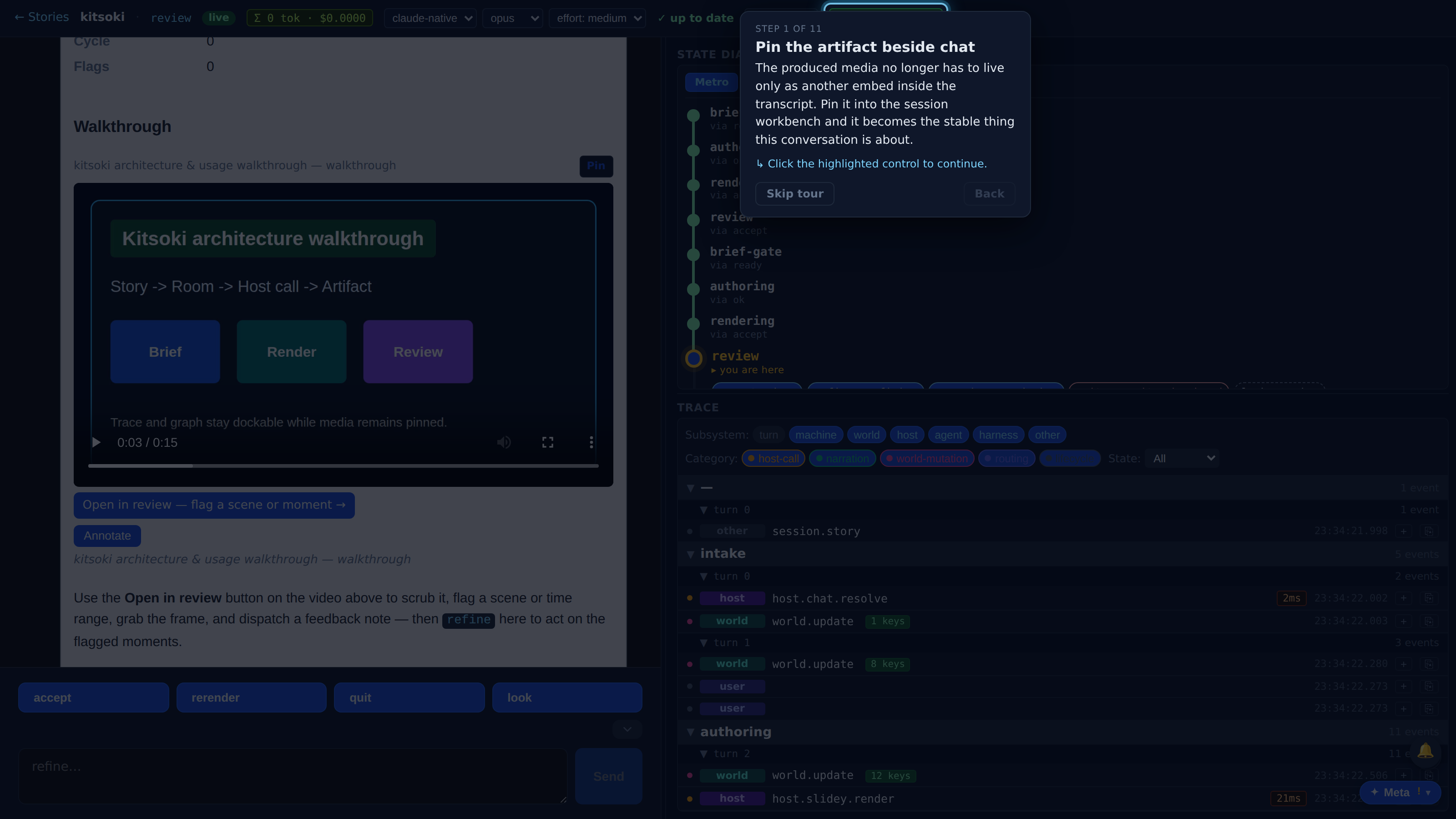
The selected html, slidey, markdown, or video artifact stays mounted here while new turns continue in the chat. The original chat bubble collapses to a receipt so the transcript keeps context without duplicating the embed.
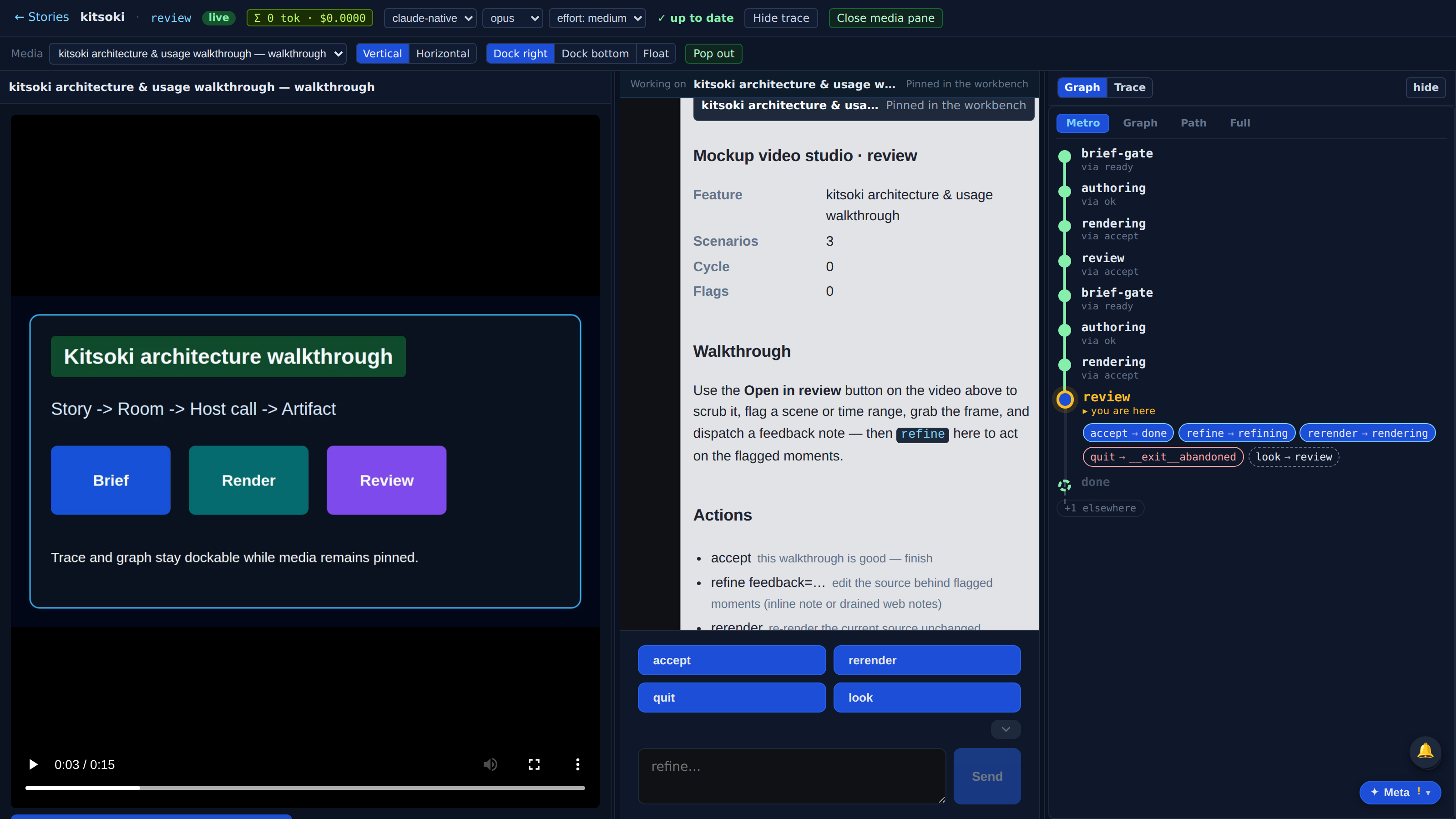
The chat remains a full session participant: typed input, streaming agent activity, routing chips, annotations, and follow-up turns all use the same run store and trace.
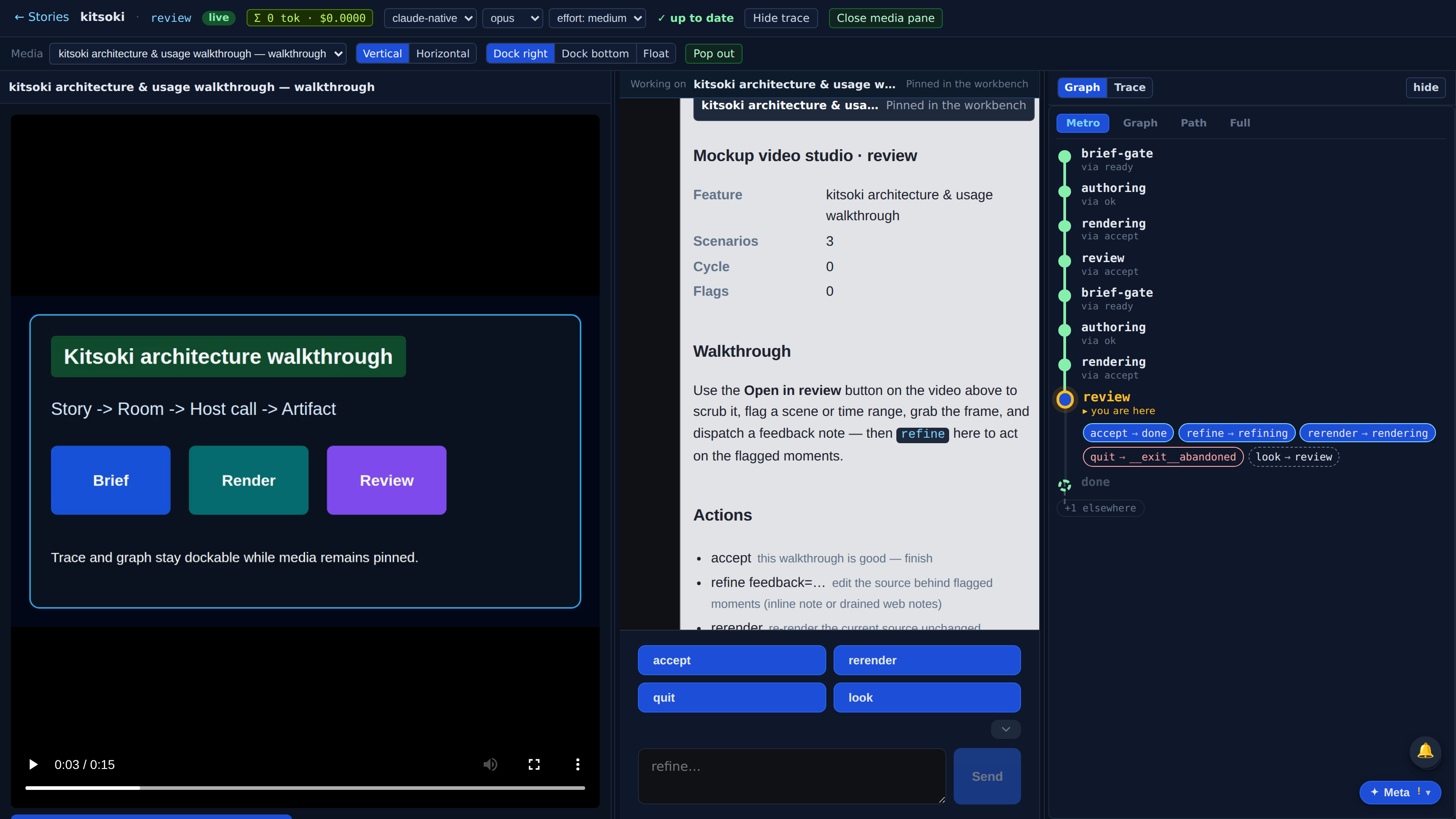
The chat pane keeps the artifact's place in the session with a compact working-on receipt instead of mounting a duplicate media player beside the pinned pane.
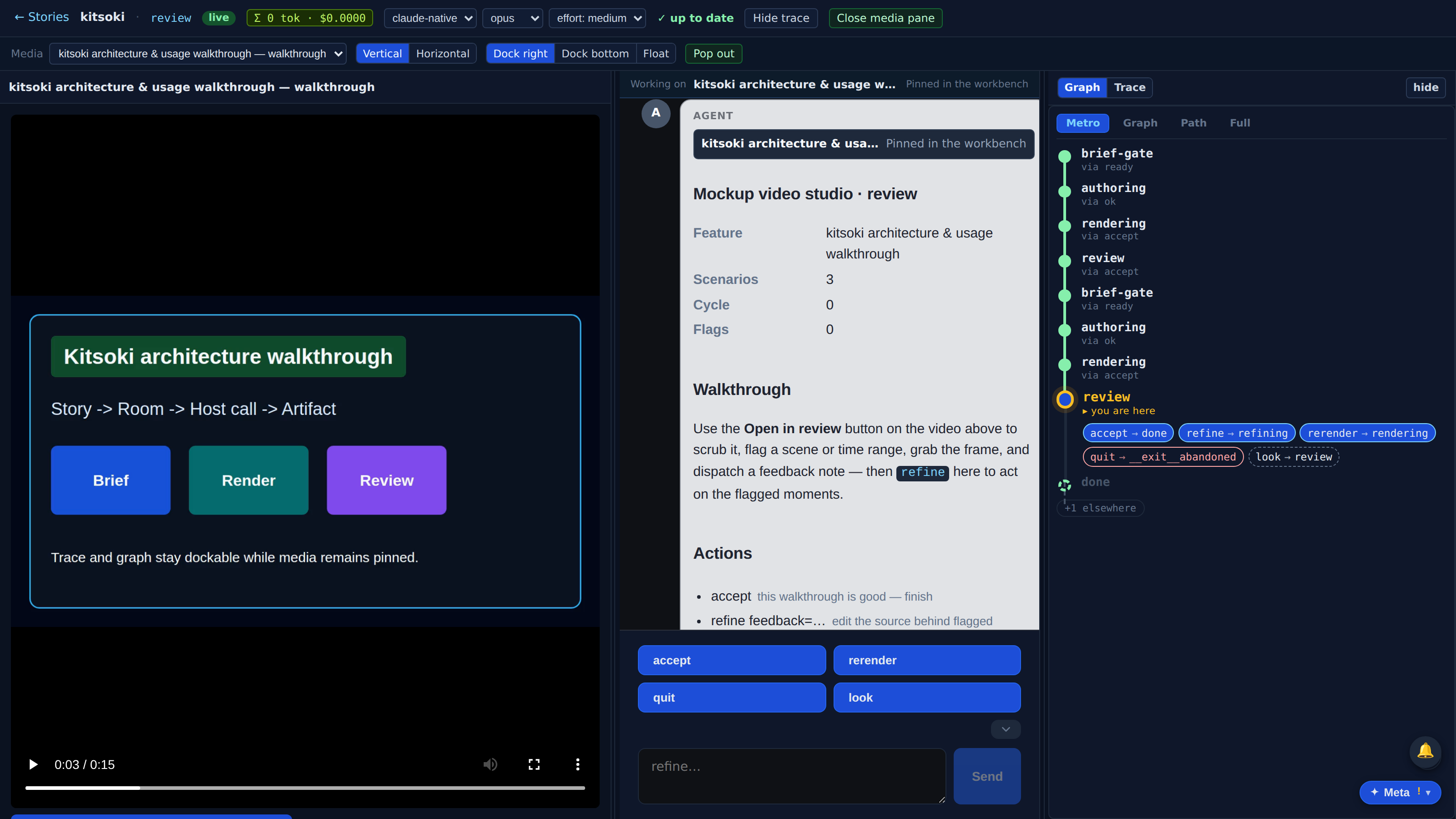
Traceability works like browser devtools. The graph and trace share a dockable pane beside the artifact and chat, so the operator can watch state and events while editing the visible thing.
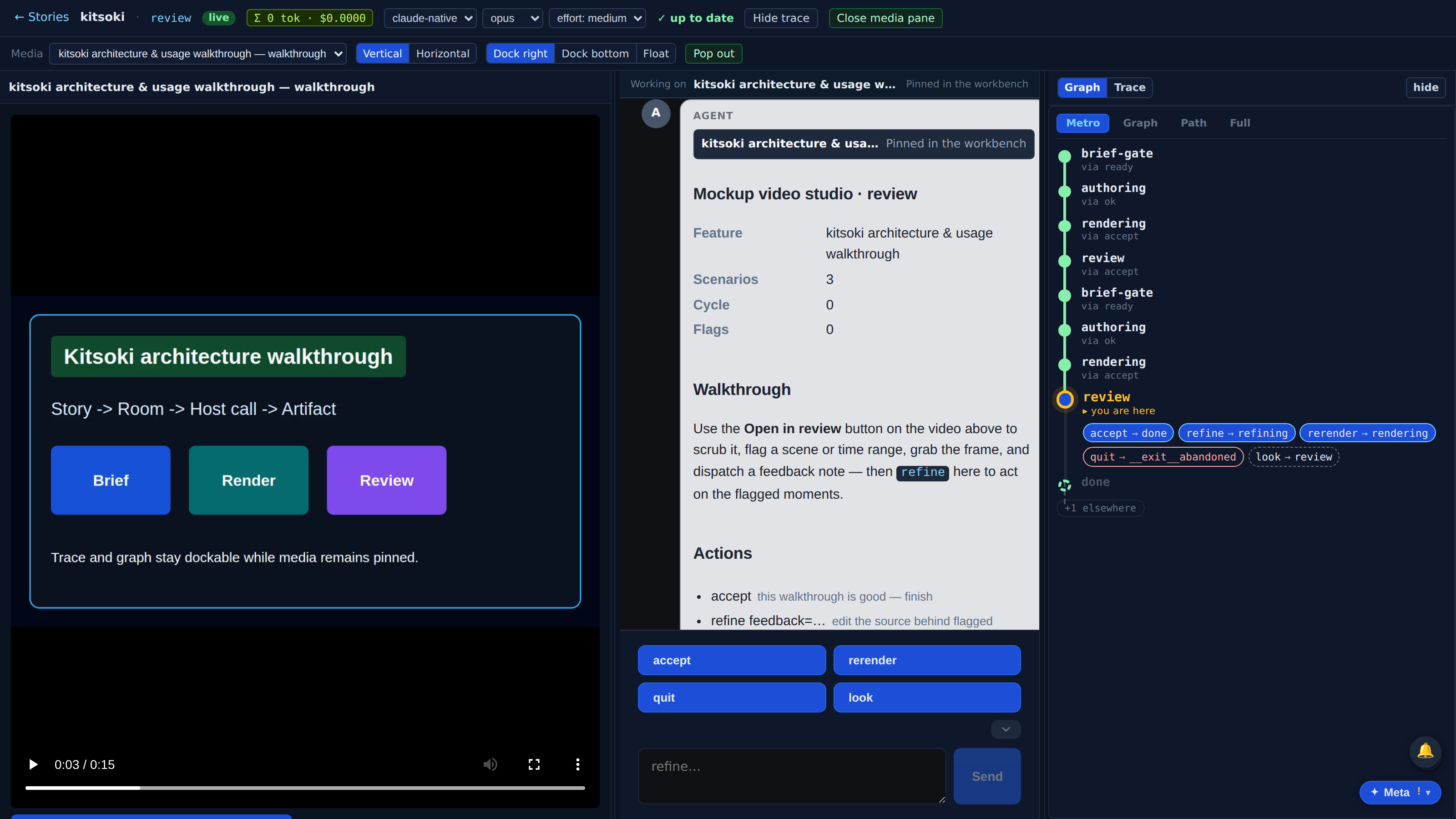
Full recorded walkthrough (11 steps)
Drag the splitter between media and chat when the artifact needs more room. The split is stored with the rest of the workbench layout so the session feels stable after reloads.
Swap the devtools pane from graph to the event trace without changing the media or chat layout.
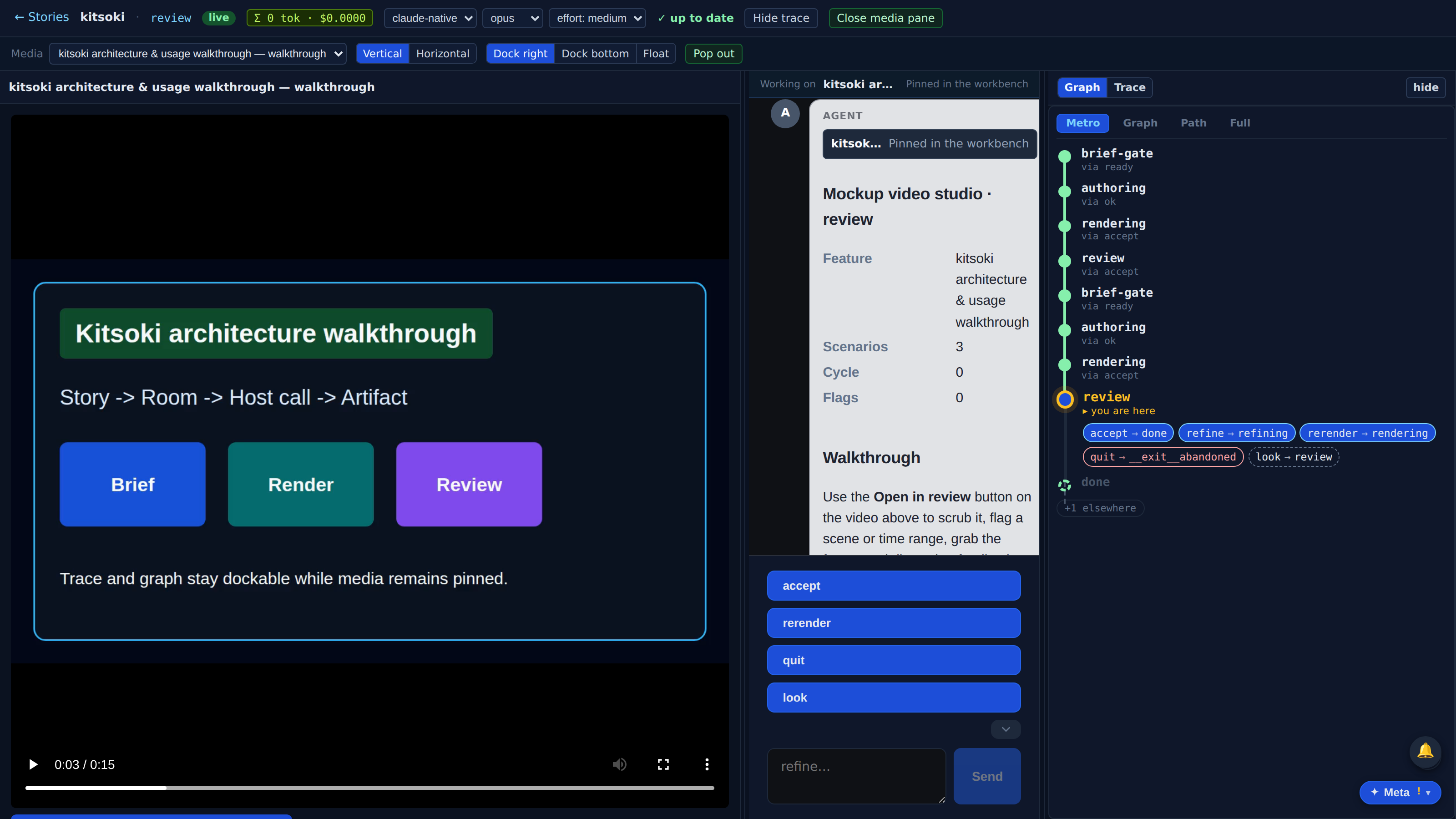
The layout can switch from side-by-side columns to a horizontal workbench, with media and chat above and devtools docked below.
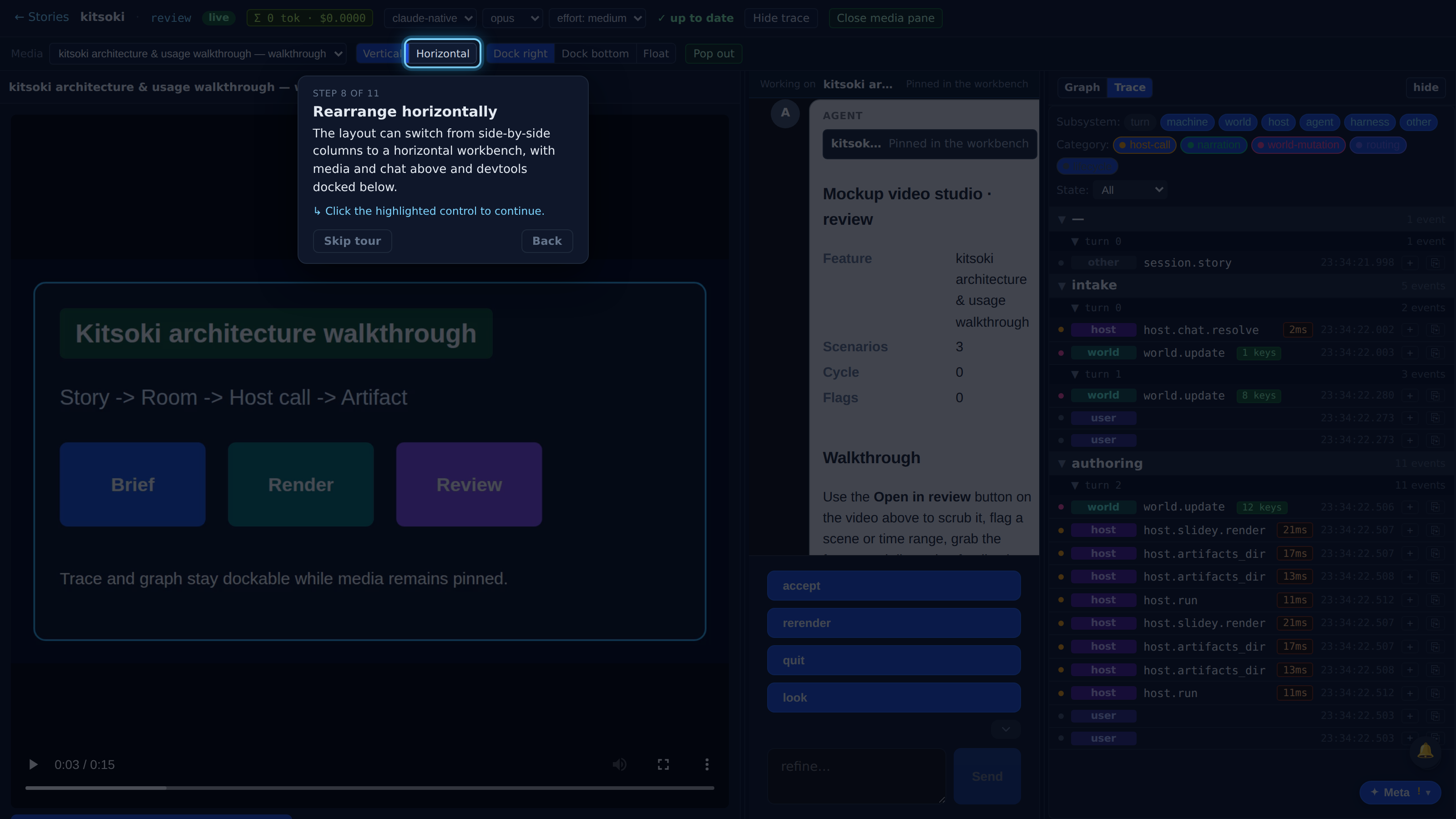
When devtools moves below the media and chat, the horizontal splitter controls how much height the trace gets without unpinning the artifact or interrupting the conversation.
Float the observability pane when the media needs more room. The floating pane is resizable and can be docked again.
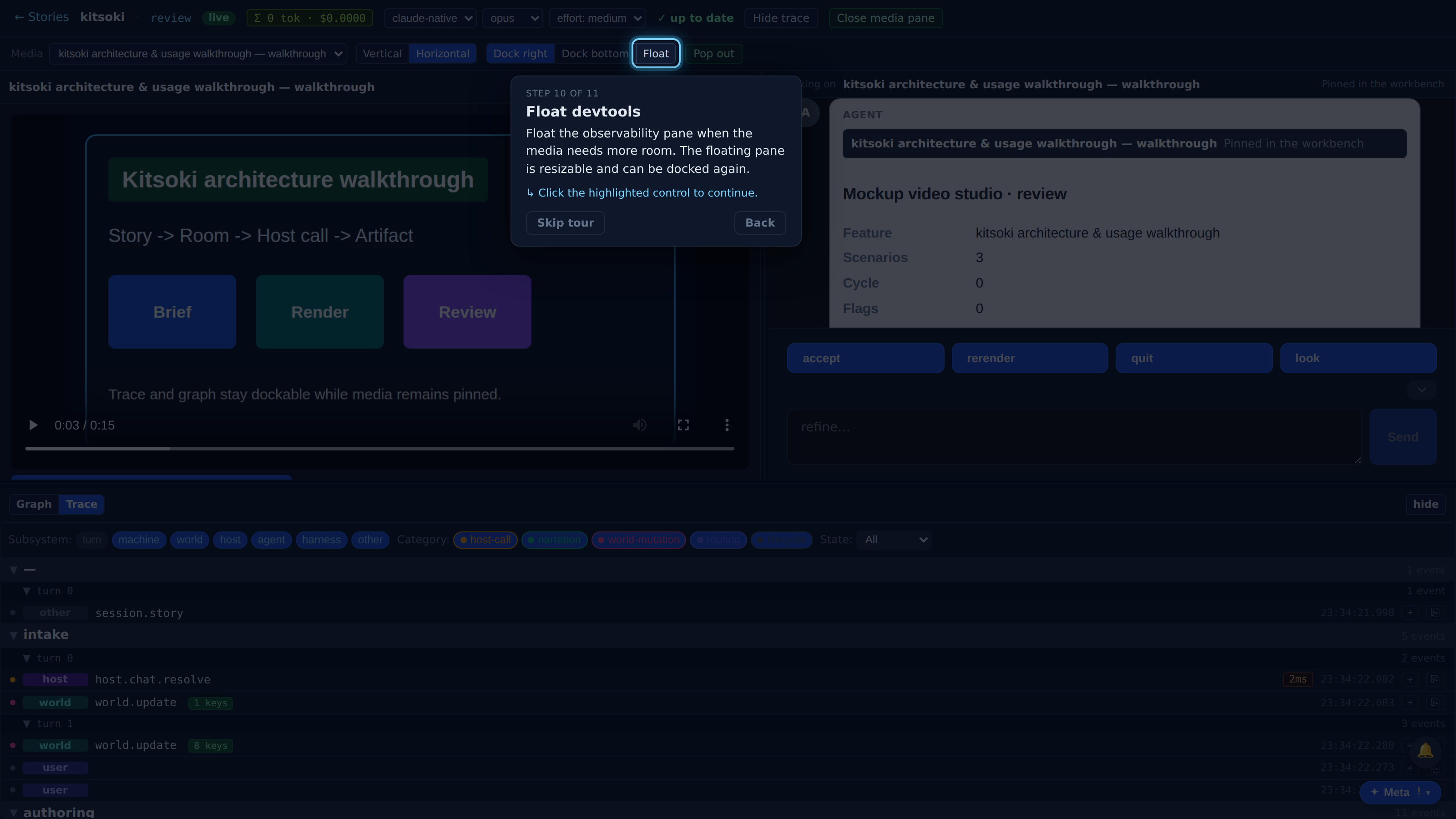
Pop out opens the selected devtools surface in a separate browser window using the existing single-surface trace/graph entrypoint, so it can live on another display while the media and chat stay together.