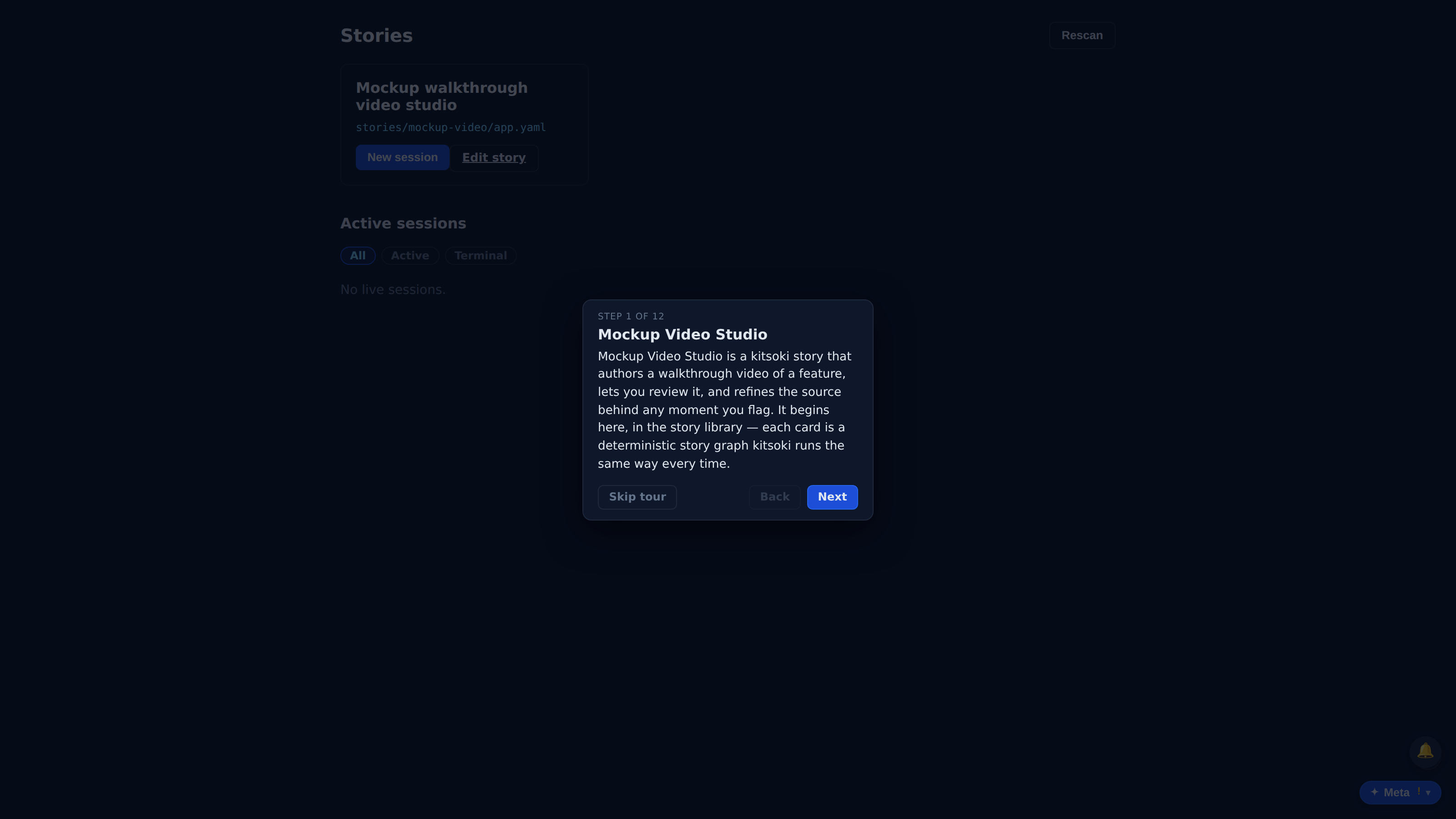
Mockup Video Studio
Produce, review, and refine a rendered video — room by room.
The mockup-video story's produce → review → refine loop: brief discovery in intake, the authored deck, a deterministic render, inline playback with the /review feedback pointer, and the final gallery with the scenarios it covers.
Can a Kitsoki story model a realistic repo workflow?
The handoffs between rooms, operator decisions, host calls, and replayed results.
The workflow is replayed from fixtures instead of improvised for the site.
Key beats
Mockup Video Studio is a kitsoki story that authors a walkthrough video of a feature, lets you review it, and refines the source behind any moment you flag. It begins here, in the story library — each card is a deterministic story graph kitsoki runs the same way every time.
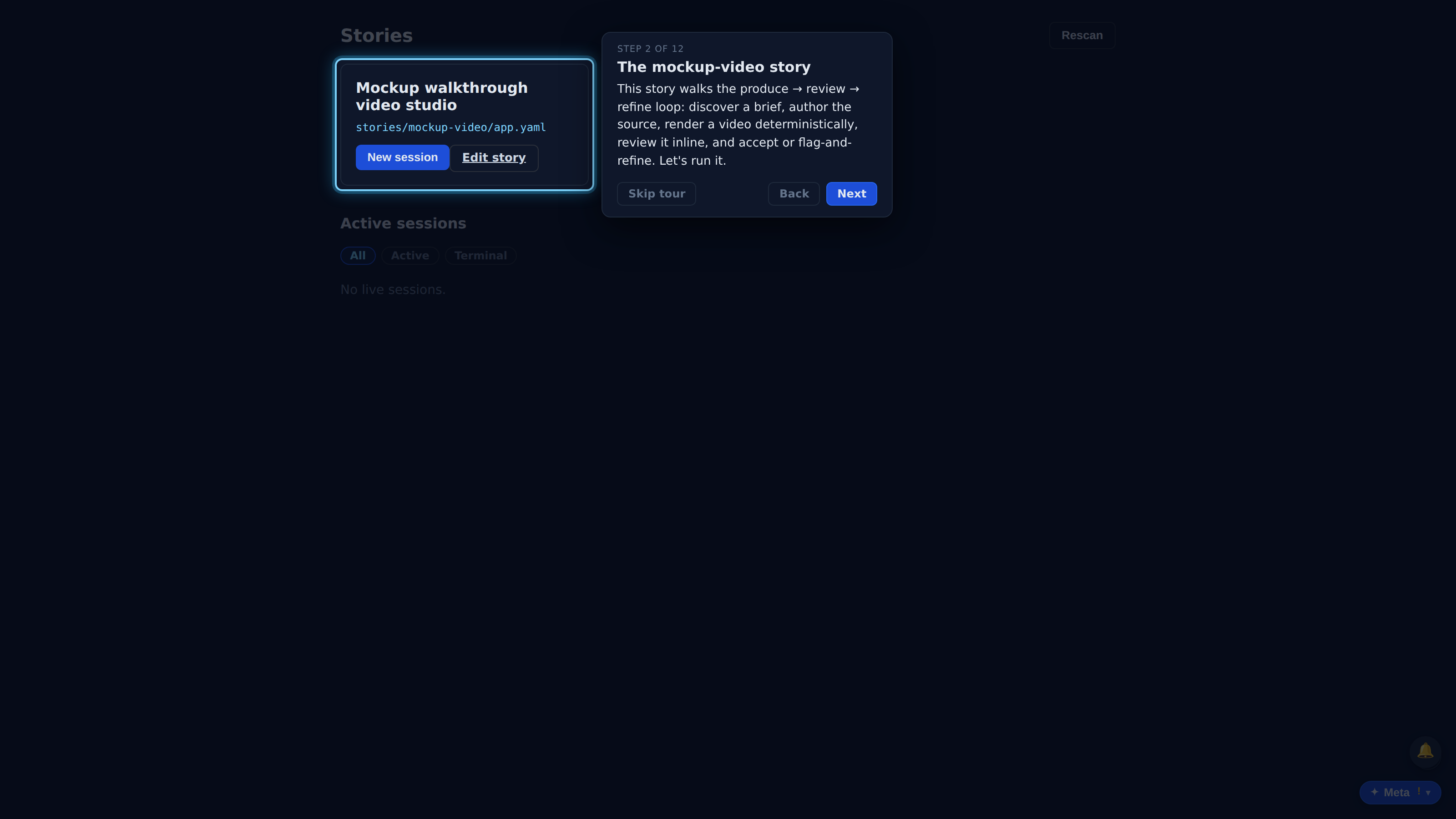
This story walks the produce → review → refine loop: discover a brief, author the source, render a video deterministically, review it inline, and accept or flag-and-refine. Let's run it.
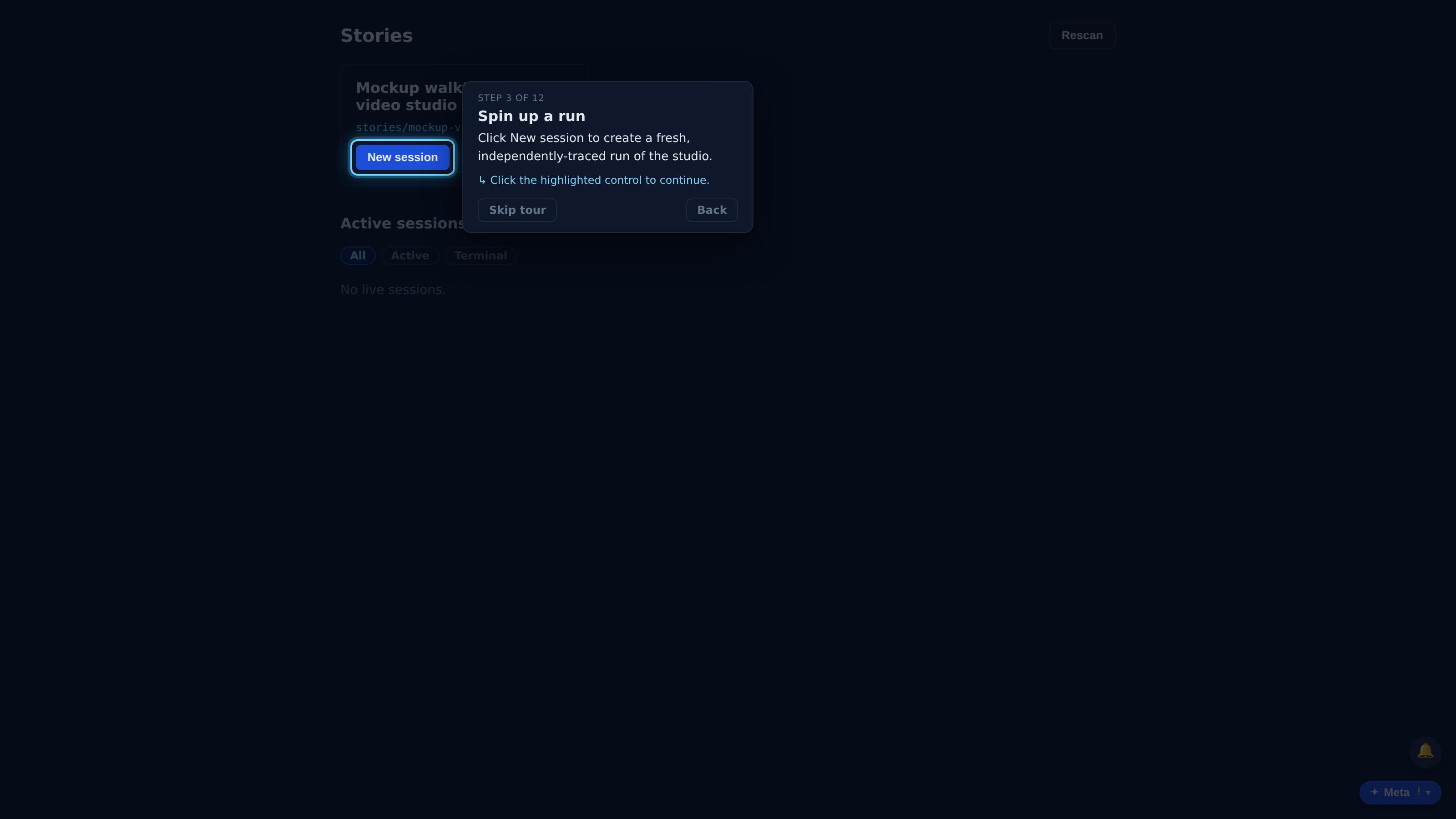
Click New session to create a fresh, independently-traced run of the studio.
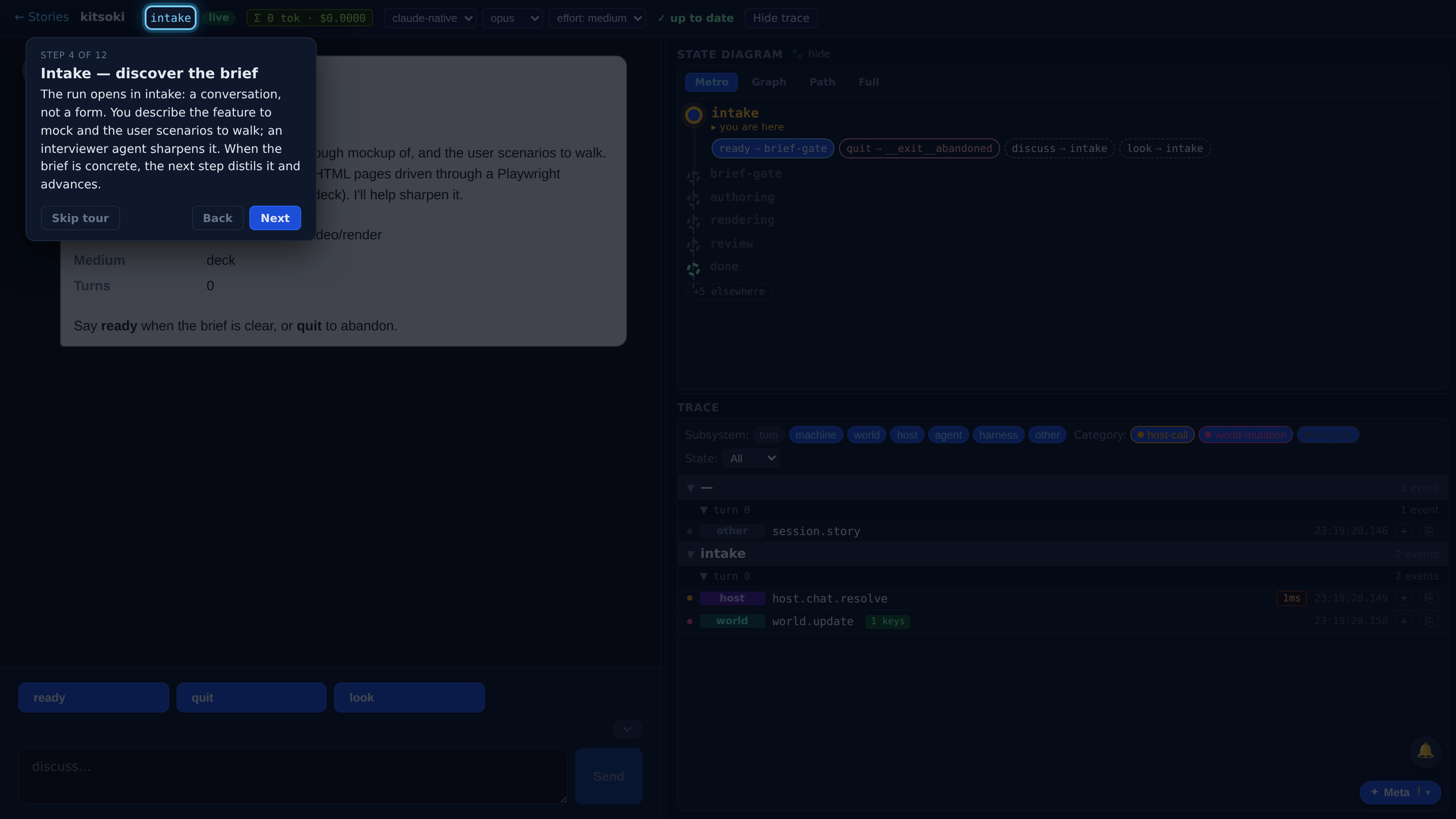
The run opens in intake: a conversation, not a form. You describe the feature to mock and the user scenarios to walk; an interviewer agent sharpens it. When the brief is concrete, the next step distils it and advances.
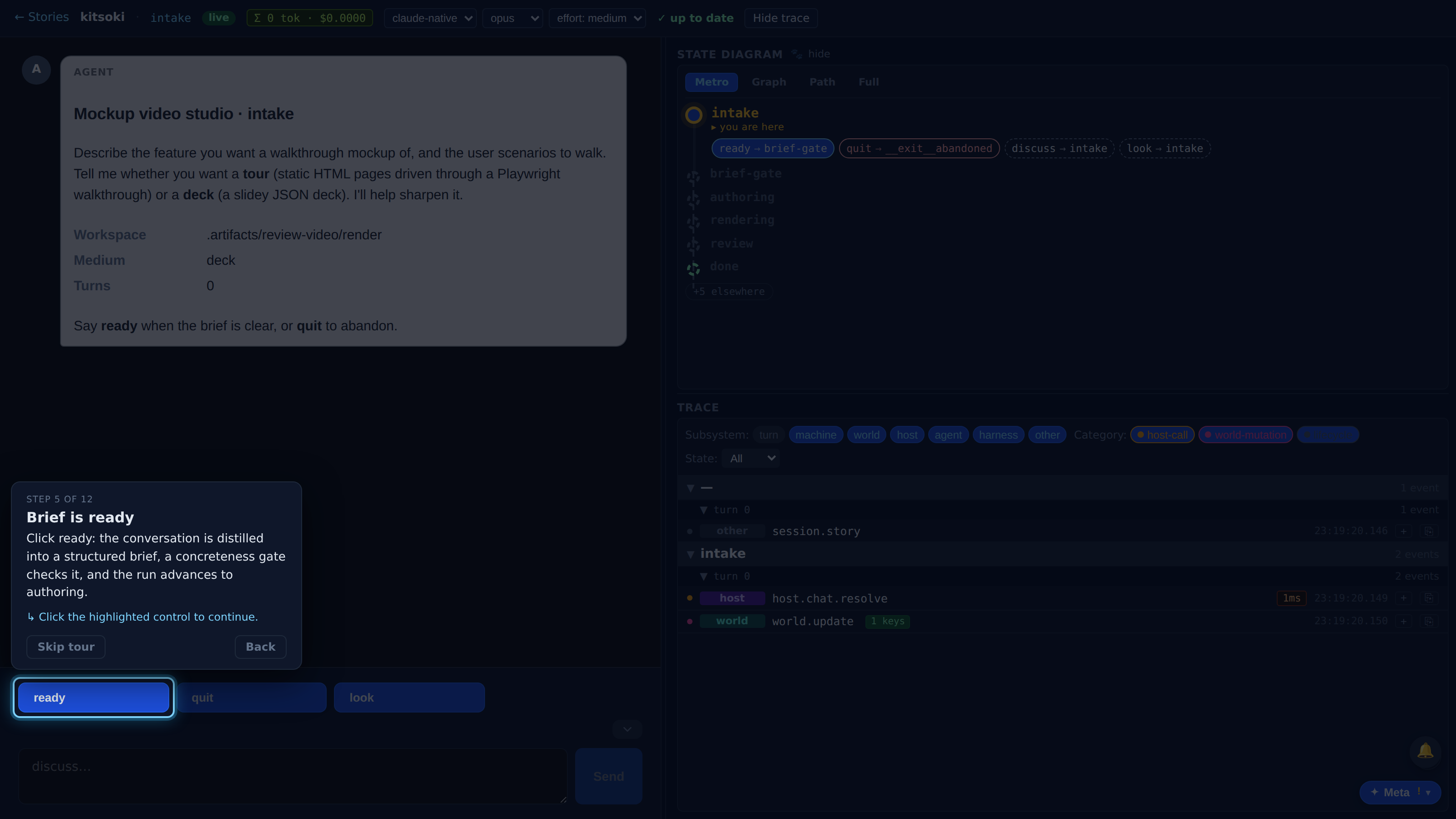
Click ready: the conversation is distilled into a structured brief, a concreteness gate checks it, and the run advances to authoring.
Full recorded walkthrough (12 steps)
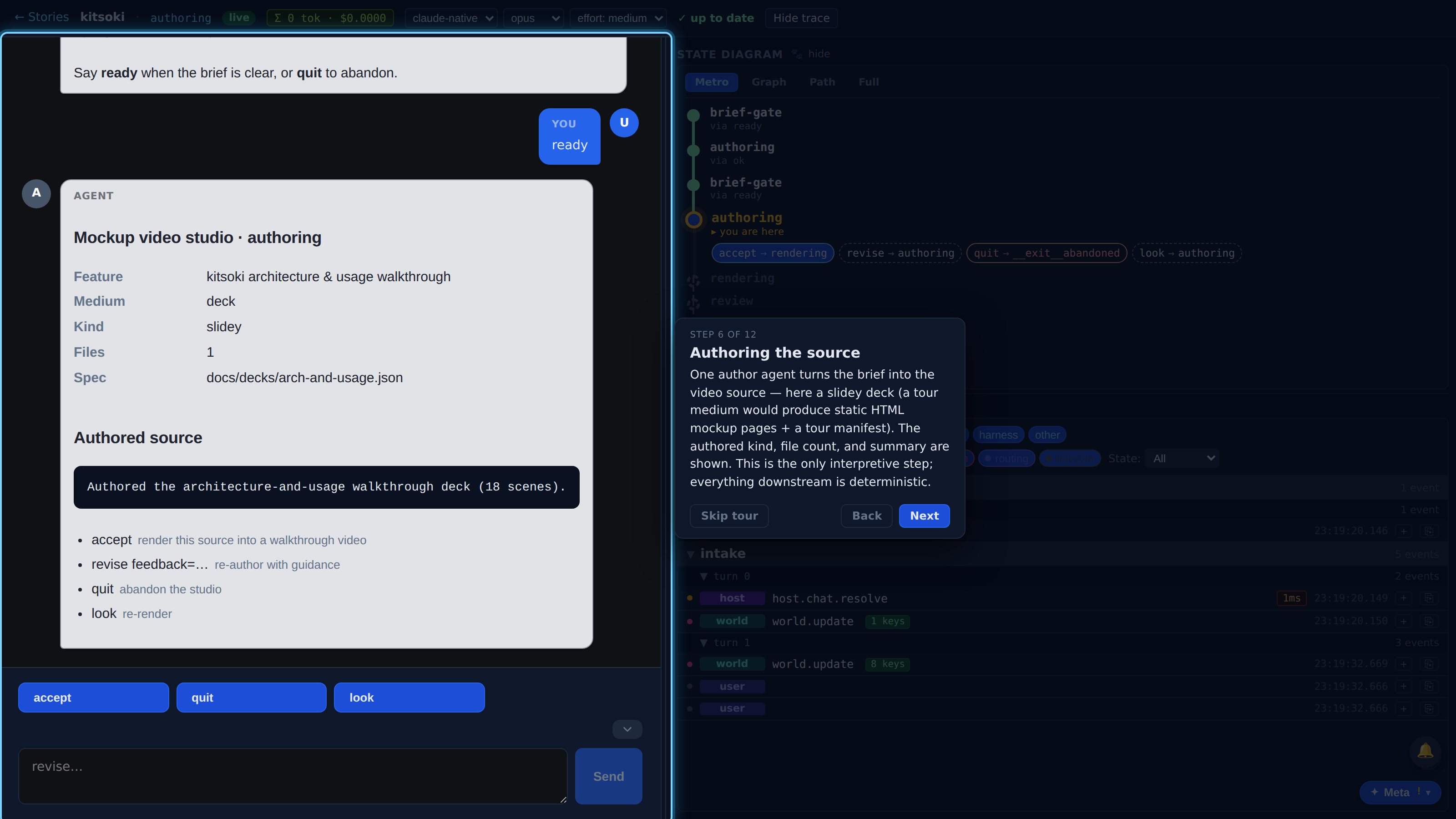
One author agent turns the brief into the video source — here a slidey deck (a tour medium would produce static HTML mockup pages + a tour manifest). The authored kind, file count, and summary are shown. This is the only interpretive step; everything downstream is deterministic.
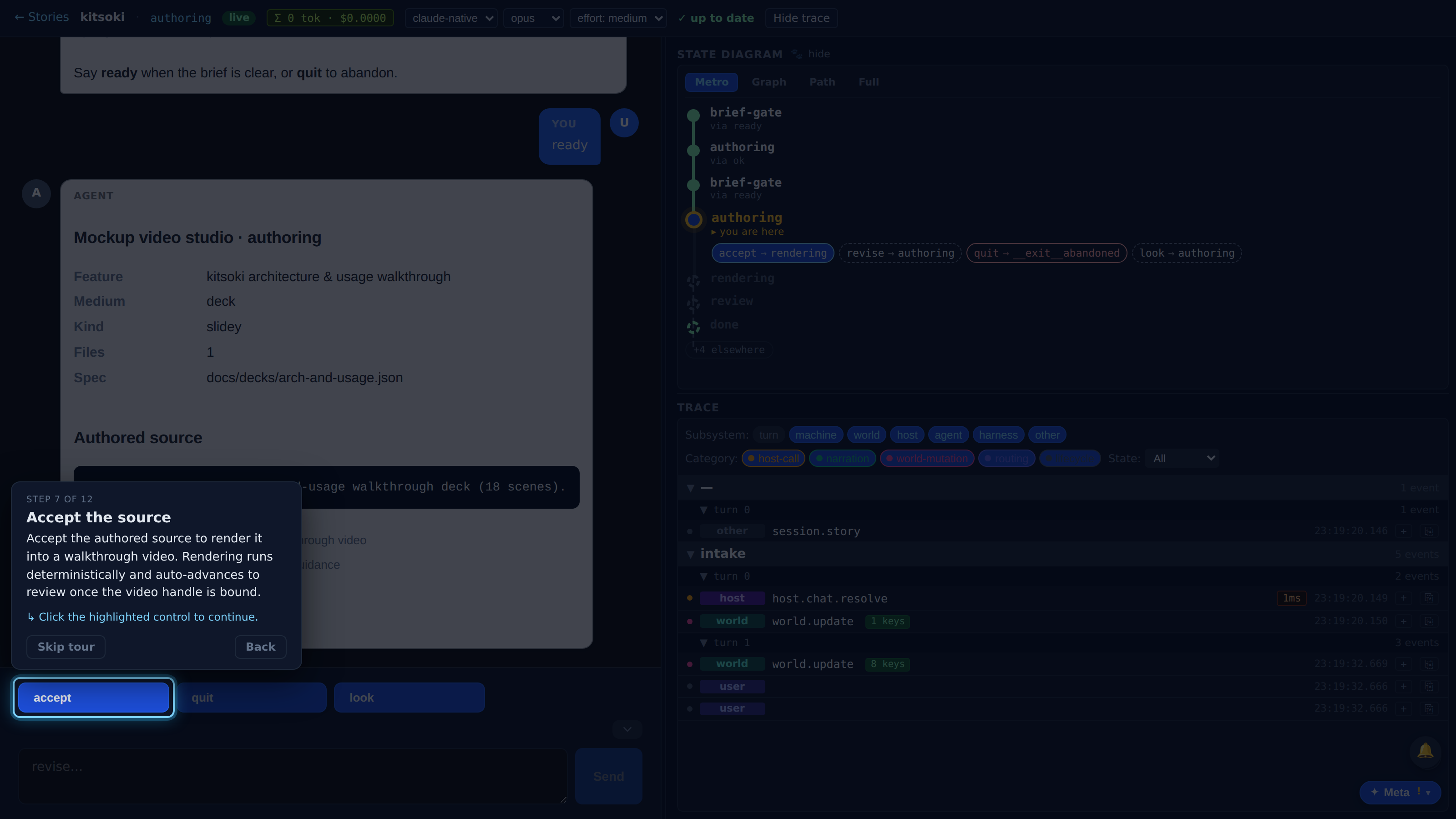
Accept the authored source to render it into a walkthrough video. Rendering runs deterministically and auto-advances to review once the video handle is bound.
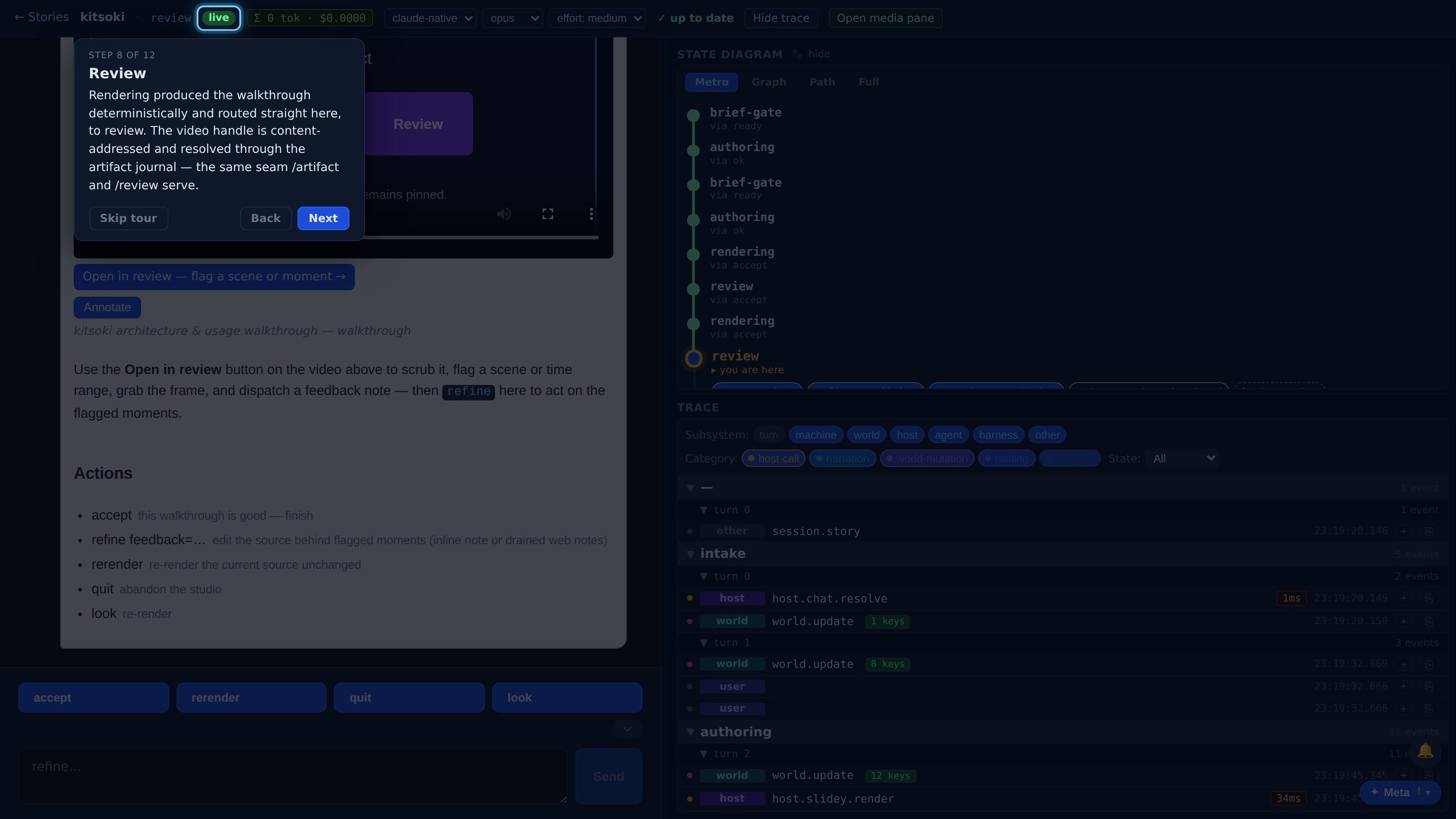
Rendering produced the walkthrough deterministically and routed straight here, to review. The video handle is content-addressed and resolved through the artifact journal — the same seam /artifact and /review serve.
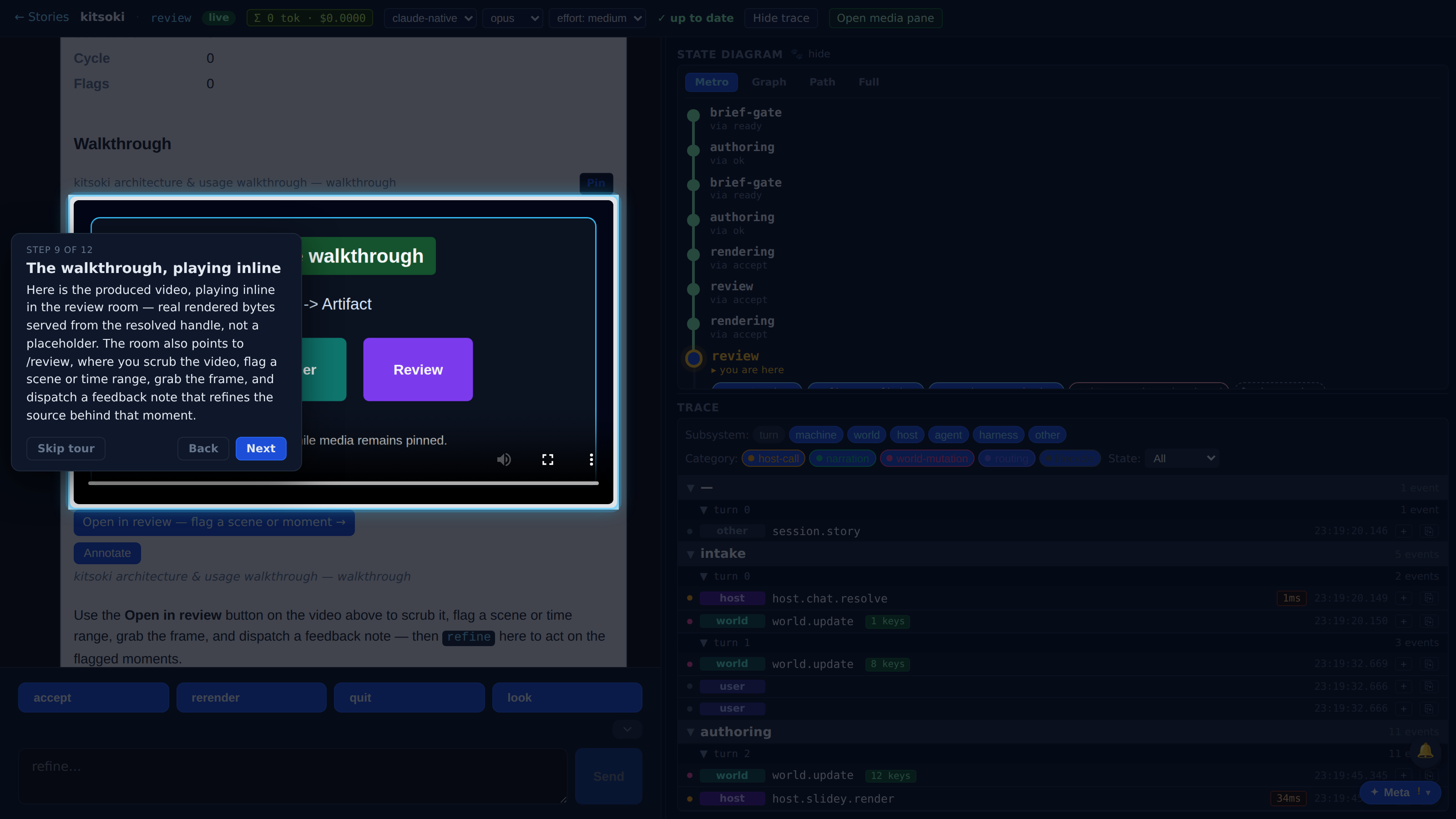
Here is the produced video, playing inline in the review room — real rendered bytes served from the resolved handle, not a placeholder. The room also points to /review, where you scrub the video, flag a scene or time range, grab the frame, and dispatch a feedback note that refines the source behind that moment.
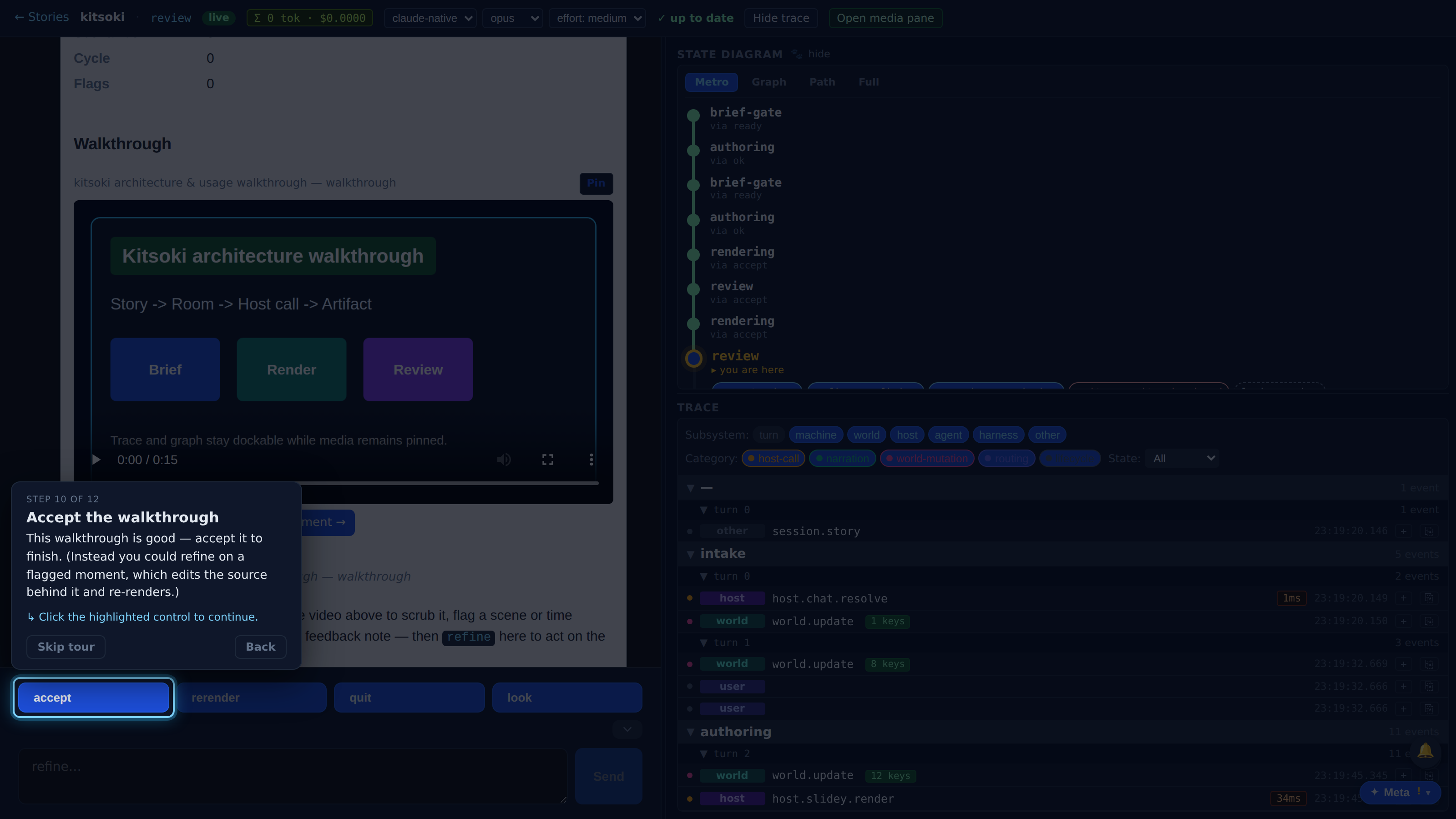
This walkthrough is good — accept it to finish. (Instead you could refine on a flagged moment, which edits the source behind it and re-renders.)
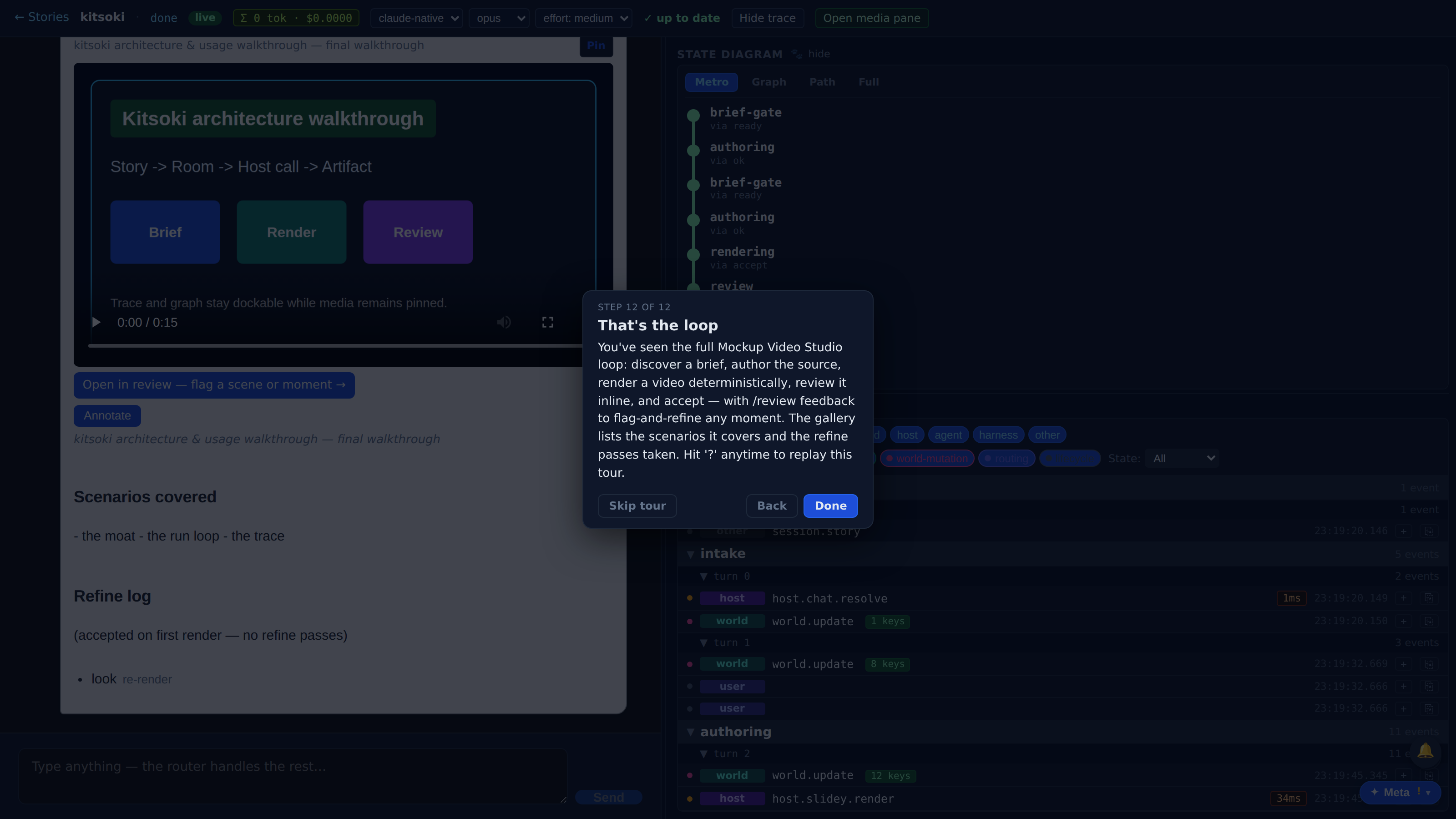
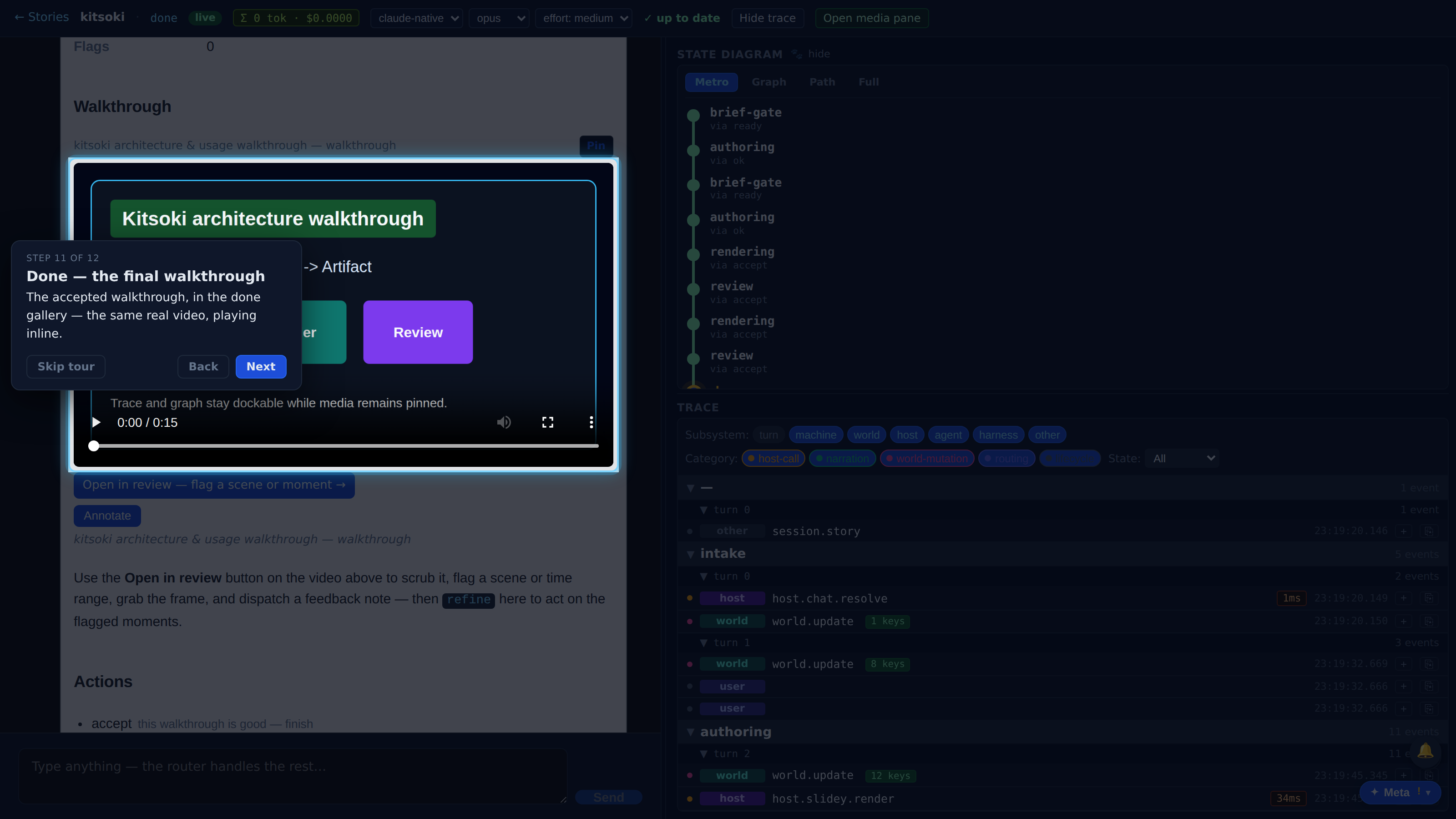
The accepted walkthrough, in the done gallery — the same real video, playing inline.
You've seen the full Mockup Video Studio loop: discover a brief, author the source, render a video deterministically, review it inline, and accept — with /review feedback to flag-and-refine any moment. The gallery lists the scenarios it covers and the refine passes taken. Hit '?' anytime to replay this tour.